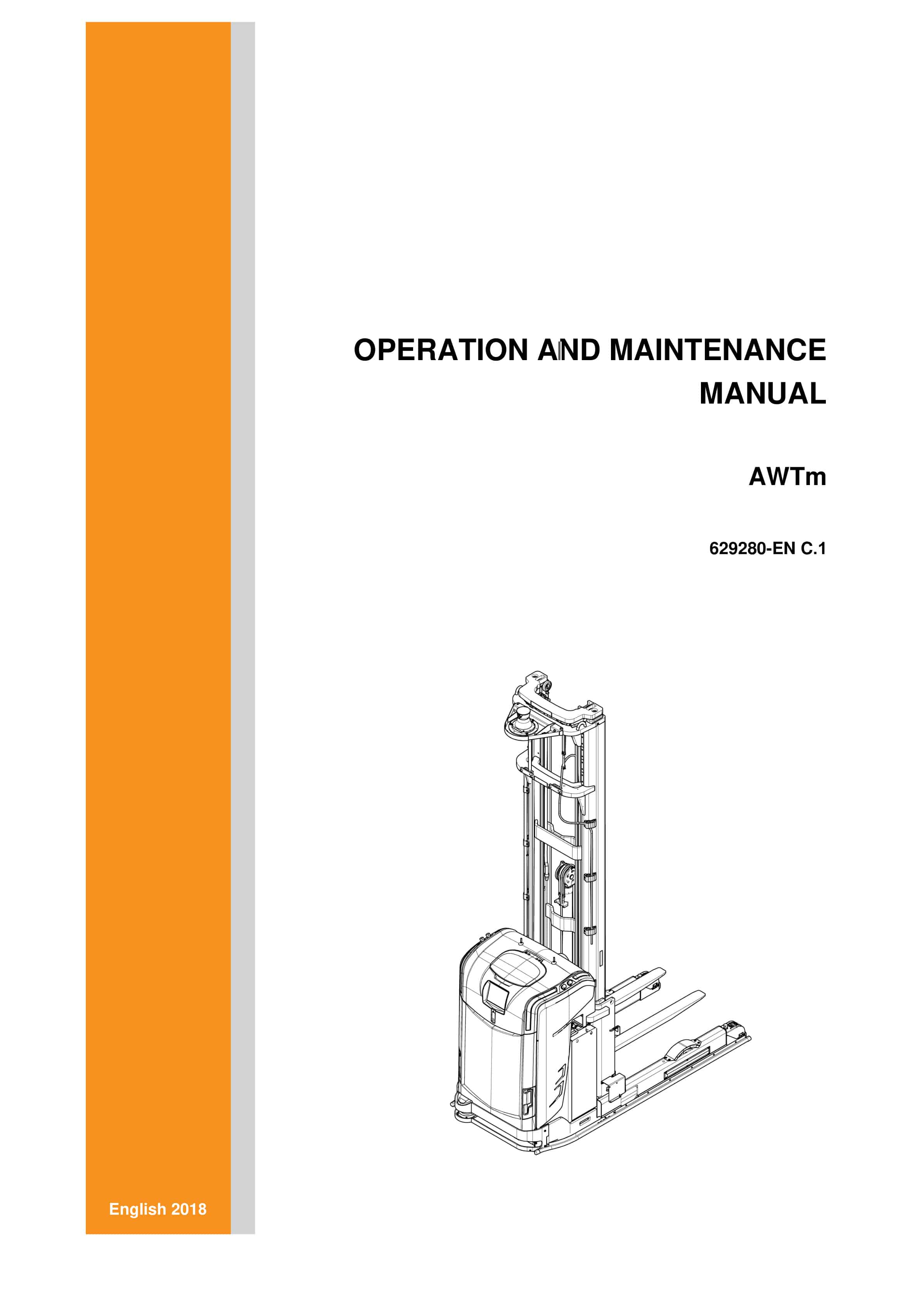
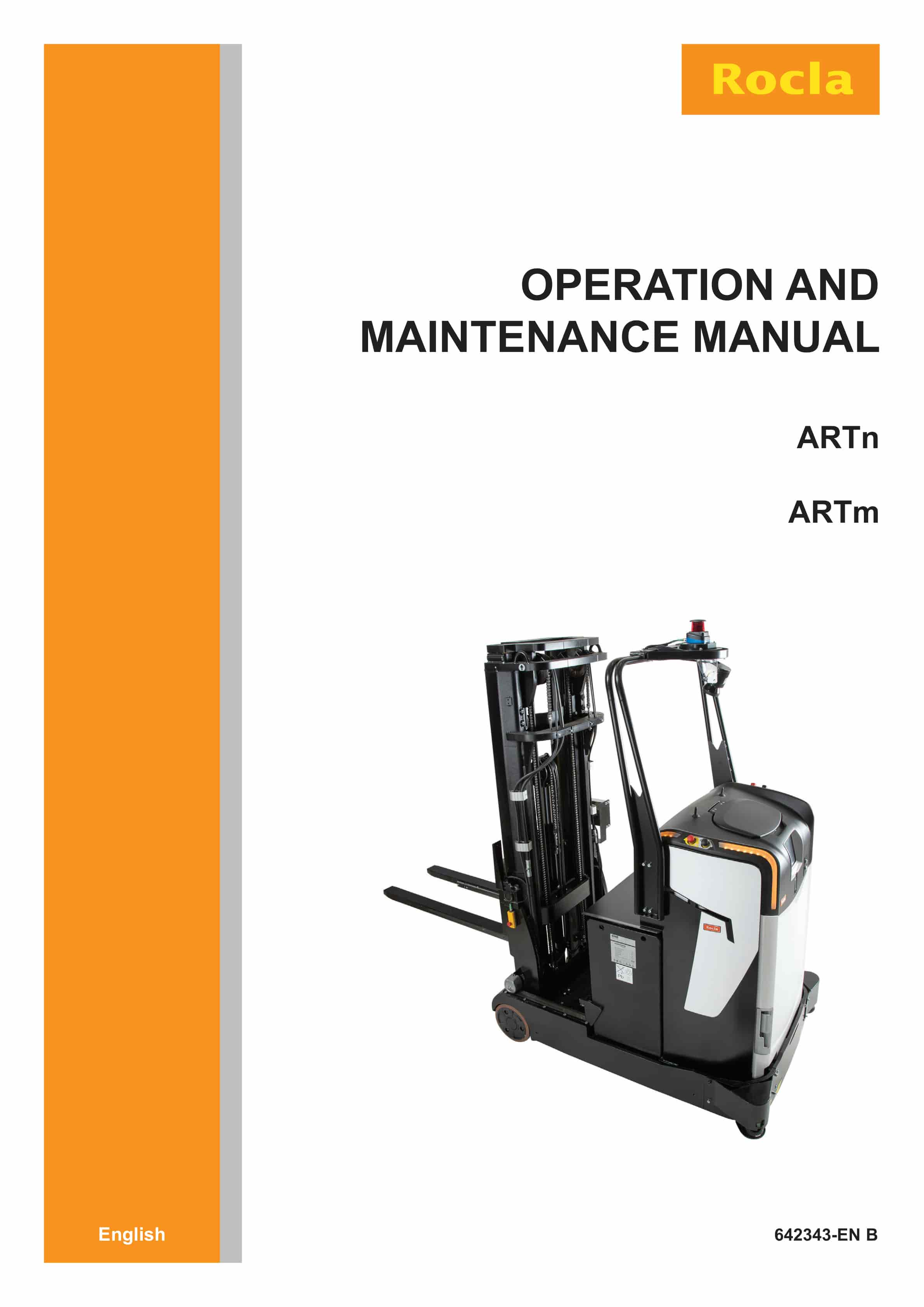
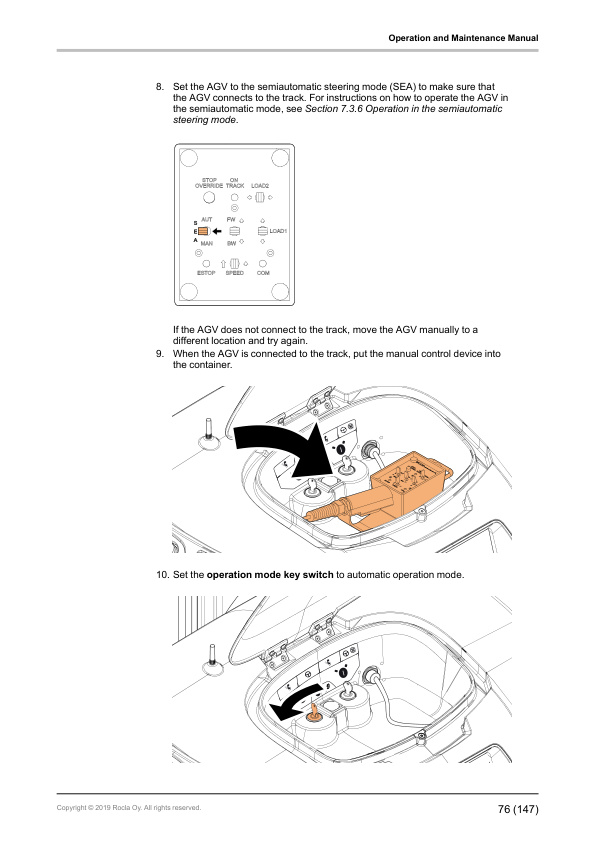
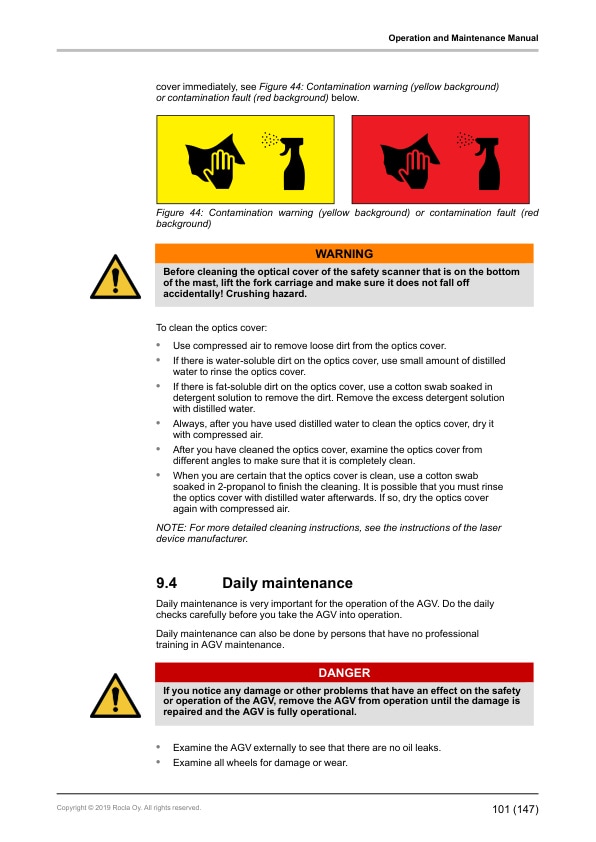
Rocla ARTn, ARTm Operation and Maintenance Manual 642343 EN-B
$30.00
- Type Of Manual: Operation and Maintenance Manual
- Manual ID: 642343
- Language: EN-B
- Number of Pages: 150
- Size: 12.3MB
- Format: PDF
Product details
-
Model List:
- ARTn, ARTm
- 1. Foreword
- 2. How to read this manual
- 2.1. Safety-related signs
- 2.2. Symbols and abbreviations
- 2.2.1. Interactive links
- 3. Safety instructions
- 3.1. General safety instructions
- 3.2. Safety requirements
- 3.3. Electromagnetic compatibility
- 3.4. Non-ionizing radiation
- 3.5. Noise
- 3.6. Laser safety
- 3.7. Instructions for site supervision
- 3.8. Occupational safety
- 3.9. Requirements for the AGV operator
- 3.10. Emergency procedures
- 3.11. Work at dangerous premises
- 3.12. Repairs and structural modifications
- 4. Operating environment
- 4.1. Surface requirements
- 4.2. Bearing capacity of the floor
- 4.3. Free space
- 4.4. Lighting
- 4.5. Operating temperature
- 4.6. Elevators
- 4.7. Driveways
- 4.8. Ramps
- 4.9. Loading bridges
- 5. General information
- 5.1. Intended use
- 5.2. Prohibited use
- 5.3. Identification plates and warning stickers
- 5.4. Driving direction
- 5.5. Navigation methods
- 5.6. Safety devices
- 5.6.1. Emergency stop buttons
- 5.6.2. Safety scanners
- 5.6.3. Warning lights
- 5.6.4. Signal horn
- 5.7. Operating devices
- 5.7.1. Operator stop/power off buttons
- 5.7.2. START and RESET buttons
- 5.7.3. Display
- 5.7.3.1. Display icons
- 5.7.3.2. Home menu
- 5.7.3.3. PIN code entry view
- 5.7.3.4. Maintenance menu
- 5.7.3.5. Information menu
- 5.7.3.6. Events menu
- 5.7.3.7. Objects menu
- 5.7.3.8. Object backup menu
- 5.7.3.9. Local orders menu
- 5.7.3.10. Status screen
- 5.7.3.11. CAN bus non-operational screen
- 5.7.4. Manual control device
- 5.7.5. Operation mode key switch
- 5.7.6. Safety stop override key switch
- 5.7.7. Battery connector
- 5.7.8. Laser scanner
- 5.7.9. Distance sensor
- 5.8. Mast
- 6. Before operation
- 6.1. Lamp test
- 6.2. Sticker examination
- 6.3. Safety checks
- 7. Operating instructions
- 7.1. Set the power of the AGV to ON
- 7.2. Set the operation mode
- 7.2.1. Set the maintenance operation mode
- 7.2.2. Set the automatic operation mode
- 7.3. Maintenance operation mode
- 7.3.1. Manual control device
- 7.3.2. Steering modes
- 7.3.3. Operating position
- 7.3.4. Operation in the manual steering mode
- 7.3.5. Operation in the manual steering mode with the automatic steering centering
- 7.3.6. Operation in the semiautomatic steering mode
- 7.3.7. Load handling in the maintenance operation mode
- 7.3.8. How to remove the AGV from a safety stop situation
- 7.3.9. Set the power of the AGV to OFF
- 7.4. Automatic operation mode
- 7.4.1. How to insert the AGV into the system automatically
- 7.4.2. How the AGV system delivers the orders
- 7.4.3. How to remove the AGV from the system
- 7.4.4. Set the power of the AGV to OFF
- 7.5. Local mode
- 7.6. Emergency stop mode
- 8. Batteries
- 8.1. General information
- 8.2. Safety signs for lead-acid batteries
- 8.3. Battery maintenance
- 8.3.1. How to clean batteries with a damp cleaning cloth
- 8.3.2. How to clean batteries with high-pressure cleaning equipment
- 8.3.3. Daily maintenance
- 8.3.4. Weekly maintenance
- 8.3.5. Monthly maintenance
- 8.3.6. Annual maintenance
- 8.3.7. Storage
- 8.3.8. Malfunctions
- 8.4. Requirements for the battery charging areas
- 8.5. Battery lock
- 8.6. Measure the specific gravity of the battery
- 8.7. Acquire a new battery
- 8.8. Replace the battery
- 8.9. Manual battery charging
- 8.9.1. Charge the battery
- 8.9.2. After charging the battery
- 8.10. Automatic battery charging (option)
- 9. Maintenance
- 9.1. Safety instructions for maintenance
- 9.2. Safety checks
- 9.3. How to clean the AGV
- 9.3.1. Display
- 9.3.2. Laser devices
- 9.4. Daily maintenance
- 9.5. Weekly maintenance
- 9.6. Annual maintenance
- 9.7. Maintenance of the mast
- 9.7.1. Daily maintenance of the mast
- 9.7.2. Monthly maintenance of the mast
- 9.7.3. Annual maintenance of the mast
- 9.8. Order spare parts
- 9.9. Removable covers
- 9.9.1. Open the top cover
- 9.9.2. Remove the front cover
- 9.10. Location of the fuses
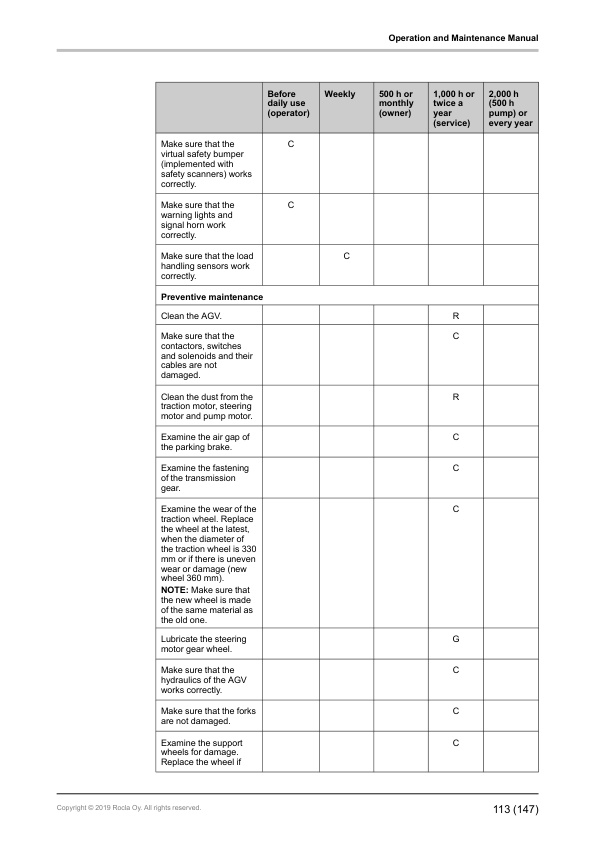
- 9.11. Maintenance check list
- 9.12. Lubricant recommendations
- 9.12.1. Hydraulic oil
- 9.12.2. Lubrication grease
- 9.12.3. Transmission gear
- 9.12.4. Mast chains
- 9.12.5. Mast channels
- 9.12.6. Side rollers
- 9.12.7. Reach carriage
- 9.13. Dangerous waste and disposal
- 10. Troubleshooting
- 10.1. Maintenance operation mode troubleshooting
- 10.2. Automatic operation mode troubleshooting
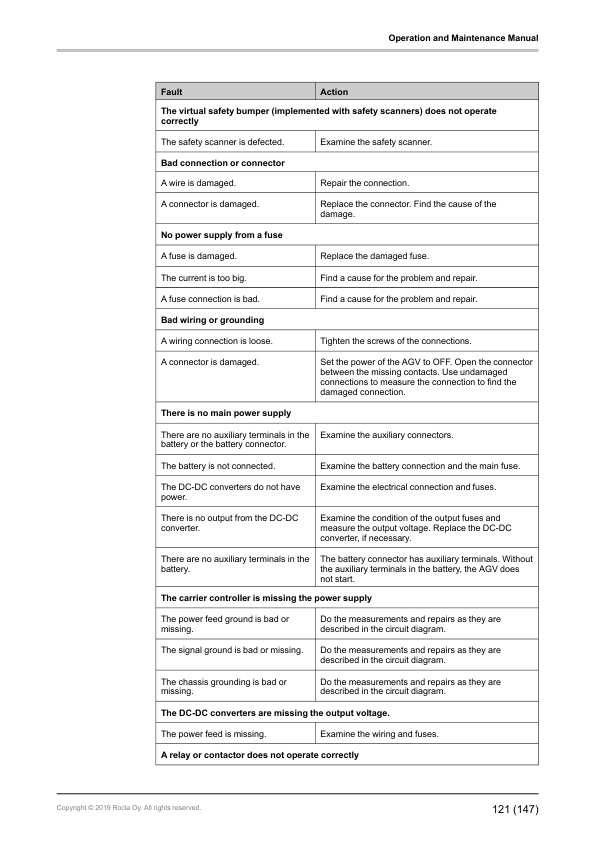
- 10.3. Electric troubleshooting
- 10.4. System troubleshooting
- 11. Transportation and storage
- 11.1. How to lift the AGV
- 11.2. How to tow the AGV
- 11.3. Transportation
- 11.4. Storage
- 11.4.1. Return the AGV to operation
- 11.5. Decommissioning
- 12. Options
- 12.1. Warning light
- 12.2. Auxiliary scanner
- 12.3. Floor point light
- 12.4. Battery charging contacts
- 12.5. Battery charging pole
- 13. Technical specifications
- 14. A Stickers
- 15. B Requirements for environmental conditions and utility supply
- 16. C Battery maintenance table