

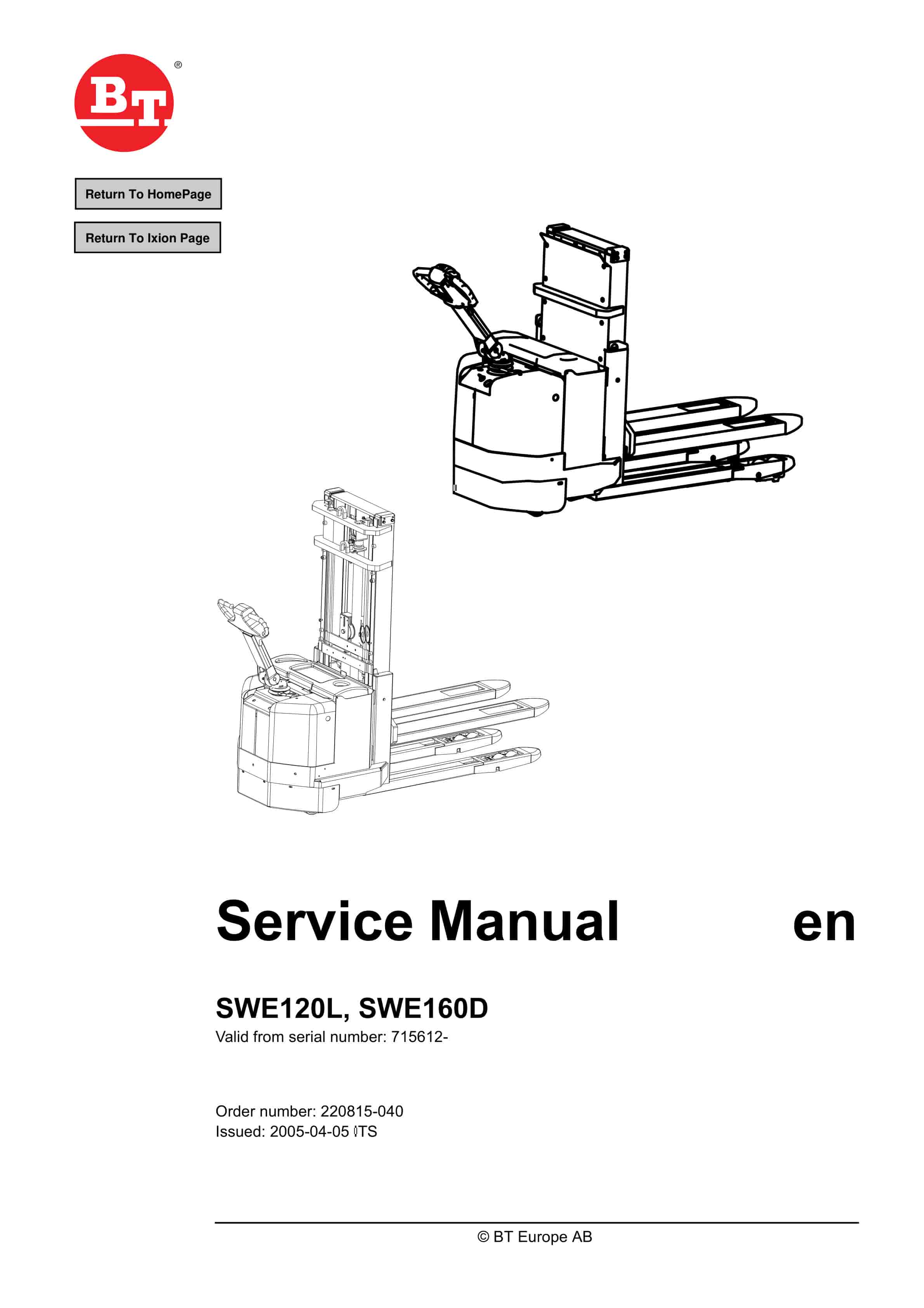
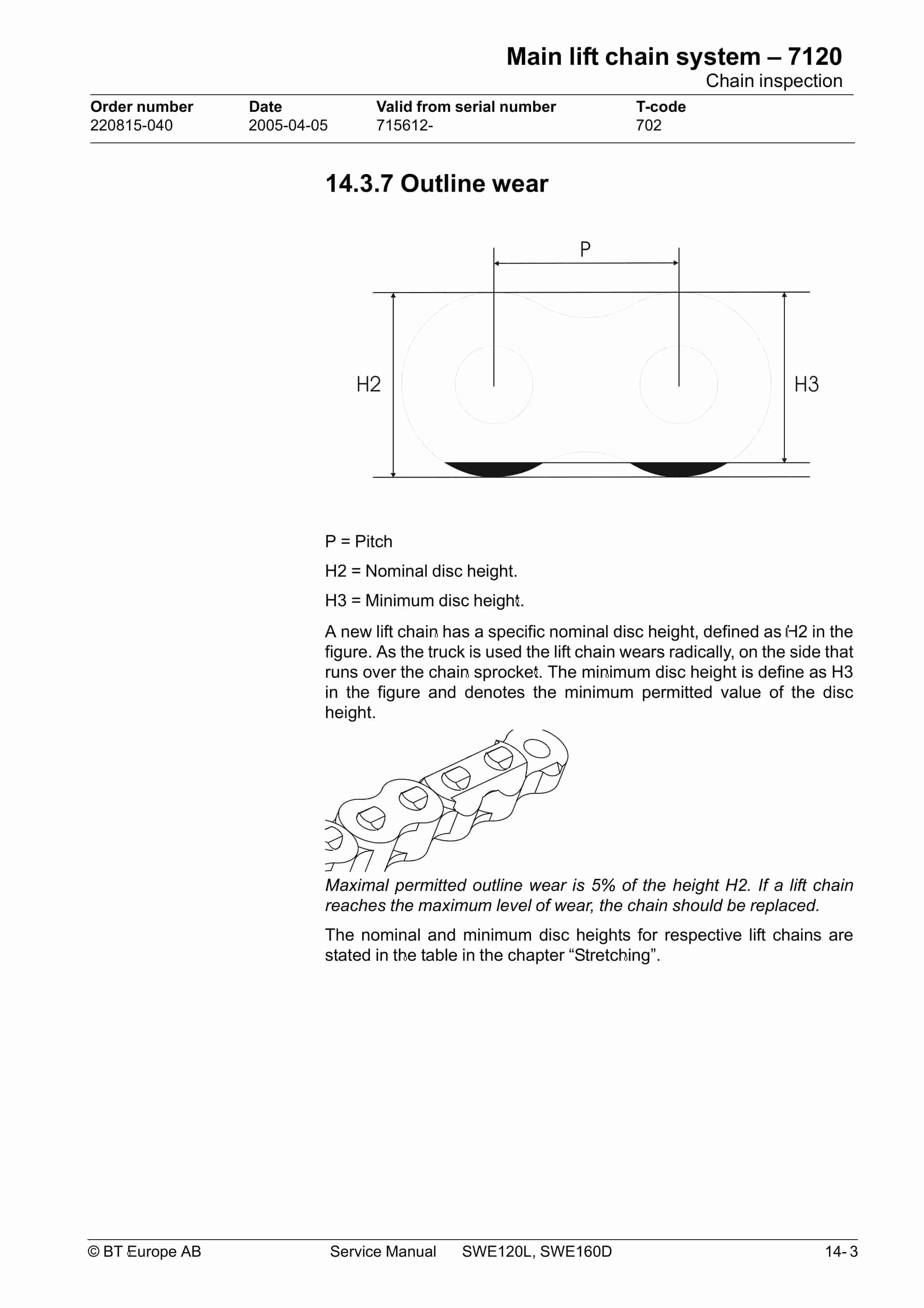
BT SWE120L, SWE160D Service Manual 220815-040
$30.00
- Type Of Manual: Service Manual
- Manual ID: 220815-040
- : Service Manual PDF
- Number of Pages: 156
- Size: 8.8MB
- Format: PDF
Product details
-
Model List:
- SWE120L, SWE160D
- 1. Return To HomePage
- 2. Table of contents
- 3. General product information – M2
- 3.1. Intended application of the truck
- 3.2. Prohibited application of the truck
- 3.3. Truck data – SWE160D
- 3.4. Truck data – SWE120L
- 3.5. Truck dimensions – SWE160D
- 3.6. Truck dimensions – SWE120L
- 3.7. Identification plate
- 3.8. Capacity plate
- 3.9. Capacity plate for double pallet handling – SWE160D
- 3.10. Modification plate
- 3.11. Main components
- 3.12. Warning and information plates and symbols – SWE160D
- 3.13. Warning and information plates and symbols – SWE120L
- 4. Technical data – M4
- 5. Introduction Maintenance – P1
- 5.1. Safety regulations with maintenance work
- 5.2. Cleaning and washing
- 5.2.1. External cleaning
- 5.2.2. Cleaning the motor compartment
- 5.2.3. Electrical components
- 5.3. Safe lifting
- 6. Preventive maintenance – P2
- 6.1. Maintenance schedule
- 6.2. Lubrication schedule
- 7. Oil and grease specification – P3
- 8. Tools – P4
- 8.1. Super Seal connectors
- 8.2. AMP connectors
- 8.2.1. AMP Connectors, 040 series
- 8.3. Molex connectors
- 8.4. Other tools
- 9. Engine suspension- 0450
- 9.1. Component parts
- 9.1.1. Component List
- 10. Electric drive motor – 1760
- 10.1. Component parts
- 10.1.1. Dismantling of motor from truck
- 10.1.2. Assembling
- 10.2. Service/Repairs
- 10.2.1. Dismantling of motor
- 10.2.2. Assembling of motor
- 10.2.3. Cleaning
- 10.3. Technical data
- 11. Drive unit/gear – 2550
- 11.1. Component parts
- 11.1.1. Technical data
- 11.2. Leakage from top cover
- 11.3. Changing of the drive shafts sealing ring
- 11.3.1. Dismantling
- 11.3.2. Assembling
- 12. Electro magnetic brake – 3370
- 12.1. Main components
- 12.1.1. Serial number 570989-
- 12.2. Maintenance
- 12.2.1. Exchange of brake disc
- 13. Steering – 4000
- 13.1. Component parts, tiller arm
- 13.2. Adjustments
- 13.2.1. Adjusting of brake microswitch
- 13.3. Tiller arm handle
- 13.3.1. Dismantling/Assembling
- 13.3.1.1. Changing of signal button/switch (9, 10)
- 13.3.1.2. Changing of lift/lowering button (13)
- 13.3.1.3. Changing of pushbutton (16)
- 14. Electrical systems – 5000
- 14.1. Component identification
- 14.2. List of symbols and electrical wiring diagram
- 14.2.1. Electrical diagram 1(5)
- 14.2.2. Electrical diagram 2(5)
- 14.2.3. Electrical diagram 3(5)
- 14.2.4. Electrical diagram 4(5)
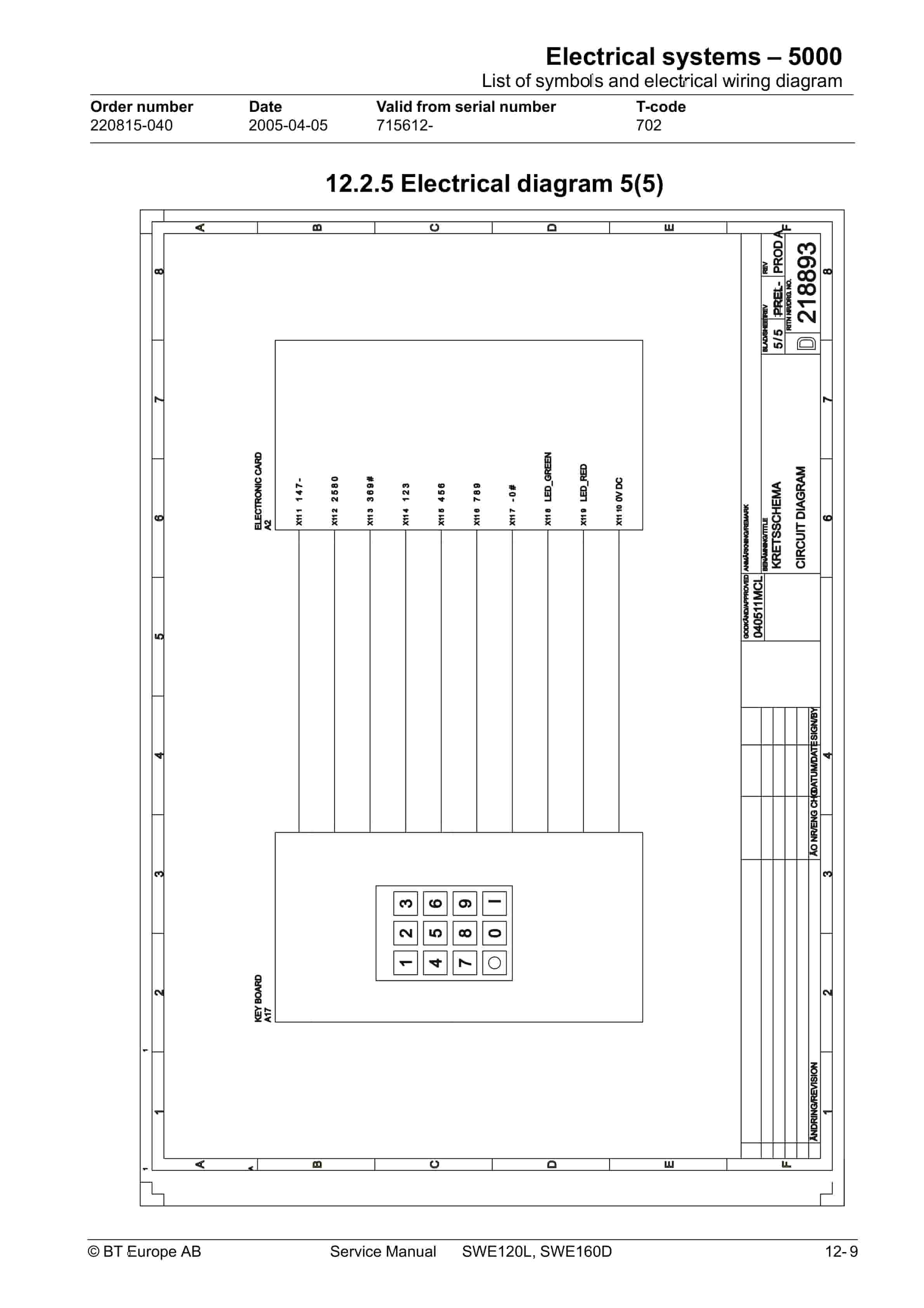
- 14.2.5. Electrical diagram 5(5)
- 14.3. Functional description
- 14.3.1. Starting the truck
- 14.3.2. Driving
- 14.3.3. Neutral speed reduction
- 14.3.4. Neutral speed reduction on slopes
- 14.3.5. Braking
- 14.3.6. Lifting the forks
- 14.3.7. Lifting the support arms
- 14.3.8. Lowering the forks
- 14.3.9. Lowering the support arms
- 14.3.10. Horn
- 14.4. Hour meter
- 14.5. Error codes
- 14.6. Parameters
- 14.6.1. Operator parameters
- 14.6.2. Parameter description
- 14.6.2.1. Parameter 1
- 14.6.2.2. Parameter 2
- 14.6.2.3. Parameter 3
- 14.6.2.4. Parameter 4
- 14.6.2.5. Parameter 5
- 14.6.3. Service parameters
- 14.6.4. Parameter description
- 14.6.4.1. Parameter 10
- 14.6.4.2. Parameter 14
- 14.6.4.3. Parameter 15 – Non-configurable option
- 14.6.4.4. Parameter 16 – Configurable option 1
- 14.6.4.5. Parameter 17 – Configurable option 2
- 14.6.4.6. Parameter 18 – Configurable option 3
- 14.6.4.7. Parameter 19 – Configurable option 4
- 14.6.4.8. Option parameters
- 14.6.4.9. General
- 14.6.4.10. Parameter 15 Non-configurable options
- 14.6.4.11. Changing non-configurable options
- 14.6.4.12. Parameter 16 to 19 configurable optional functions
- 14.6.4.13. Changing configurable optional functions
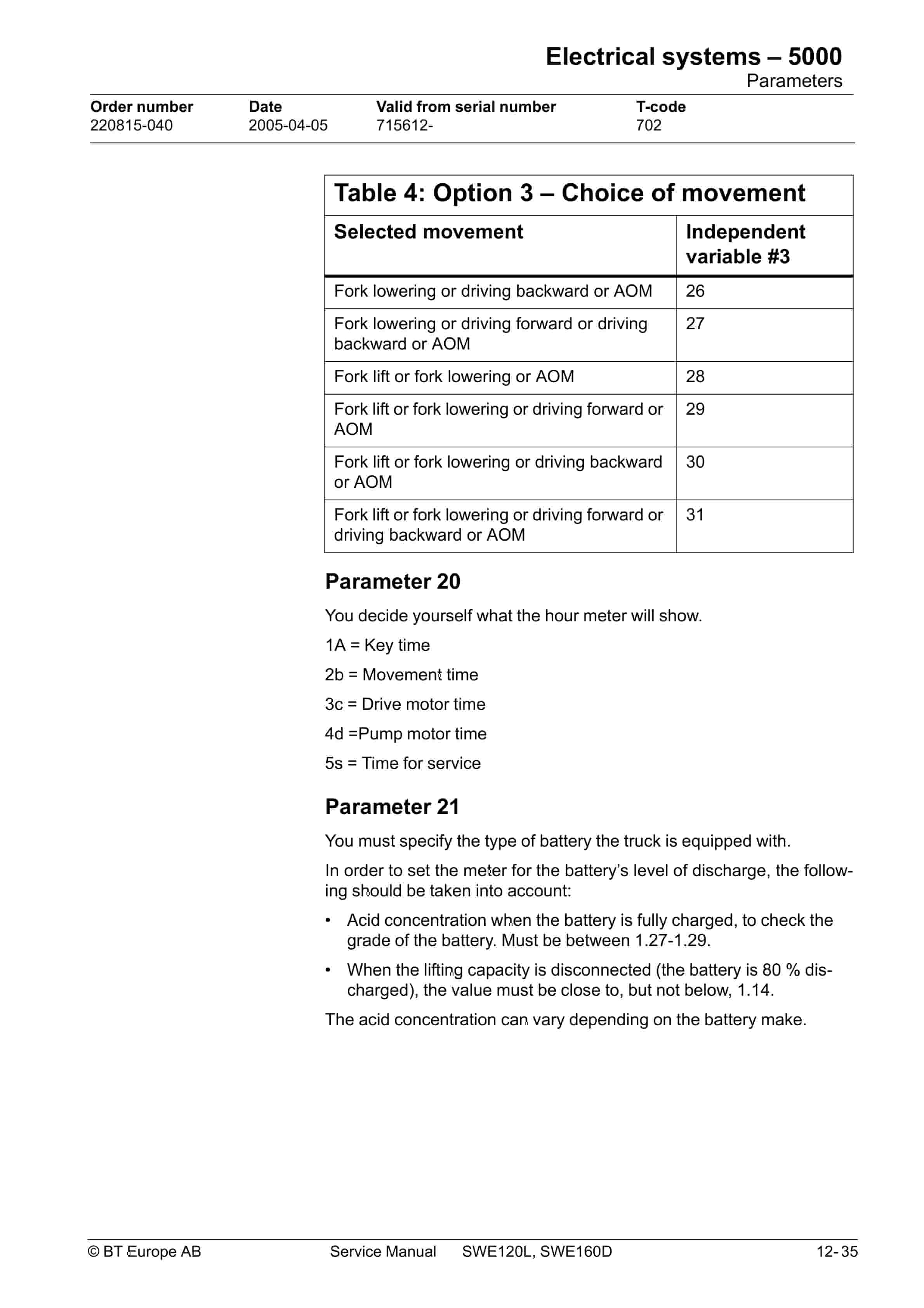
- 14.6.4.14. Parameter 20
- 14.6.4.15. Parameter 21
- 14.6.4.16. Recommendation on parameter setting for freely ventilated batteries
- 14.6.4.17. Instructions for verifying parameter setting
- 14.6.4.18. Recommendation on parameter setting for valve- controlled batteries (VRLA)
- 14.6.4.19. Instructions for verifying parameter setting
- 14.6.4.20. Parameter 22
- 14.6.4.21. Parameter 25
- 14.6.4.22. Parameter 28
- 14.6.4.23. Parameter 39
- 14.6.4.24. Login method and driver parameter access
- 14.6.4.25. Expanded keypad – General
- 14.6.4.26. Expanded keypad – Programming
- 14.6.4.27. Service indication
- 14.7. Part numbers
- 14.8. Transistor panel
- 14.8.1. General
- 14.9. Diagnostic and troubleshooting
- 14.9.1. Error codes and troubleshooting
- 14.9.2. Resetting errors
- 14.9.3. Safety
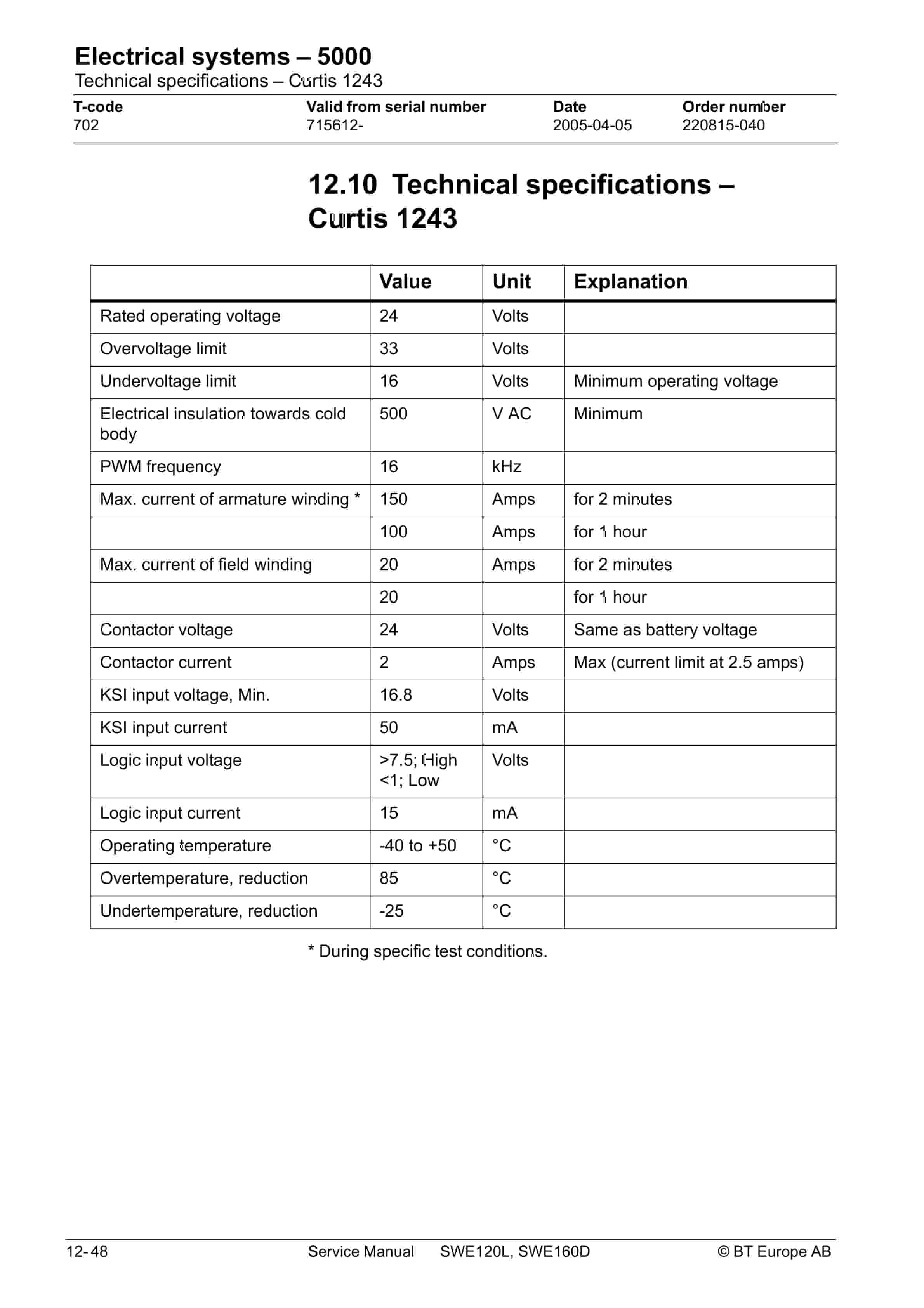
- 14.10. Technical specifications – Curtis 1243
- 15. Hydraulic system – 6000
- 15.1. General
- 15.2. Hydraulic diagram and components
- 15.2.1. Main components
- 15.2.2. Description
- 15.2.2.1. Lowering
- 15.2.2.2. Operating pressure
- 15.2.2.3. Relief valve
- 15.2.2.4. Pressure switch
- 16. Main lift chain system – 7120
- 16.1. General
- 16.2. Checking the chain setting
- 16.3. Chain inspection
- 16.3.1. Noise
- 16.3.2. Surface rust
- 16.3.3. Rusty links
- 16.3.4. Stiff links
- 16.3.5. Bolt rotation
- 16.3.6. Loose bolts
- 16.3.7. Outline wear
- 16.3.8. Stretching
- 16.3.9. Damage
- 16.3.10. Damaged discs
- 16.3.11. Damaged bolts
- 16.3.12. Dirty chain
- 16.4. Cleaning
- 16.5. Lubrication
- 17. Battery charger (Inbuilt) – 8340
- 17.1. General
- 17.2. Charging
- 17.3. Troubleshooting and service
- 17.4. Technical data
- 17.5. Charging settings
- 17.5.1. Freely ventilated batteries
- 17.5.2. Valve regulated batteries
- 18. Control/computer equipment – 8700
- 18.1. General
- 18.2. Connection
- 18.3. Layout
- 18.3.1. Main program screen
- 18.3.2. Nodes
- 18.3.3. Icons
- 18.3.4. Tool buttons and menu bar
- 18.3.5. Information window
- 18.3.6. Status bar
- 18.4. Connection function
- 18.5. Disconnection function
- 18.6. Downloading program function
- 18.6.1. Normal downloading (truck with key)
- 18.6.2. Normal downloading (truck with keypad)
- 18.6.3. Emergency downloading (truck with keypad)
- 18.6.4. Downloading in old versions of logic card
- 18.6.5. Emergency downloading (truck with keypad)
- 18.7. Truck report function
- 18.8. Parameters function
- 18.9. Diagnostics function
- 18.9.1. Representation of signal colours
- 18.9.2. Tiller arm tab
- 18.9.3. Drive Controller tab (transistor regulator – travel)
- 18.9.4. Pump controller tab (transistor regulator – pump)
- 18.9.5. EPS steering servo tab
- 18.10. Other menu functions
- 18.10.1. Save to file
- 18.10.2. Download from file
- 18.10.3. Reset CAN adapter
- 18.10.4. Delete error code log
- 18.10.5. Reset hour meter
- 18.10.6. Read error code log
- 18.10.7. Adjust date and time
- 18.10.8. Adjusting the hour meter on older cards
- 18.10.9. Help
- 18.10.9.1. About the TruckCom application
- 18.10.10. Exit
- 18.11. Specifications
- 18.12. Installation
- 18.12.1. Installation on a PC with Windows 95/98
- 18.12.2. Installation on a PC with Windows XP/2000
- 18.12.3. Installation on a PC with Windows NT
- 18.12.4. In case of communication problems with CAN
- 18.12.5. To uninstall
Related products
-
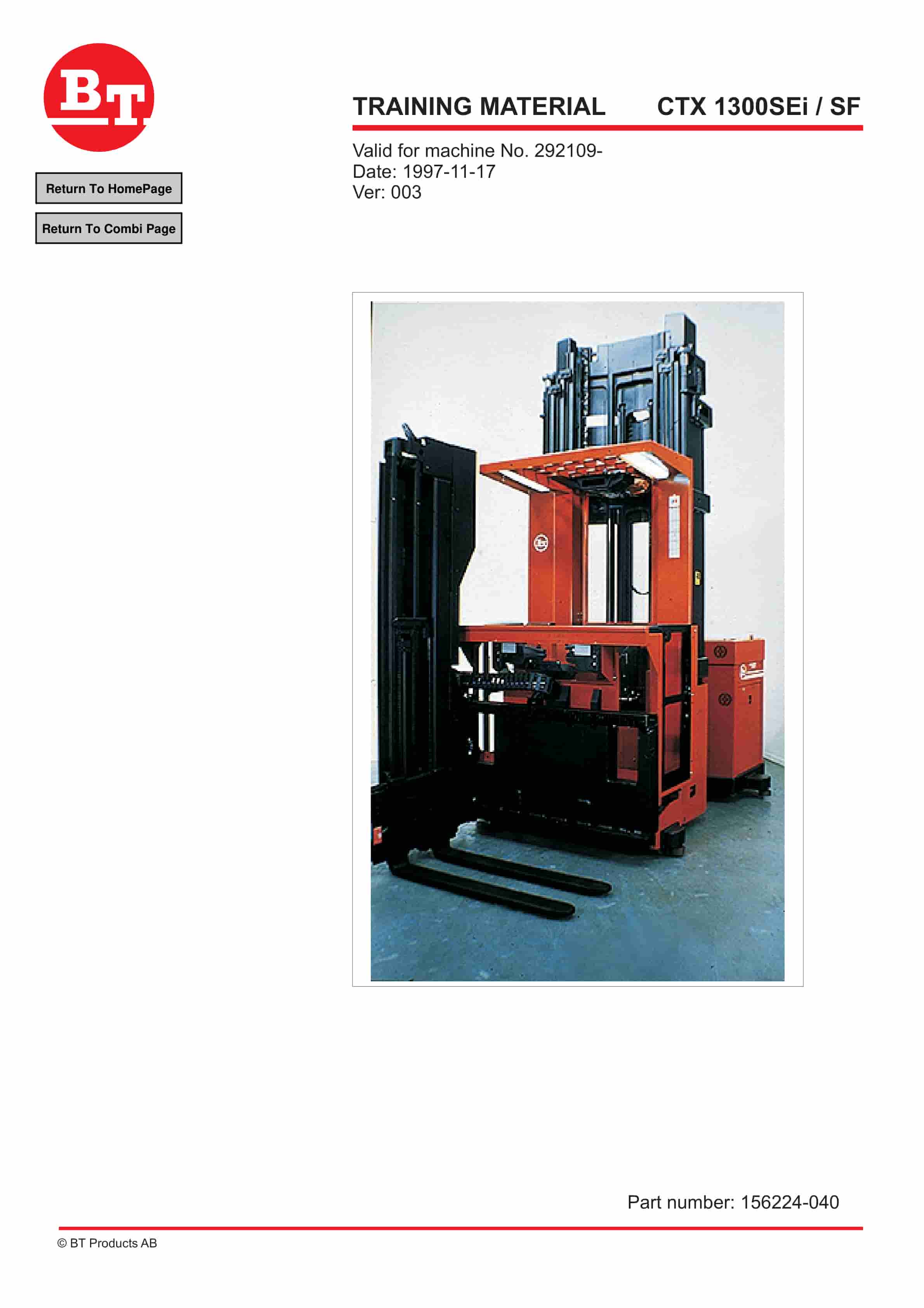
BT CTX 1300SEi, CTX 1300SEi SF Training Material 156224-040
$30.00 Add to cart -
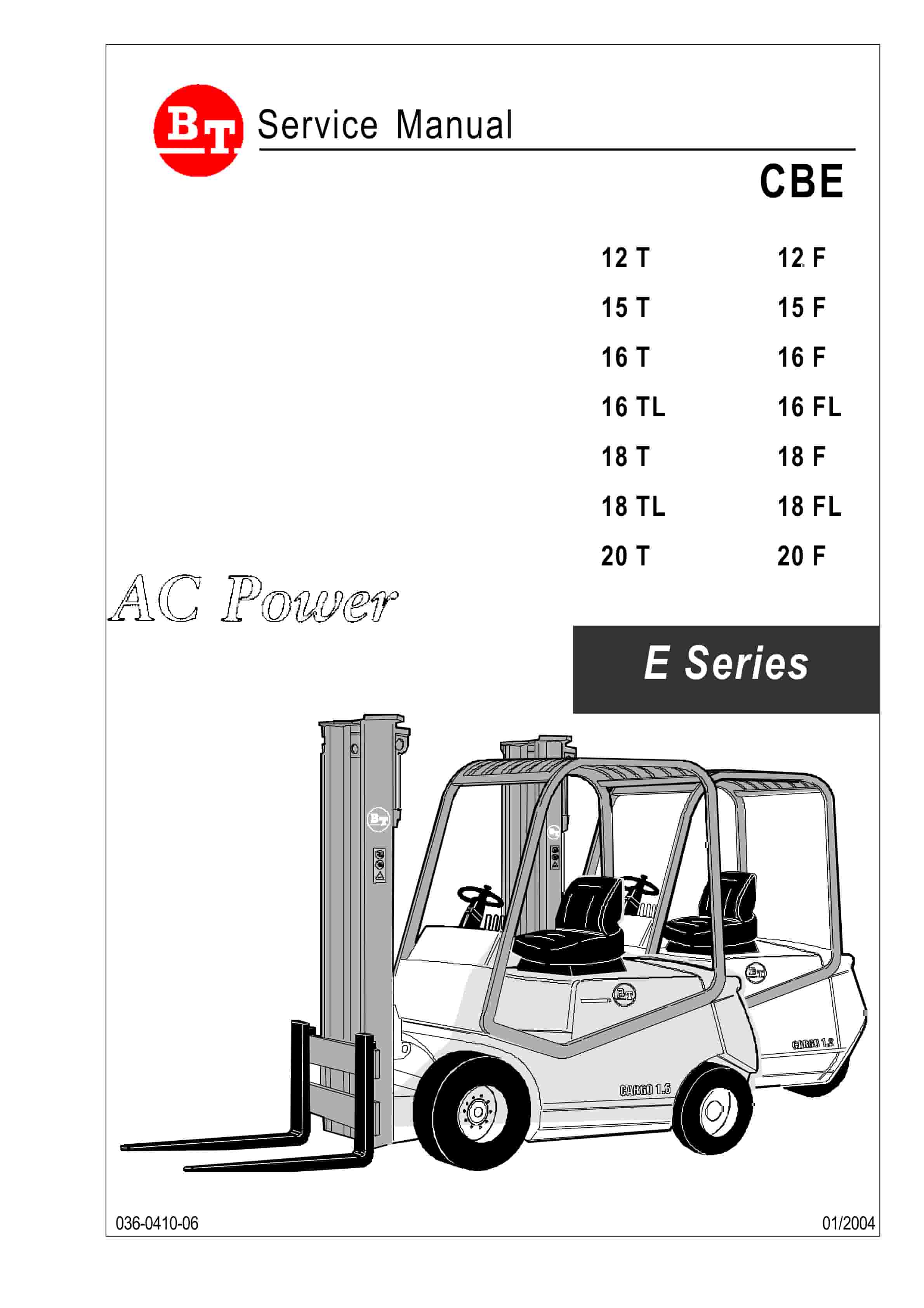
BT CBE 12T to CBE 20F Service Manual 036-0410-03
$30.00 Add to cart -
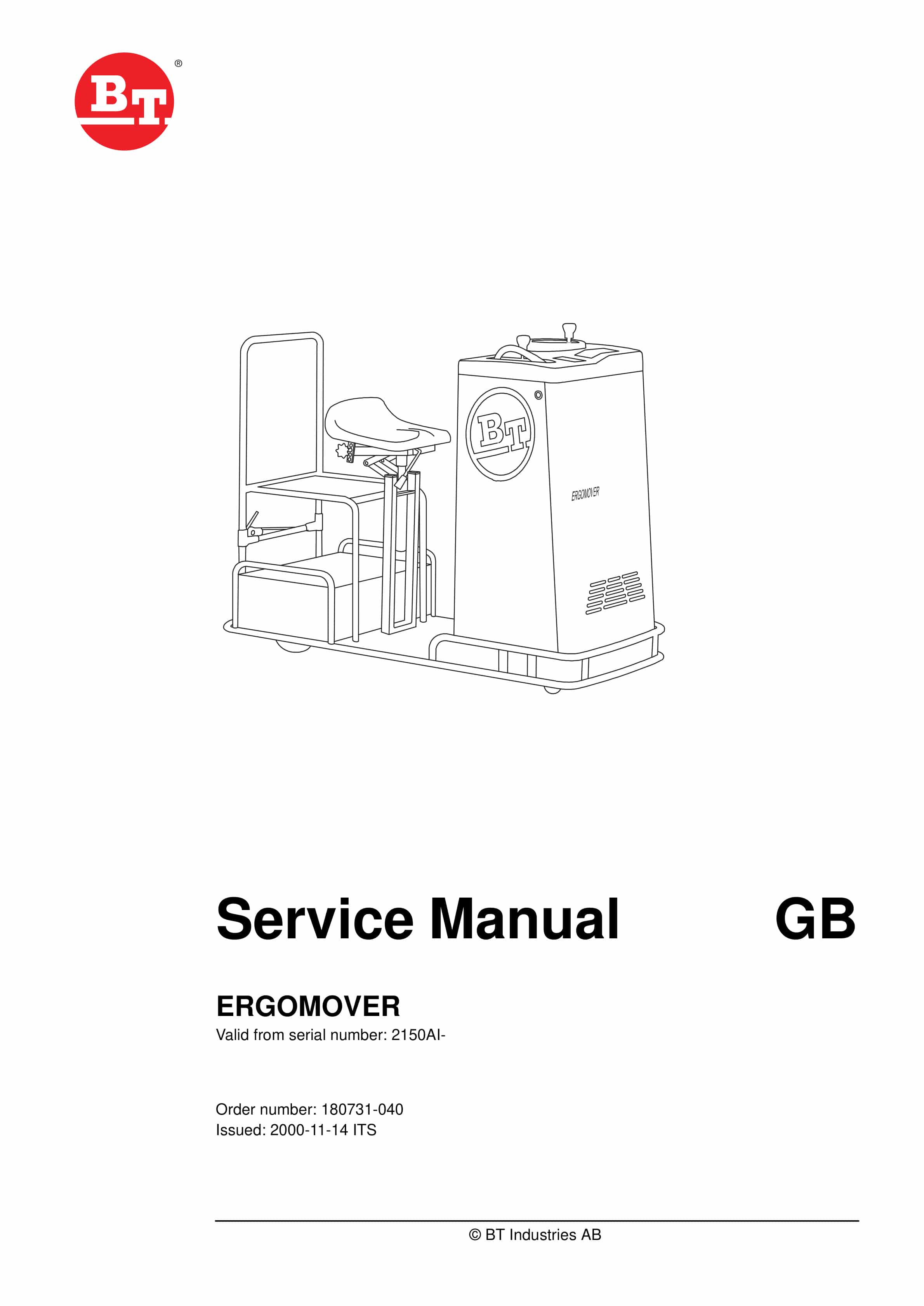
BT ERGOMOVER Service Manual 180731-040
$30.00 Add to cart -
BT CMX-65, CMX-80 Center Control Riding Pallet Truck Service Manual 302825-000
$30.00 Add to cart -
BT CBE 12T to CBE 20F Service Manual 036-0403-03
$30.00 Add to cart


