

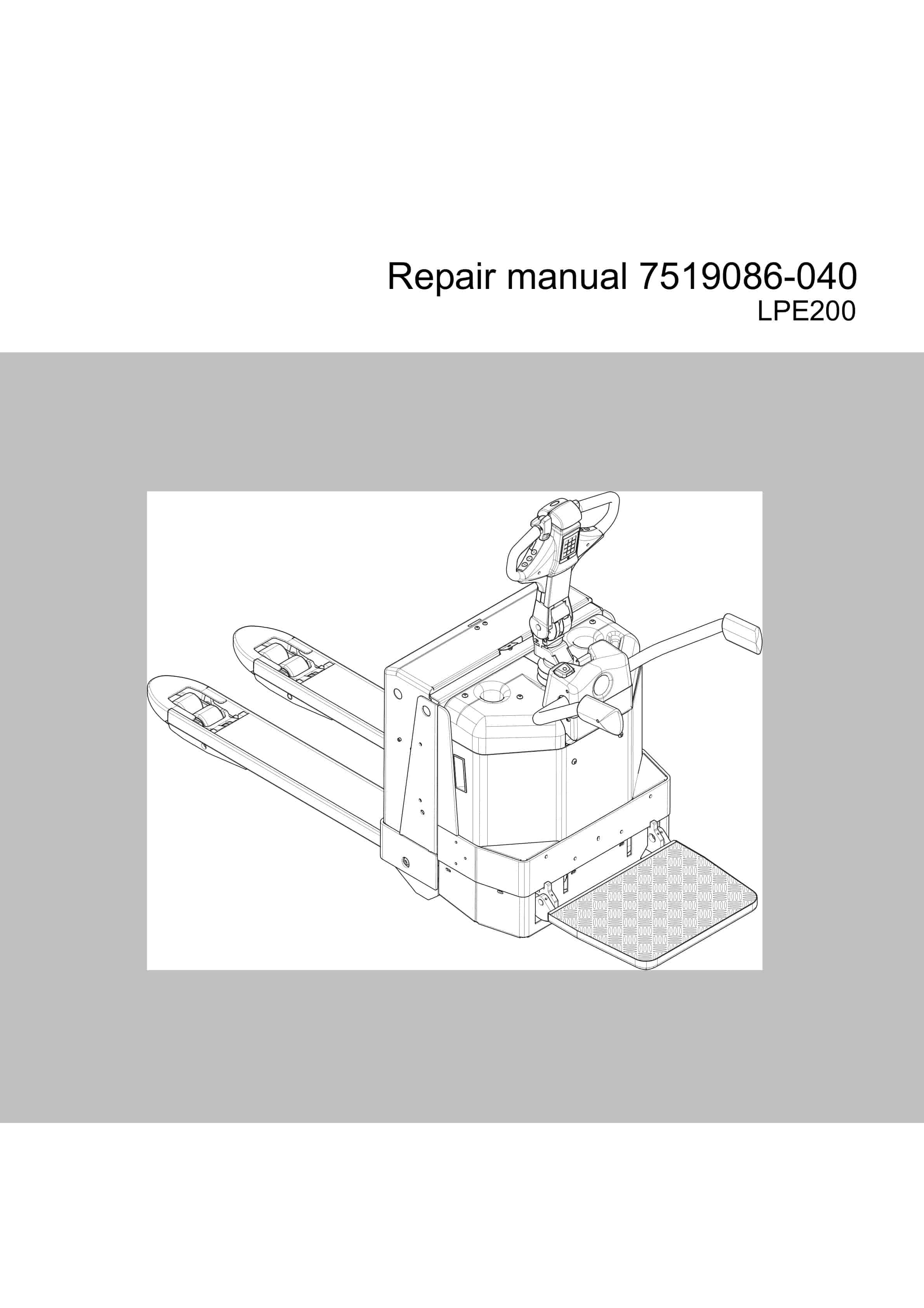
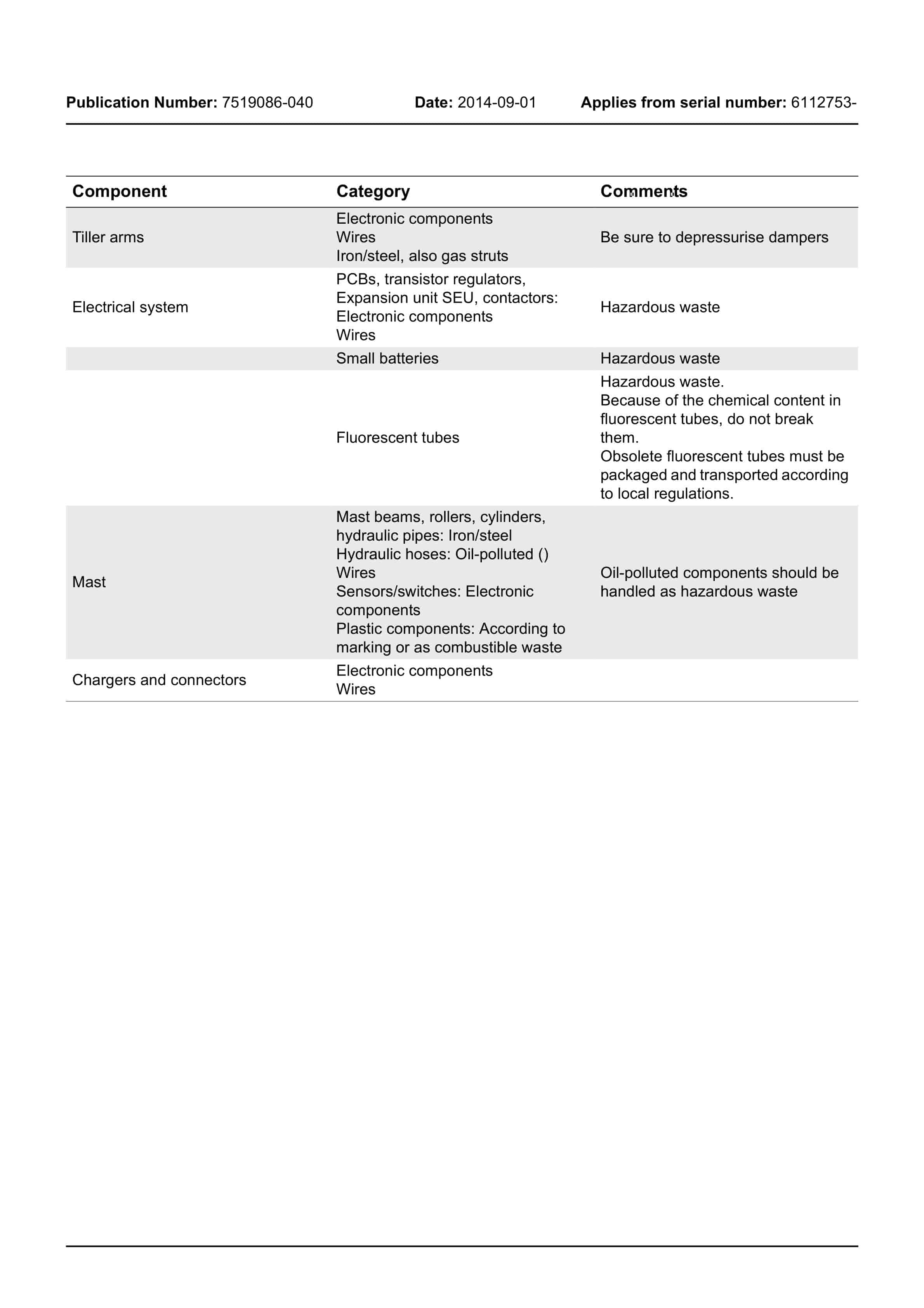
BT LPE200 Repair Manual 7519086-040
$30.00
- Type Of Manual: Repair Manual
- Manual ID: 7519086-040
- : Service Manual PDF
- Number of Pages: 206
- Size: 18.5MB
- Format: PDF
Product details
-
Model List:
- LPE200
- 1. Contents
- 2. General introduction
- 2.1. How to use this manual
- 2.2. Warning symbols
- 2.3. Pictograms
- 2.3.1. Screws/Nuts
- 3. General safety rules
- 3.1. Work safety
- 3.2. Electrical system
- 3.3. Safe lifting
- 3.4. Truck modifications
- 4. Operation and connection sequences
- 4.1. Function description
- 4.1.1. Operating principle
- 5. Parameters and adjustments
- 5.1. General
- 5.2. Displaying parameters – without the CAN service key
- 5.3. Adjusting operator parameters without the CAN service key
- 5.4. Displaying changing parameters – CAN service key connected
- 5.4.1. Changing a parameter
- 5.5. List of operator parameters
- 5.5.1. Description of operator parameters
- 5.5.1.1. 1 – Creep speed (P320-8)
- 5.5.1.2. 2 – Max. speed
- 5.5.1.3. 3 – Acceleration
- 5.5.1.4. 4 – Neutral speed reduction
- 5.5.1.5. 5 – Logout
- 5.5.1.6. 9 – OTP – Optimal Truck Performance (option)
- 5.5.1.7. Travel speed reduction – steering angle
- 5.6. List of service parameters
- 5.6.1. Description of service parameters
- 5.6.1.1. 10 – PIN code
- 5.6.1.2. To store a new PIN code
- 5.6.1.3. To delete a stored PIN code
- 5.6.1.4. 14 Creep speed
- 5.6.1.5. 15 – Non-configurable options
- 5.6.1.6. Setting non-configurable options
- 5.6.1.7. 16 – Configurable option 1
- 5.6.1.8. 17 – Configurable option 2
- 5.6.1.9. 18 – Configurable option 3
- 5.6.1.10. 19 – Configurable option 4
- 5.6.1.11. 20 – Hour meter selection
- 5.6.1.12. 21 – Battery size
- 5.6.1.13. Instructions for verifying the parameter setting
- 5.6.1.14. Instructions for verifying the parameter setting
- 5.6.1.15. 22 – Brake switch
- 5.6.1.16. 25 – Service intervals
- 5.6.1.17. 28 – Button selection
- 5.6.1.18. 39 – Login method operator parameter access
- 5.6.1.19. Expanded keypad – General
- 5.6.1.20. Expanded keypad Programming
- 5.6.2. Configurable Option parameters
- 5.6.2.1. General
- 5.6.2.2. Parameters 16 to 19 configurable options
- 5.6.2.3. Changing configurable optional functions
- 6. Installation and commissioning
- 6.1. Transporting the truck
- 6.2. Transporting the mast
- 6.3. Lifting the truck
- 6.4. Battery installation
- 6.5. Battery replacement
- 6.5.1. Changing the battery without the help of a battery changer
- 6.5.2. Changing the battery with a battery changing table.
- 7. Maintenance
- 7.1. Introduction
- 7.2. Maintenance instructions
- 7.2.1. Cleaning and washing
- 7.2.2. High-pressure washers
- 7.2.3. Degreasing agents
- 7.2.4. Cleaning the exterior
- 7.2.5. Cleaning the chain
- 7.2.6. Cleaning the motor compartment
- 7.2.7. Electric components
- 7.3. Checks for cracks
- 7.3.1. Visual inspection
- 7.3.2. Crack detection
- 7.3.2.1. Crack detection with liquid penetrant
- 7.3.2.2. Crack detection with magnetic yoke
- 7.4. Maintenance schedule
- 7.5. Fuses
- 8. Diagnostics and troubleshooting
- 8.1. General
- 8.2. Towing a defective truck
- 8.2.1. Tow using a tow truck and tow wagon
- 8.3. Error code history
- 8.3.1. List of error codes
- 8.4. Transistor regulator troubleshooting and error codes
- 8.4.1. General
- 8.4.2. Transistor regulator error
- 8.4.3. Resetting errors
- 8.5. Built-in test function
- 8.5.1. Digital inputs/outputs test mode
- 8.5.2. Transistor regulator inputs
- 8.5.3. Transistor regulator outputs
- 8.5.4. Digital input to electronic card A2.
- 8.5.5. Extra functions
- 8.6. Display test function
- 8.7. Technical specifications Curtis 1243
- 9. PowerTrak cylinder
- 9.1. Component parts
- 9.2. Removing the PowerTrak cylinder and spring guides
- 10. Truck traction
- 10.1. Component parts
- 10.2. Removing the motor from the truck
- 10.2.1. Assembly
- 10.3. Service/repairs
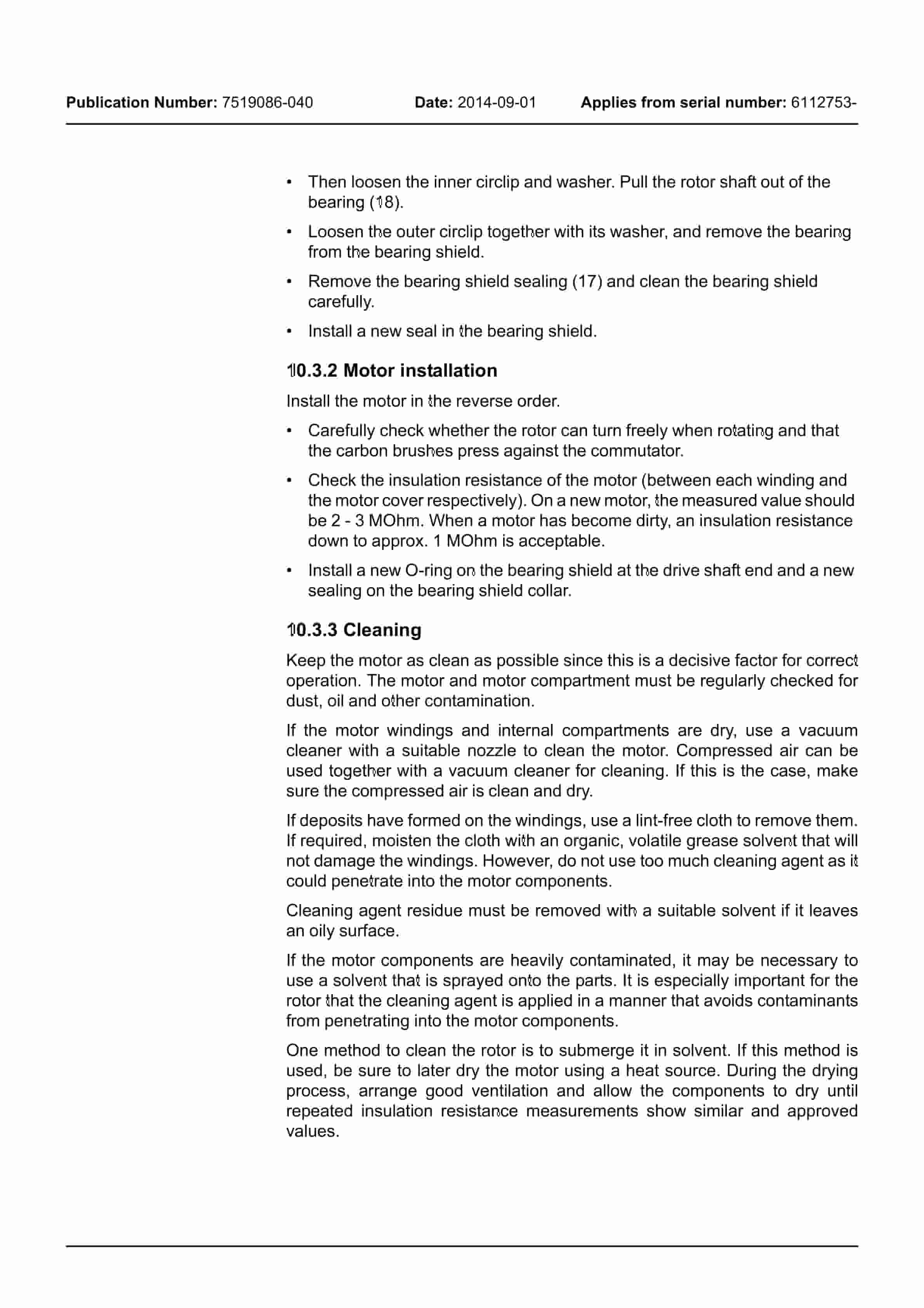
- 10.3.1. Disassembly of the motor
- 10.3.2. Motor installation
- 10.3.3. Cleaning
- 10.4. Technical data
- 10.5. Engine mounts
- 10.5.1. Component parts
- 10.5.2. Component List
- 11. Drive/Transmission assembly
- 11.1. General
- 11.2. Component parts
- 11.3. Disassembly of the drive unit from the truck
- 11.4. Assembly of the drive unit in the truck
- 11.5. Oil check or change
- 11.5.1. Checking/refilling the oil
- 11.5.2. Oil change
- 11.6. Replacing the sealing ring
- 11.6.1. Dismantling
- 11.6.2. Fitting
- 11.7. Leakage from top cover
- 12. Brake system/Wheels
- 12.1. P320-6
- 12.1.1. Main components
- 12.1.2. Maintenance
- 12.1.2.1. Replacing the brake disc
- 12.2. Brake P320-8
- 12.2.1. Main components
- 12.2.2. Maintenance
- 12.2.2.1. Replacing the brake disc
- 12.2.2.2. Adjusting clearance
- 12.3. Fork wheels
- 12.3.1. Single wheel installation
- 12.3.2. Fitting the bogie wheel
- 12.4. Fork wheel installation
- 12.4.1. Bogie wheel
- 12.5. Wheel fork
- 12.5.1. Installing new bushings
- 12.5.2. Components
- 13. Steering system
- 13.1. Components parts, tiller arm
- 13.2. Adjustments
- 13.2.1. Adjusting the brake microswitch
- 13.2.2. Tiller arm handle
- 13.2.3. Disassembling/assembling the steering unit handle
- 13.2.3.1. Disassembly
- 13.2.3.2. Assembly
- 14. Electrical system 5000
- 14.1. General
- 14.1.1. Part number for software/hardware
- 14.1.2. Terminology
- 14.2. Battery
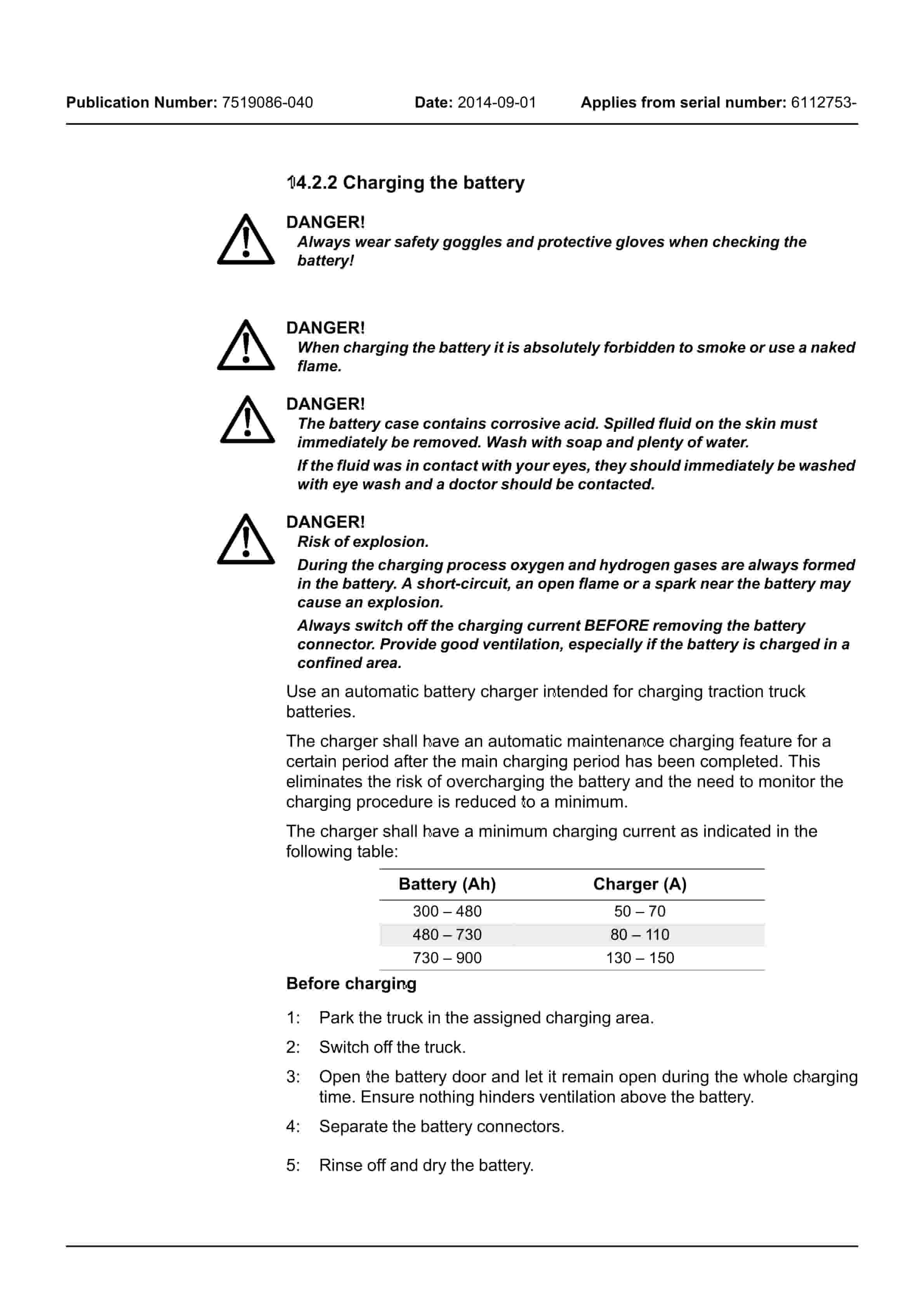
- 14.2.1. Replacing the battery
- 14.2.2. Charging the battery
- 14.3. Hour counter and battery status
- 15. Hydraulic system
- 15.1. General
- 15.1.1. Tools
- 15.2. Adjusting the pressure-limiting valve
- 16. Fork carriage
- 16.1. Adjusting clearance between the fork carriage and frame
- 16.2. Remove the fork carriage
- 17. Accessories
- 17.1. Built-in battery charger (option)
- 17.1.1. Technical data
- 17.1.2. Charging
- 17.1.3. Troubleshooting and service
- 17.1.4. Adjusting the charger
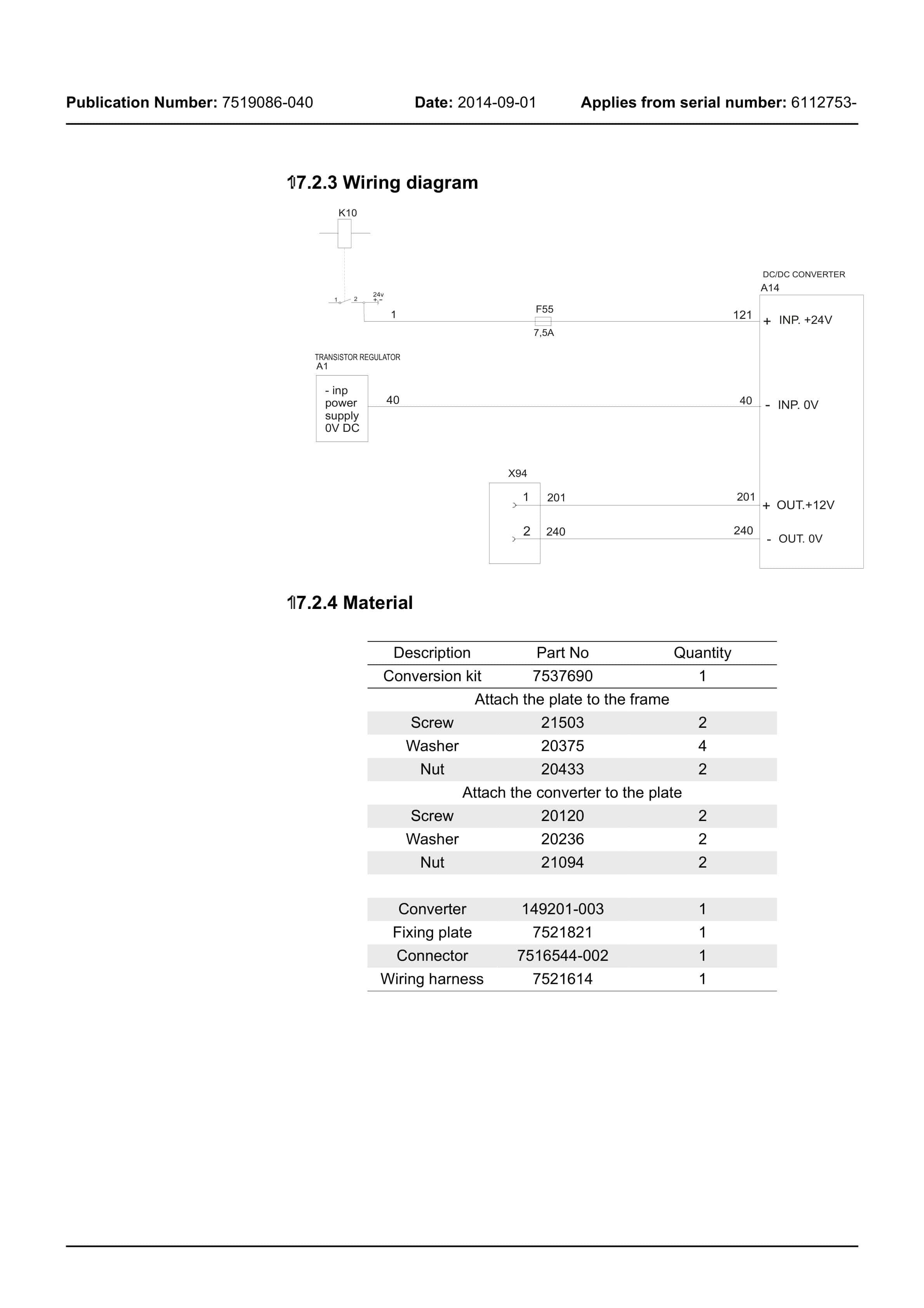
- 17.2. DC/DC converter
- 17.2.1. Drilling for 12 V socket installation
- 17.2.2. Installation of the DC/DC converter and 12 V socket
- 17.2.3. Wiring diagram
- 17.2.4. Material
- 17.3. Spider expansion unit (SEU)
- 17.4. TLS – Truck log system (optional)
- 17.4.1. General
- 17.4.2. Registration
- 17.4.3. Logging in/out SD16
- 17.4.4. Logging in/out S16
- 17.4.5. Collision sensor
- 17.4.6. Settings
- 17.5. ID unit (optional)
- 17.6. OTP – Optimal Truck Performance
- 17.6.1. Travel speed reduction – steering angle
- 18. Instructions for disposal
- 18.1. General
- 18.2. Marking of plastics
- 18.2.1. General marking of products and packaging
- 18.2.2. Marking according to the manufacturers standards
- 18.2.2.1. Abbreviations
- 18.2.2.2. Marking examples
- 18.3. Pressure vessels
- 18.3.1. Gas struts
- 18.4. Sorting categories
- 19. Electrical components and electrical diagram
- 19.1. Electric components
- 19.1.1. List of electrical components
- 19.2. Wiring diagram
- 19.2.1. List of symbols
- 19.2.2. Overview
- 19.2.3. Wiring diagram P320
- 20. Hydraulics schematics
- 20.1. P320
- 20.1.1. List of symbols
- 21. Tool
- 21.1. Super Seal connectors
- 21.2. AMP connectors
- 21.2.1. AMP connectors, Multilock series 040
- 21.3. Molex connectors
- 21.4. Other tools
- 22. Service data and grease specifications
- 22.1. General tightening torques
- 22.1.1. Galvanised, non-oiled screws
- 22.1.2. Untreated, oiled bolts
- 22.2. Lubrication chart
- 22.3. Oil and grease specification
- 23. Technical data
Related products
-
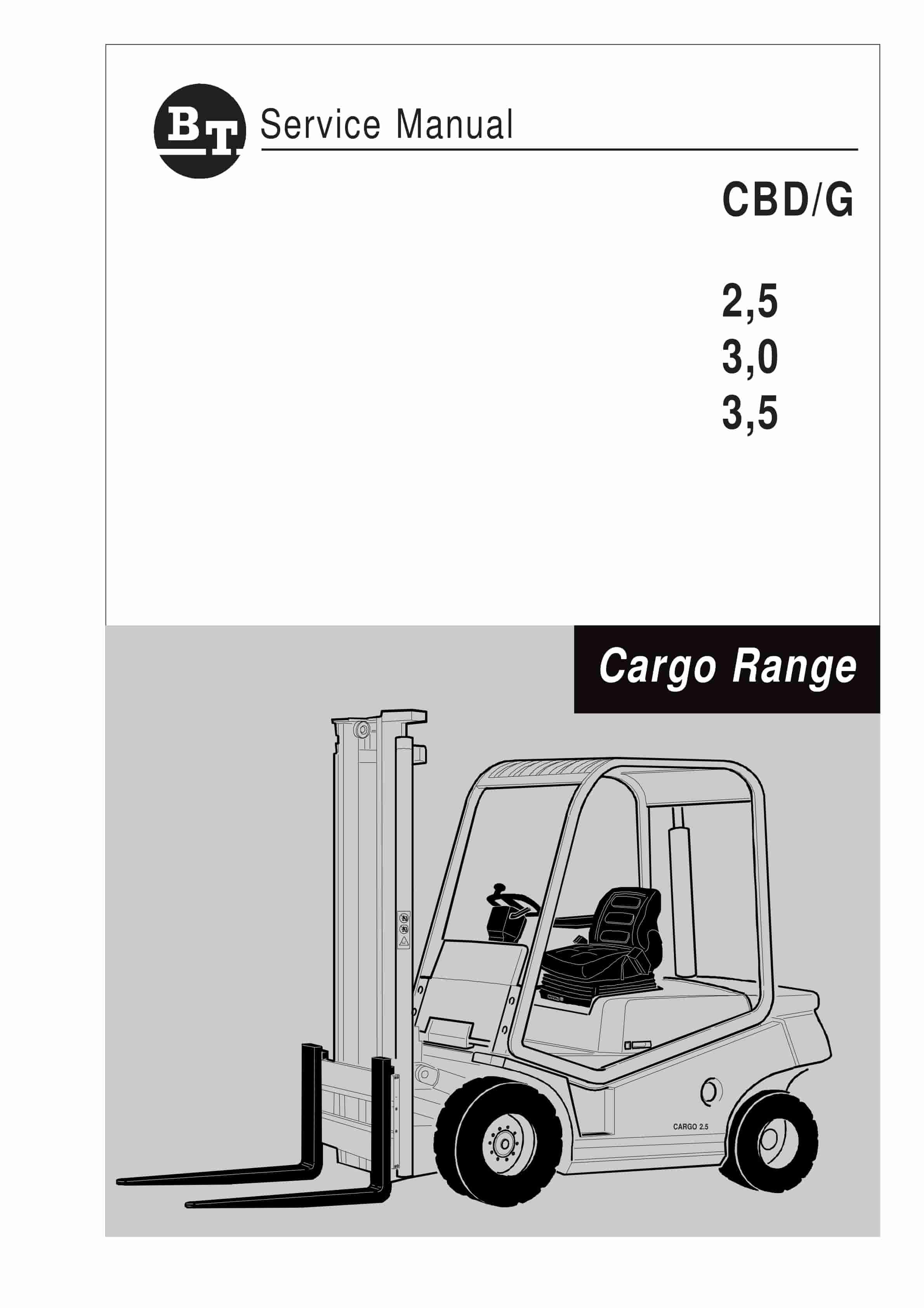
BT CBD-G 2.5, 3.0, 3.5 Service Manual 036-0405-01
$30.00 Add to cart -
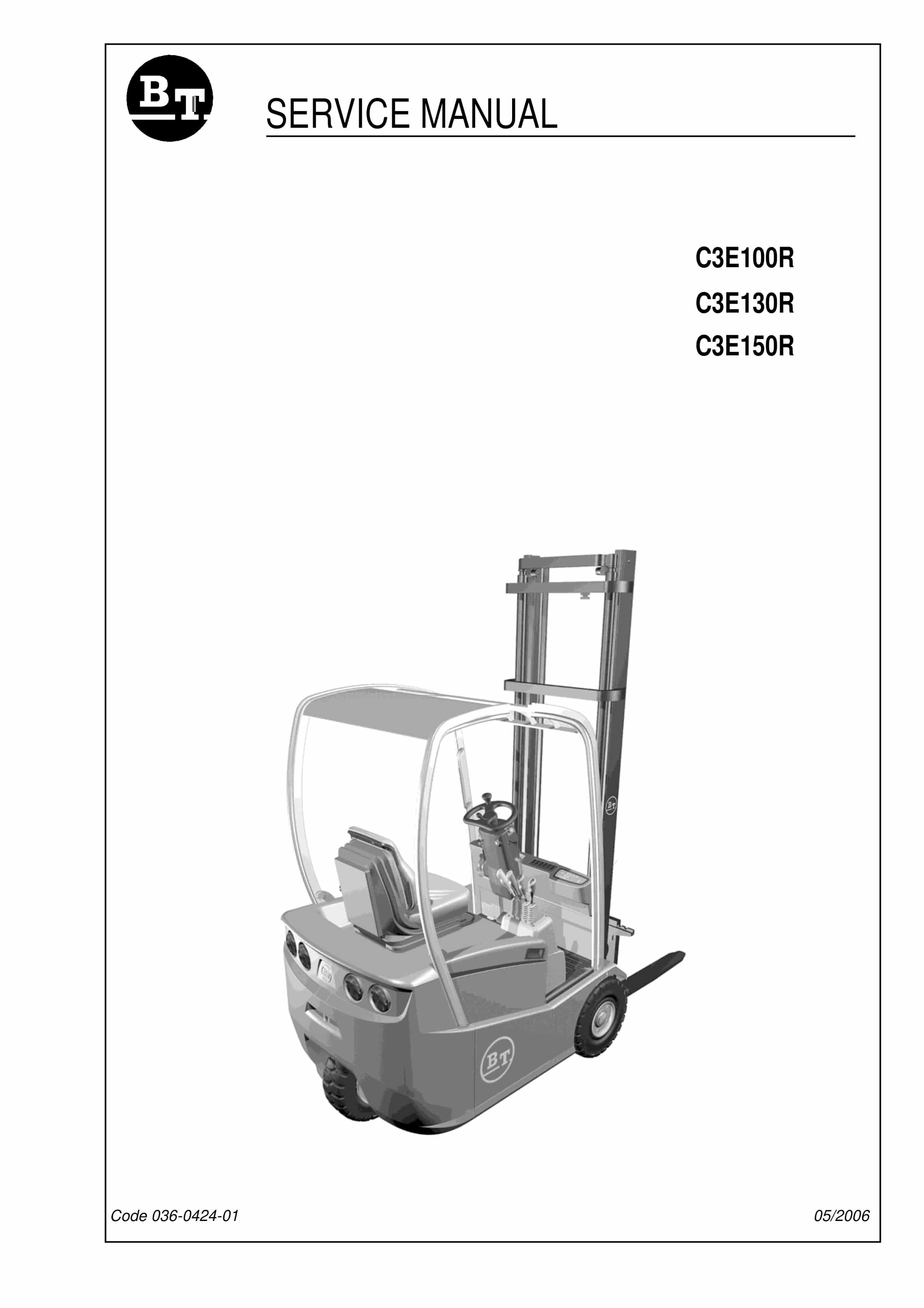
BT C3E130R, C3E150R, C3E100R Service Manual 036-0424-01
$30.00 Add to cart -
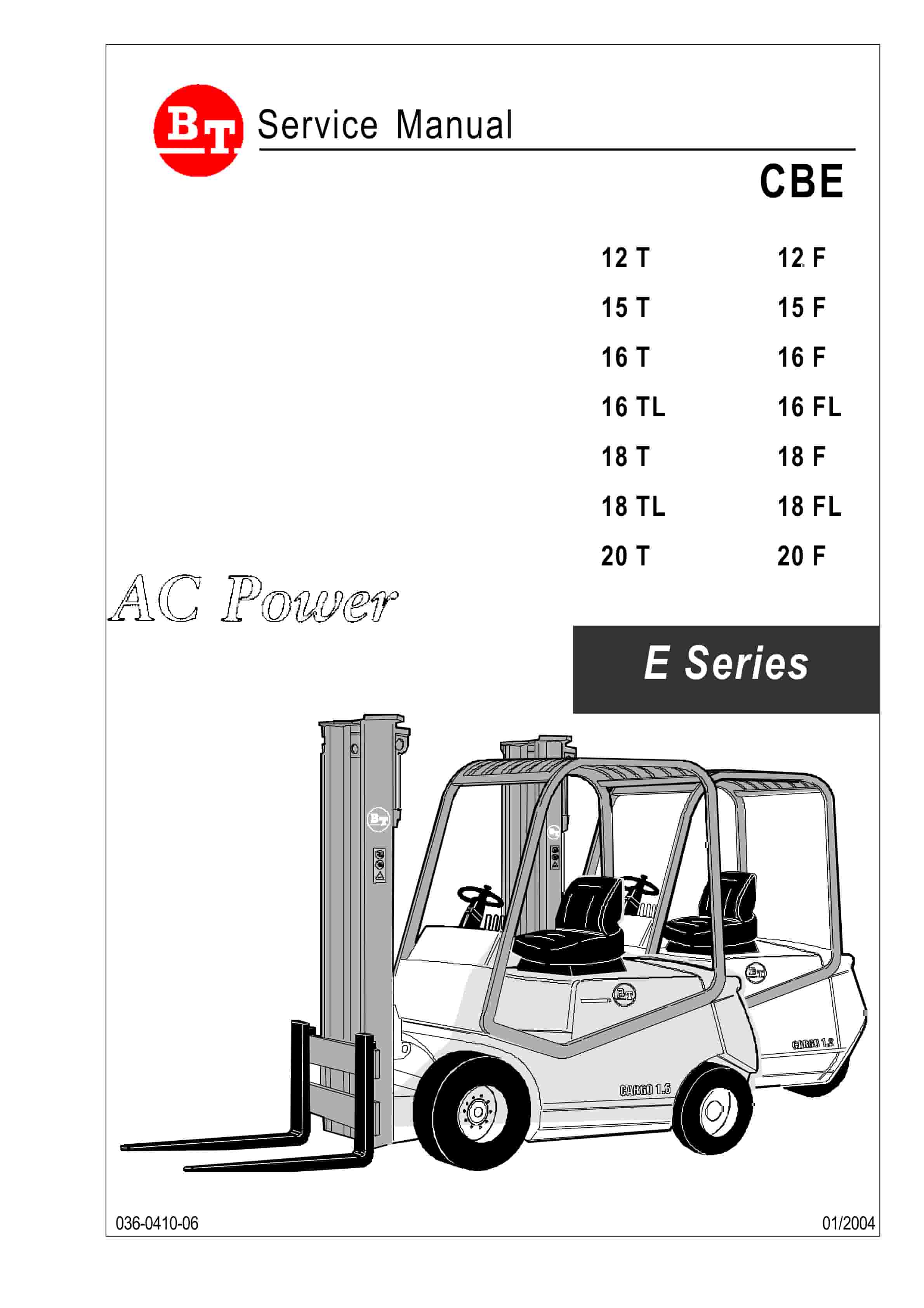
BT CBE 12T to CBE 20F Service Manual 036-0410-03
$30.00 Add to cart -
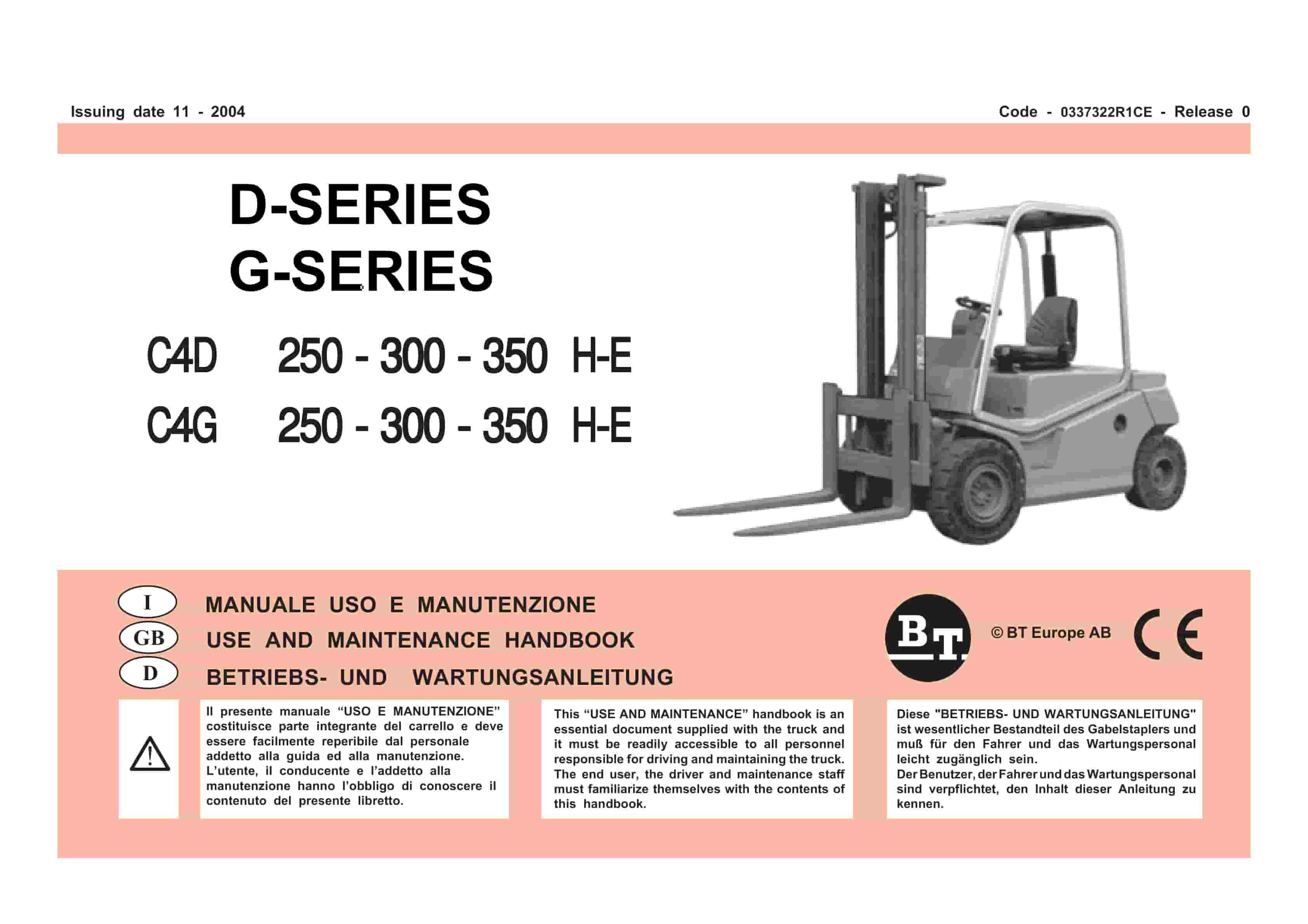
BT D-G-Series C4D250H-E, C4D300H-E, C4D350H-E, C4G250H-E, C4G300H-E, C4G350H-E Use And Maintenance Handbook 0337322R1CE
$30.00 Add to cart -
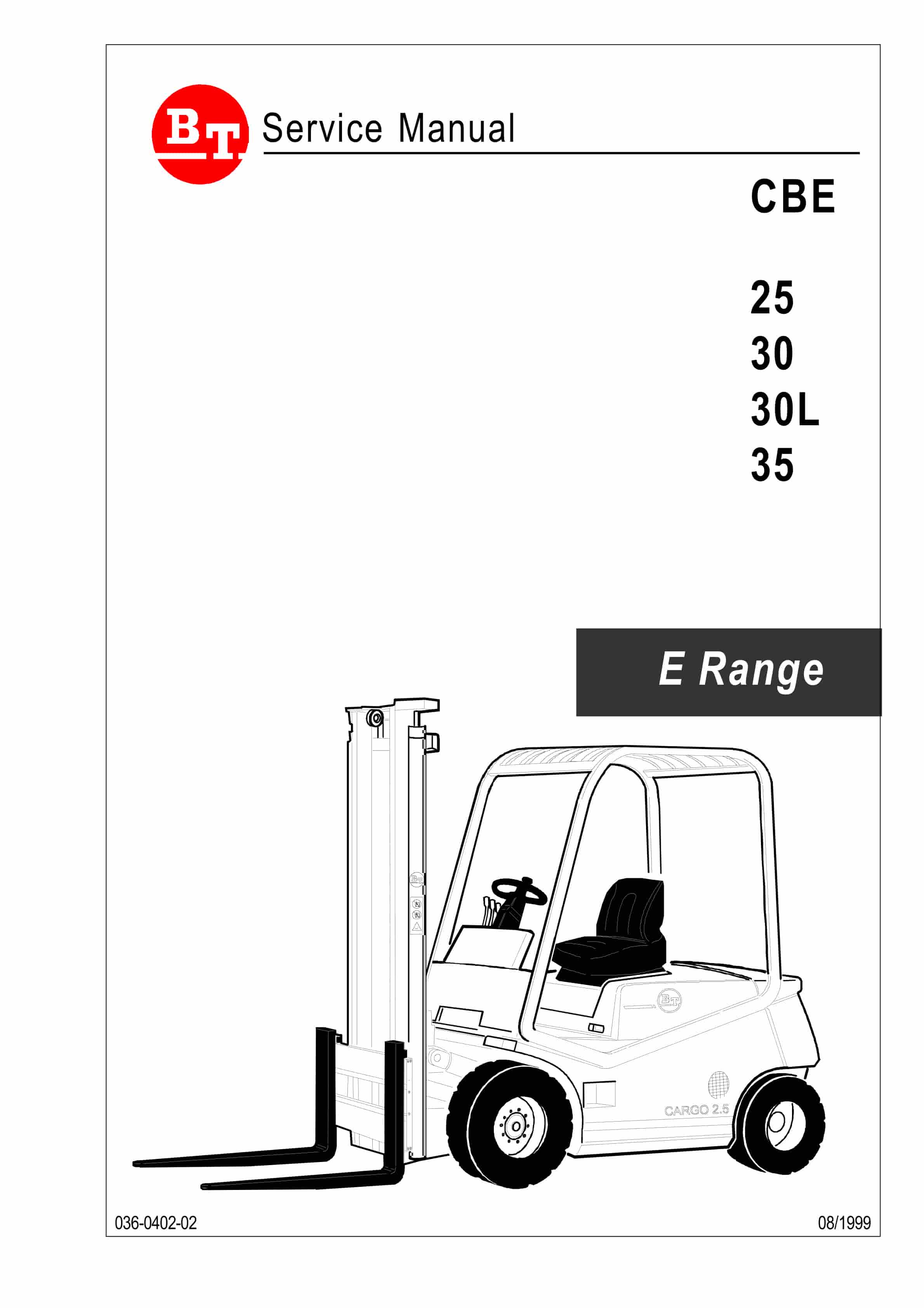
BT CBE 25, CBE 30, CBE 30L, CBE 35 Service Manual 036-0402-02
$30.00 Add to cart


