

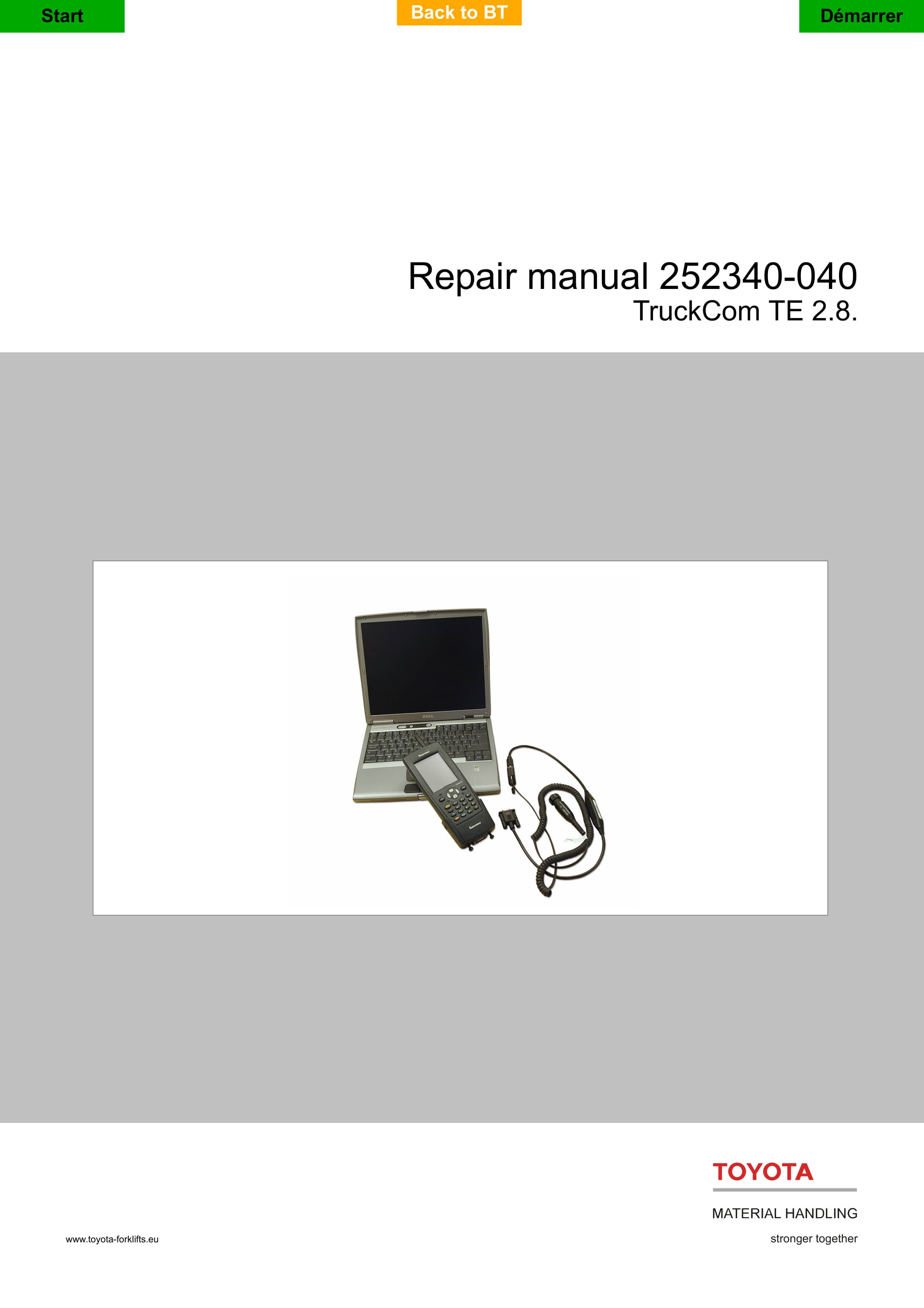
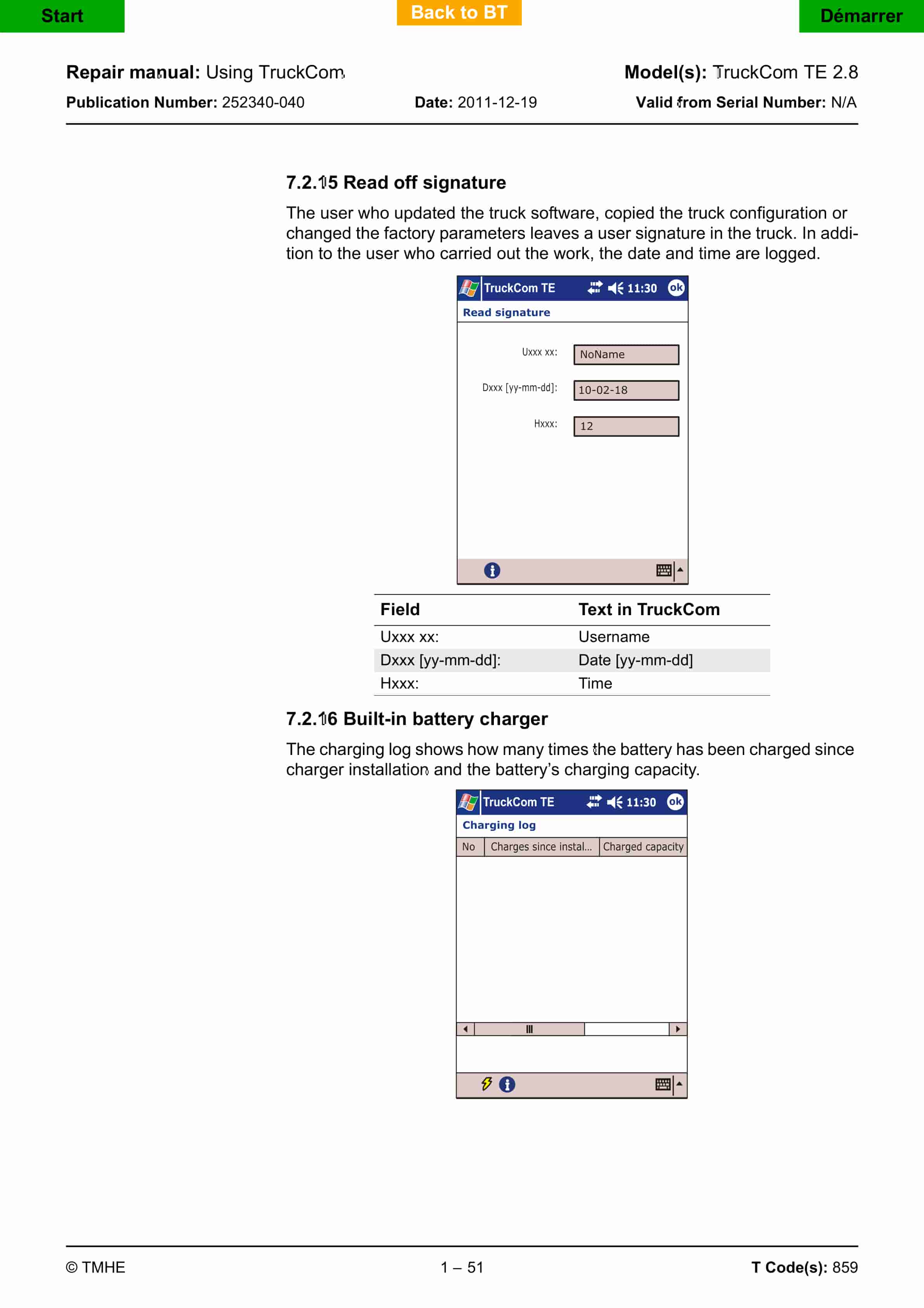
BT TruckCom TE 2.8 Repair Manual 252340-040
$30.00
- Type Of Manual: Repair Manual
- Manual ID: 252340-040
- : Service Manual PDF
- Number of Pages: 68
- Size: 5.4MB
- Format: PDF
Product details
-
Model List:
- TruckCom TE 2.8
- 1. Table of Contents
- 2. General
- 3. Connection
- 3.1. Connection to PC
- 3.1.1. Connect CPC series in the serial port or CPC-USB to the PC with the associated USB cable.
- 3.1.2. Connect a PC-CAN cable between the CAN interface and the trucks CAN terminal.
- 3.1.3. Castor interface
- 4. PC-CAN cable, for connection to the truck
- 5. Castor interface
- 5.1. Connection to PDA
- 5.1.1. Connect the adapter cable or the adapter to the PDA.
- 6. Adapter cable
- 7. Adapter examples
- 7.1. Connect a Castor interface to the adapter cable or the adapter.
- 8. Example of Castor interface
- 8.1. Connect the PC-CAN cable to the Castor interface and to the truck.
- 9. PC-CAN cable
- 9.1. Switch on the PDA by pressing the I/O button.
- 9.2. Launch the TruckCom software.
- 9.3. To install TruckCom TE
- 9.3.1. Installing TruckCom on a PC
- 9.3.2. Installing TruckCom on a PDA
- 9.4. Install drivers
- 9.4.1. CPC-USB CAN interface
- 9.4.2. Castor-USB CAN interface
- 9.5. Start TruckCom
- 9.5.1. Download license (PC user)
- 9.6. Retrieving/downloading the software package
- 9.6.1. PC users
- 9.6.2. PDA users
- 9.6.2.1. EASY environment
- 9.6.2.2. Stand-alone PDA
- 9.6.3. Program list
- 9.6.4. Toolbars
- 9.7. Using TruckCom
- 9.7.1. Selecting software files manually
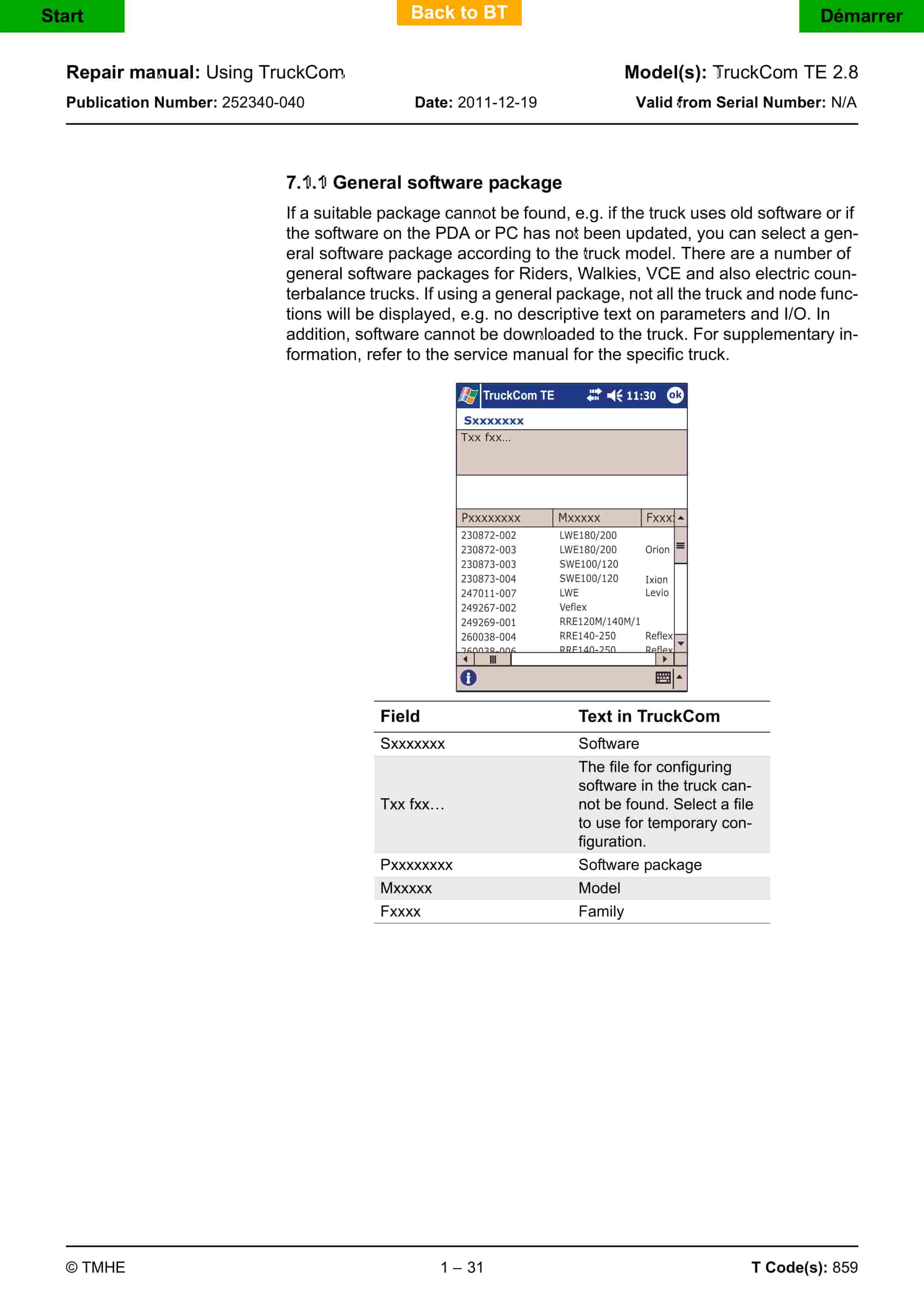
- 9.7.1.1. General software package
- 9.7.1.1.1. Screen shot – start-up using general software package
- 9.7.1.1.2. Generic package.
- 9.7.1.1.3. Example of screen shots without descriptive texts
- 9.7.2. Functions under General
- 9.7.2.1. Login/Logout
- 9.7.2.2. Error log
- 9.7.2.3. Truck report
- 9.7.2.3.1. Generate
- 9.7.2.3.2. Saving truck reports
- 9.7.2.4. Hour meter
- 9.7.2.5. Date and time
- 9.7.2.6. Downloading a software package
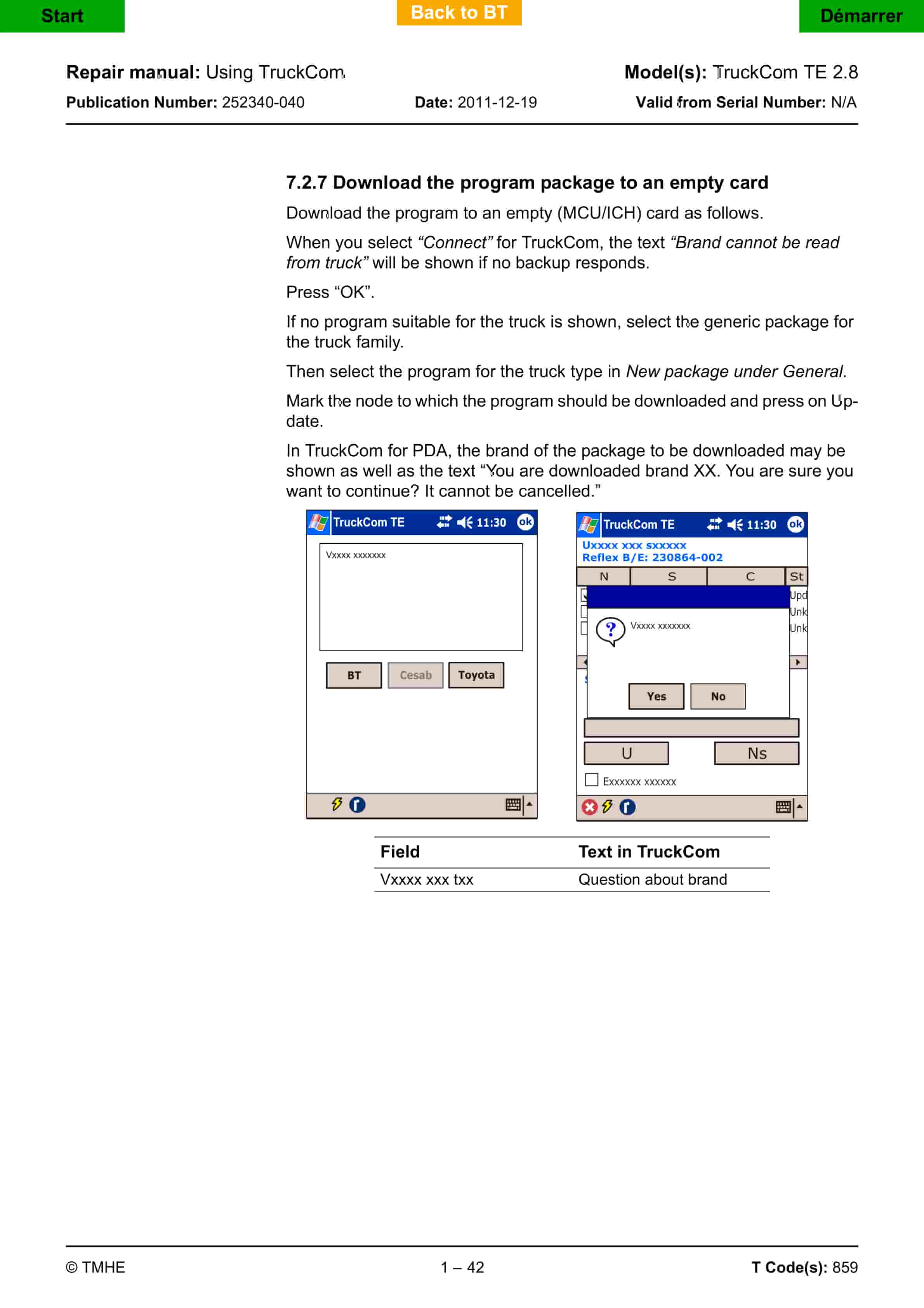
- 9.7.2.7. Download the program package to an empty card
- 9.7.2.7.1. Click on Emergency download.
- 9.7.2.7.2. Specify which node is to be updated.
- 9.7.2.7.3. Click on Update.
- 9.7.2.7.4. Follow the information in the dialogue boxes shown.
- 9.7.2.8. Parameters
- 9.7.2.9. Height preselector
- 9.7.2.10. Opening a software package
- 9.7.2.11. Collision log
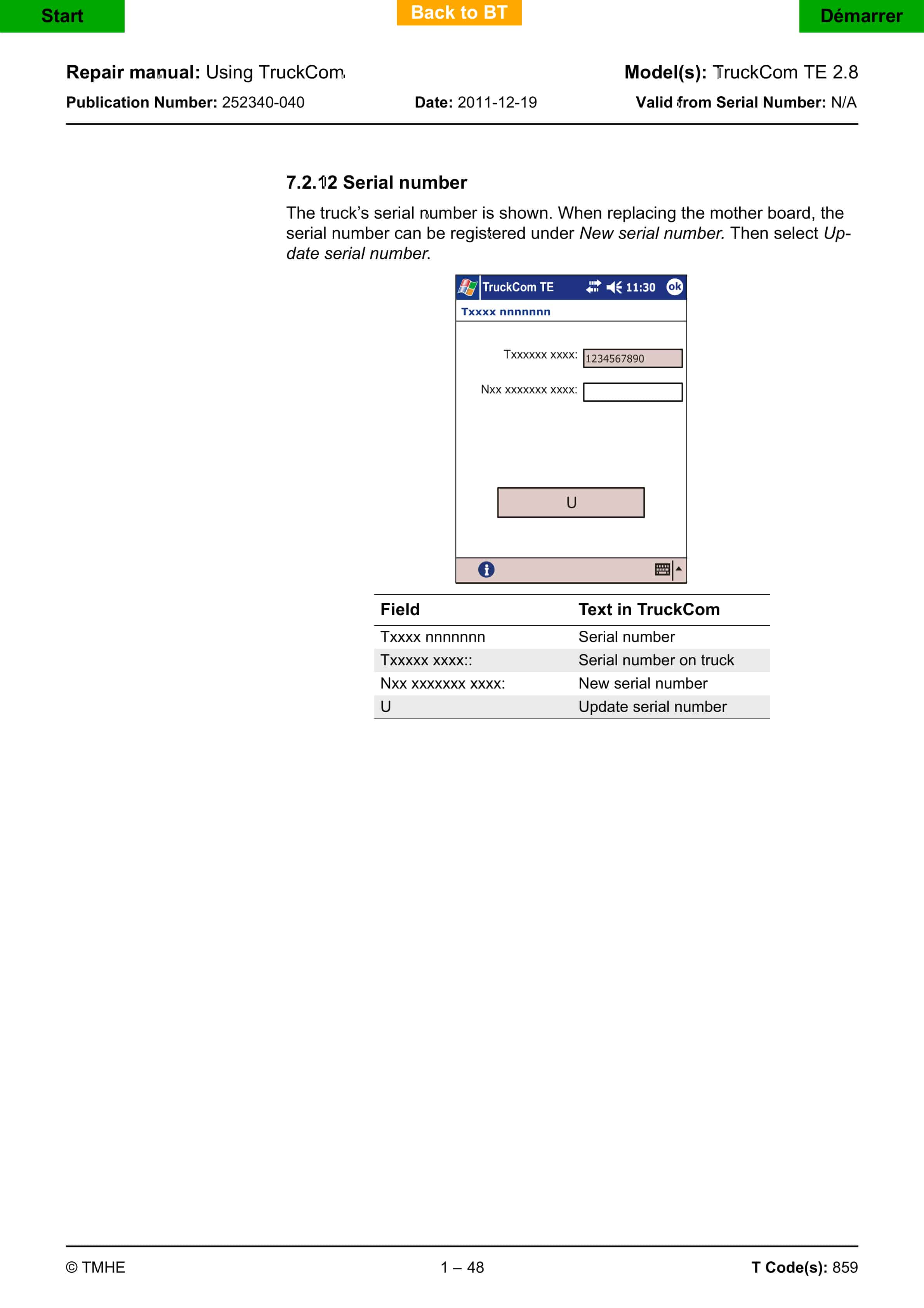
- 9.7.2.12. Serial number
- 9.7.2.13. PIN code management
- 9.7.2.14. Copy truck configuration
- 9.7.2.15. Read off signature
- 9.7.2.16. Built-in battery charger
- 9.7.3. Node functions
- 9.7.3.1. Parameters
- 9.7.3.2. Shock sensor
- 9.7.4. Analogue and digital I/O
- 9.7.5. Status information
- 9.7.6. Diagnostics
- 9.7.7. Calibration function
- 9.8. Troubleshooting
- 9.8.1. The truck brand is not recognised and Castor locks up.
- 9.8.2. Installing the Castor-USB driver.
- 9.8.2.1. Uninstall drivers
- 9.8.2.1.1. – Slut på avsnittet –
Related products
-
BT C3E150 to C4E200 Repair Manual 036-0437-00
$30.00 Add to cart -
BT CBE 12T to CBE 20F Service Manual 036-0410-03
$30.00 Add to cart -
BT CTX 1300SEi, CTX 1300SEi SF Service Manual 150103-040
$30.00 Add to cart -
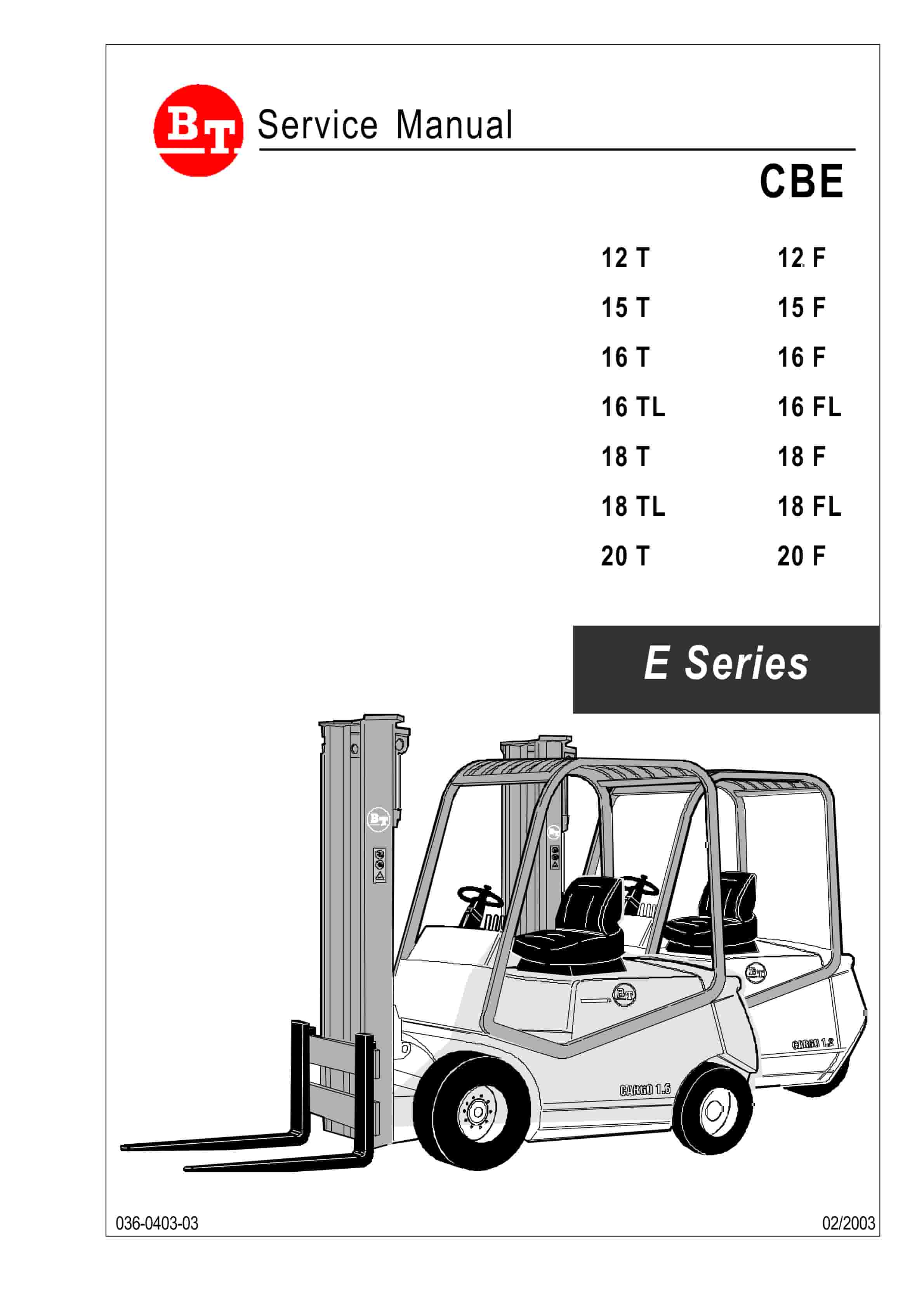
BT CBE 12T to CBE 20F Service Manual 036-0403-03
$30.00 Add to cart -
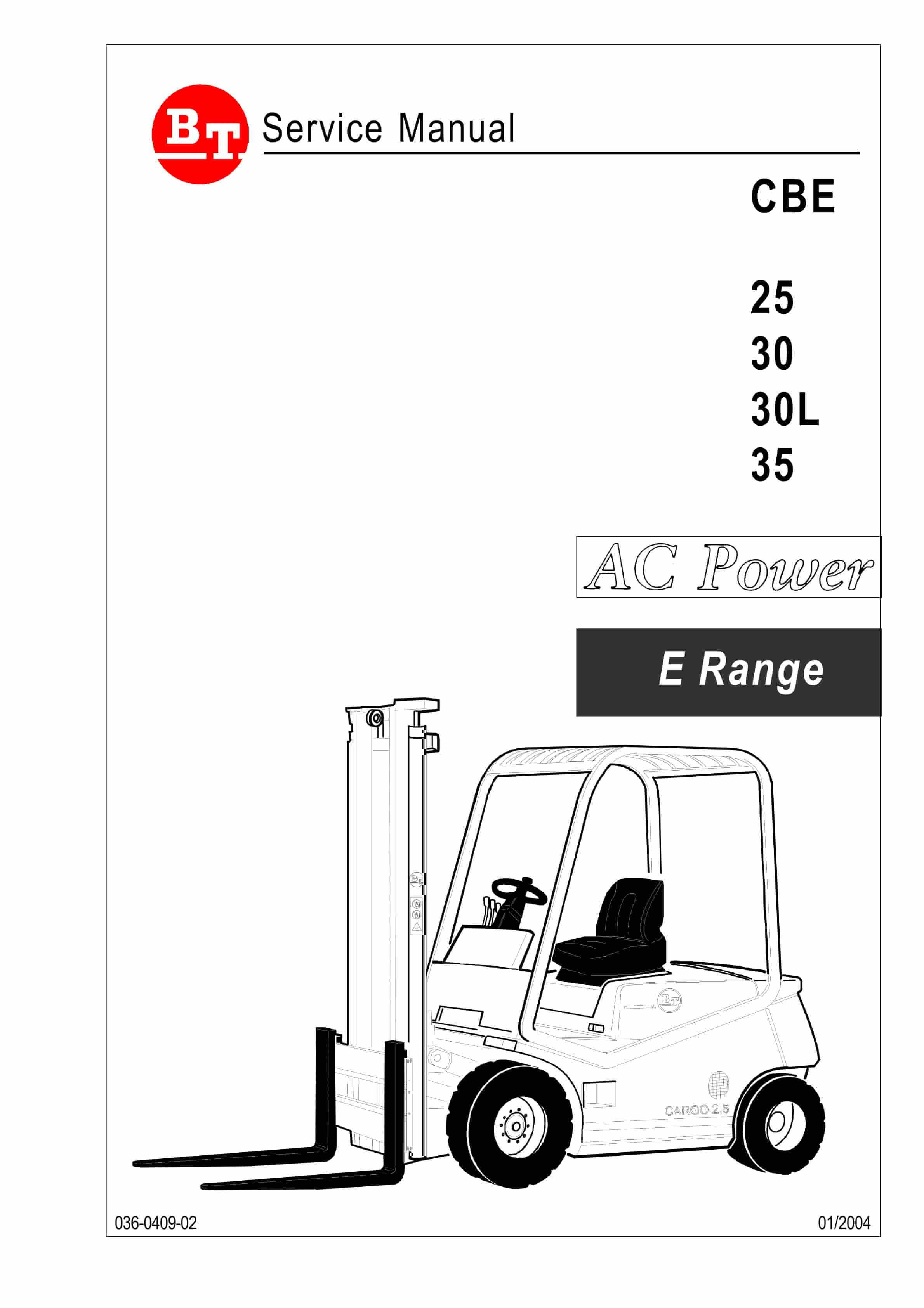
BT CBE 25, CBE 30, CBE 30L, CBE 35 Service Manual 036-0409-02
$30.00 Add to cart


