

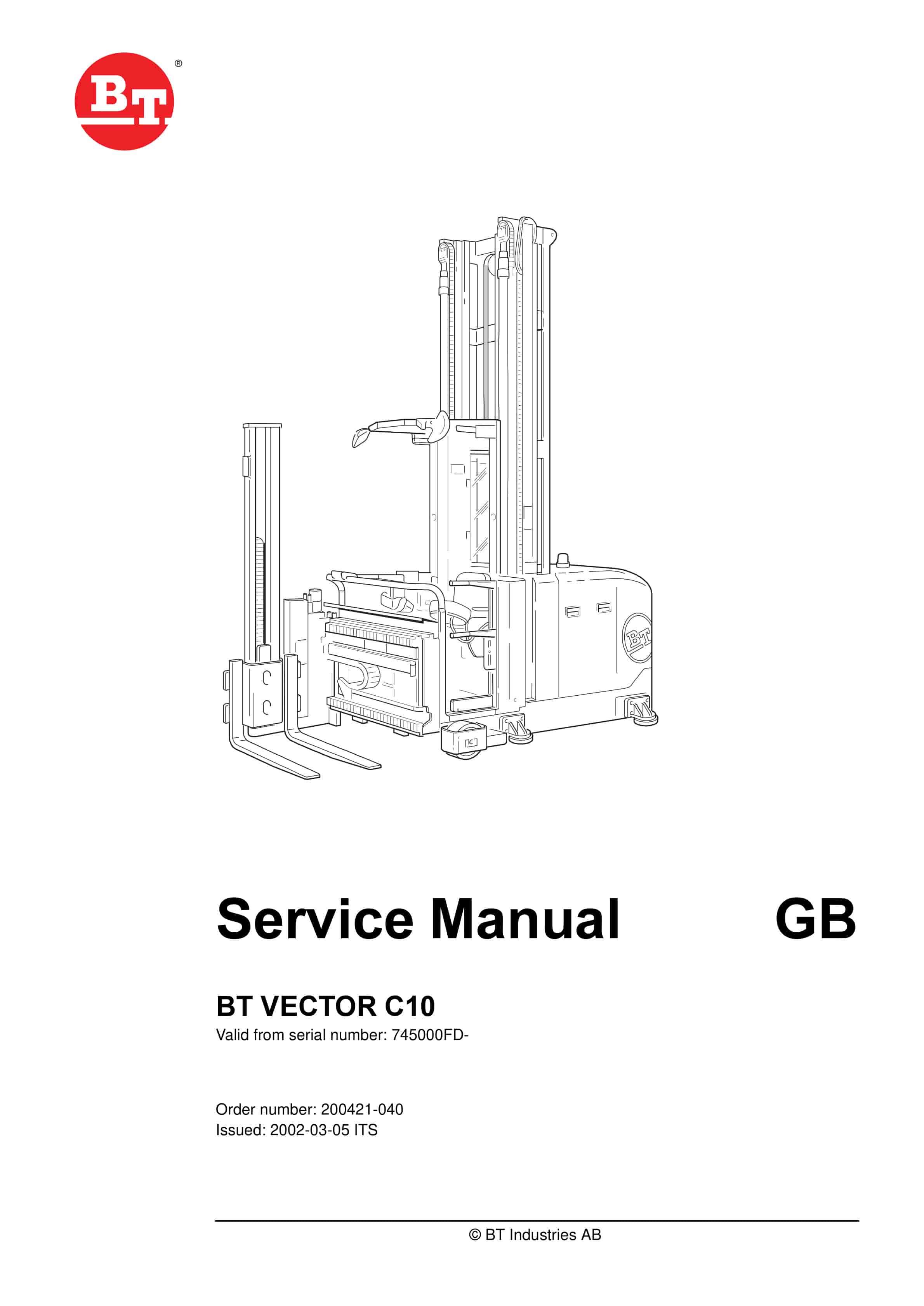
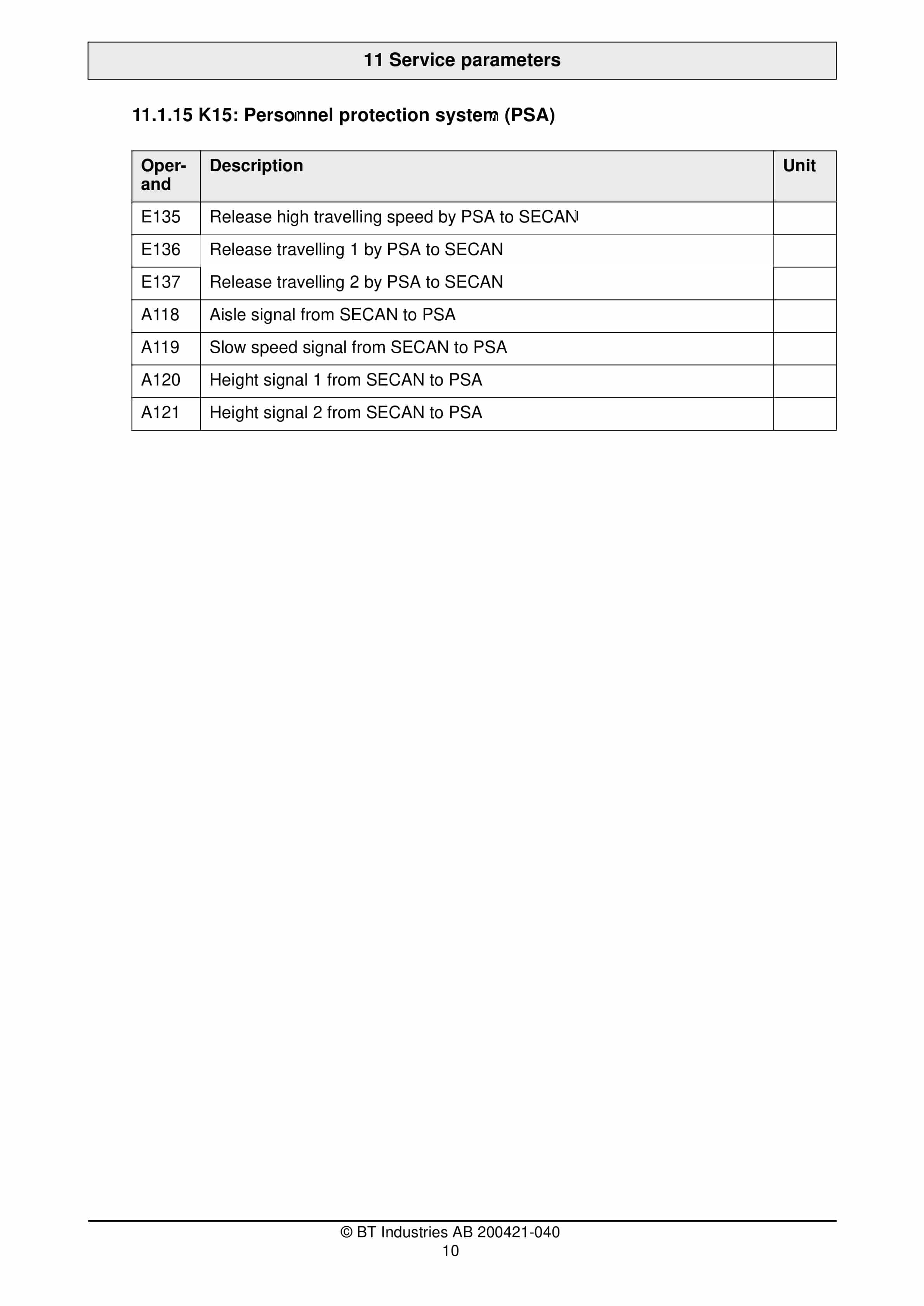
BT Vector C10 Service Manual 200421-040
$30.00
- Type Of Manual: Service Manual
- Manual ID: 200421-040
- : Service Manual PDF
- Number of Pages: 321
- Size: 11.7MB
- Format: PDF
Product details
-
Model List:
- Vector C10
- 1. Commissioning
- 1.1. Required measuring instruments and test equipment
- 1.2. Chapt. Theme Page
- 1.3. General 3
- 1.4. Loose parts 3
- 1.5. Basic truck 3
- 1.6. Hoist frame 4
- 1.7. Load-lifting device (LAM) 4
- 1.8. Battery equipment 5
- 1.9. Hydraulics 5
- 1.10. Supplied documentation 6
- 1.11. General
- 1.12. Loose parts
- 1.13. Basic truck
- 1.14. Hoist frame
- 1.15. Load-lifting device (LAM)
- 1.16. Battery equipment
- 1.17. Hydraulics
- 1.18. Supplied documentation
- 1.19. Assembly arrangement
- 1.20. Components of the electrical system
- 1.21. Components in the drive compartment (rear view)
- 1.22. Components in the drive compartment (right view)
- 1.23. Technical data
- 2. Technical Description
- 2.1. Chapt. Theme Page
- 2.2. Assembly arrangement 3
- 2.3. Components of the electrical
- 2.4. system 3
- 2.5. Components in the drive
- 2.6. compartment (rear view) 5
- 2.7. Components in the drive
- 2.8. compartment (right view 6
- 2.9. Technical data 7
- 3. Mechanics
- 3.1. Required measuring instruments and test equipment
- 3.2. Safety instructions 3
- 3.3. Gas pressure springs 5
- 3.4. Torque values for screwed
- 3.5. connections 5
- 3.6. Hoist frame and cabin 5
- 3.7. Chassis 8
- 3.8. Load-bearing axles 9
- 3.9. Load wheel brake 11
- 3.10. Mechanically released spring pressure brake 13
- 3.11. Drive unit 15
- 3.12. Swivelling forks 16
- 3.13. Safety instructions
- 3.14. Torque values for screwed connections
- 3.15. Hoist frame and cabin
- 3.16. Chassis
- 3.17. Load-bearing axles
- 3.18. Load wheel brake
- 3.19. Mechanically released spring pressure brake
- 3.20. Drive unit
- 3.21. Swivelling forks
- 4. Hydraulics
- 4.1. Torques for hydraulic conus connections
- 4.2. Standard hydraulic diagrams
- 4.3. Safety instructions
- 4.4. Description of the hydraulic installation
- 4.5. Hydraulic installation on the chassis
- 4.6. Hydraulic installation in the rear of the truck
- 4.7. Tank
- 4.8. Fill- and ventilation filter
- 4.9. Return flow filter
- 4.10. Pump
- 4.11. Lifting module block
- 4.12. Lift cylinders (Main- and Auxiliary lift)
- 4.13. Hydraulic installation swivelling forks (SSG)
- 5. Hydraulics
- 5.1. Chapt. Theme Page
- 5.2. Torques for hydraulic conus
- 5.3. connections 3
- 5.4. Standard hydraulic diagrams 3
- 5.5. Safety instructions 4
- 5.6. Description of the hydraulic
- 5.7. installation 4
- 5.8. Hydraulic installation on the
- 5.9. chassis 6
- 5.10. Hydraulic installation in the
- 5.11. rear of the truck 7
- 5.12. Tank 9
- 5.13. Fill- and ventilation filter 10
- 5.14. Return flow filter 11
- 5.15. Pump 12
- 5.16. Lifting module block 13
- 5.17. Lift cylinders
- 5.18. (Main- and Auxiliary lift) 17
- 5.19. Hydraulic installation
- 5.20. swivelling forks (SSG) 22
- 6. Electrical equipment
- 6.1. Block diagram of the control concept
- 6.2. CAN-bus description
- 6.3. Components of the control systems
- 6.4. Design of the Right Control Panel (UDR)
- 6.5. Design of the left control panel (UDL)
- 6.6. Braking System
- 6.7. Driving
- 6.8. Steering
- 6.9. Triggering of the pump unit
- 6.10. Proportional controllers
- 6.11. Functional relations
- 6.12. Aisle recognition
- 6.13. The service menu
- 6.14. Release of Options via Code Numbers
- 6.15. End of aisle safety device (GESI) (Option)
- 6.16. Function Description
- 6.17. Inductive guidance (WG)
- 6.18. Interface for the Connection of a Personnel Protection System (PSA)
- 6.19. Automatic swivelling / side shift synchronization
- 6.20. Battery discharge monitor
- 6.21. Hour meters
- 6.22. Cut-outs
- 6.23. Software administration
- 7. Electrical equipment
- 7.1. Chapt. Theme Page
- 7.2. Block Diagram of the
- 7.3. Control Concept 5
- 7.4. CAN-bus description 6
- 7.5. CAN-bus- features 6
- 7.6. Components of the control
- 7.7. systems 7
- 7.8. Design of the Right Control
- 7.9. Panel(UDR) 12
- 7.10. Design of the Left Control
- 7.11. Panel (UDL) 15
- 7.12. Braking System 18
- 7.13. Driving 24
- 7.14. Steering 26
- 7.15. Triggering of the pump unit 28
- 7.16. Proportional controllers 29
- 7.17. Functional relations 32
- 7.18. Aisle recognition 36
- 7.19. The service menu 37
- 7.20. Release of Options via Code
- 7.21. Numbers 37
- 7.22. End of aisle safety device
- 7.23. (Option) 38
- 7.24. Function Description 38
- 7.25. Inductive guidance (WG) 39
- 7.26. Interface for the Connection
- 7.27. of a Personnel Protection System
- 7.28. (PSA) 51
- 7.29. Automatic swivelling / side shift
- 7.30. synchronization 53
- 7.31. Battery discharge monitor 57
- 7.32. Hour meters 58
- 7.33. Cut-outs 58
- 7.34. Software administration 60
- 8. Sensors
- 8.1. Required measuring instruments and test equipment
- 8.2. Chapt. Theme Page
- 8.3. Sensor units main lift 3
- 8.4. Sensor units main lift
- 8.5. Potentiometer and incremental transmitter
- 8.6. Assembly
- 8.7. Checking the adjustment of the potentiometer
- 8.8. Calibration (Teach- In)
- 8.9. Checking the tension of the toothed belt
- 8.10. Reference switch 0,3 m
- 8.11. Assembly
- 8.12. Startup and check of the main lift sensor units
- 8.13. Checking the 0,3 m-switch
- 8.14. Sensor units actual value steering
- 8.15. Sensor elements
- 8.16. Demounting the incremental transmitter (9)
- 8.17. Mounting the incremental transmitter (9)
- 8.18. Assembly and mechanical adjustment of the potentiometer (10)
- 8.19. Checking the adjustment of the potentiometer
- 8.20. Electrical setting
- 8.21. correction value – (value written down)
- 8.22. Checking the adjustment of the steering sensor unit
- 8.23. Checking of the exact center position and fine-adjustment
- 8.24. Trucks with wire guidance
- 8.25. Check WG-steering functions
- 8.26. Sensor bearings drive and pump motor
- 8.27. Exchanging a sensor bearing
- 8.28. Temperature sensor drive and pump motor
- 8.29. Mounting of a new temperature sensor
- 8.30. Sensor unit auxiliary lift
- 8.31. Sensor element
- 8.32. turn dual gang potentiometer (2k/2k)
- 8.33. Assembly and mechanical adjustment
- 8.34. Checking the potentiometer-adjustment
- 8.35. Calibration (Teach- In)
- 8.36. Checking the settings
- 8.37. Sensor unit side shift
- 8.38. Sensor element
- 8.39. Assembly and mechanical adjustment
- 8.40. Measure the potentiometer setting
- 8.41. Calibration (Teach- In)
- 8.42. Checking the settings
- 8.43. Sensor unit swivelling
- 8.44. Sensor element
- 8.45. Assembly and mechanical adjustment
- 8.46. Measuring of the potentiometer-setting
- 8.47. Calibration (Teach- In)
- 8.48. Checking the settings
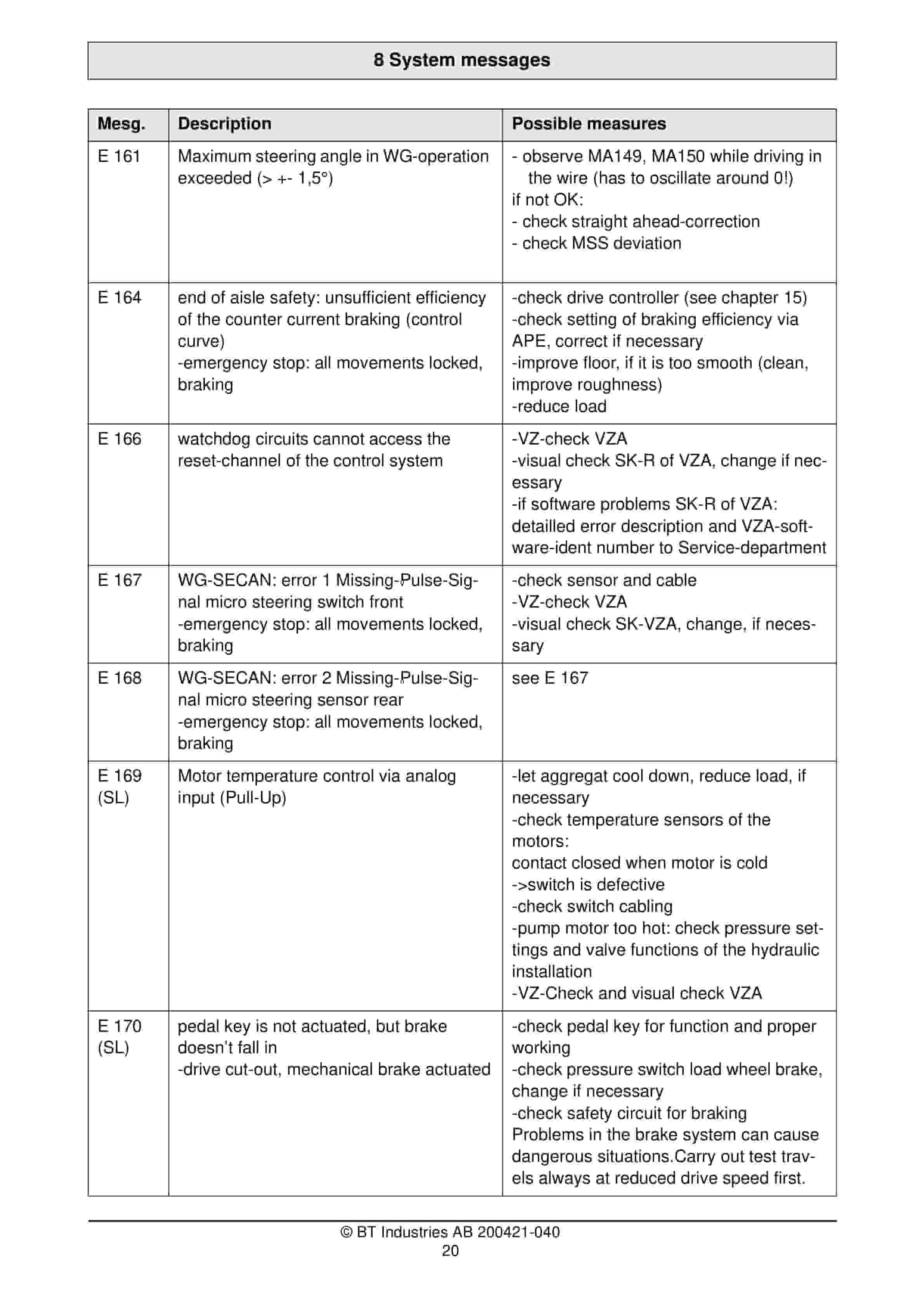
- 9. System messages
- 9.1. Required measuring instruments and test equipment
- 9.2. Chapt. Theme Page
- 9.3. Remarks for systematic error
- 9.4. diagnosis 3
- 9.5. Startup message 9
- 9.6. Operation messages VZA 14
- 9.7. Remarks for systematic error
- 9.8. diagnosis
- 9.9. Startup messages
- 9.10. Operation messages VZA
- 10. Equipment check
- 10.1. Required measuring instruments and test equipment
- 10.2. Chapt. Theme Page
- 10.3. Visual inspection of electronic
- 10.4. assemblies 3
- 10.5. Interchanging electronic
- 10.6. assemblies 5
- 10.7. CAN Check 15
- 10.8. RS232-Check 19
- 10.9. VZ-Check 21
- 10.10. Check of Control Panel 29
- 10.11. General Information about System Diagnosis
- 10.12. Use of the Display and Programming Unit (APE)
- 10.13. CAN Check
- 10.14. Structure of the CAN bus
- 10.15. RS232-Check
- 10.16. VZ-Check
- 10.17. Check of Control Panel
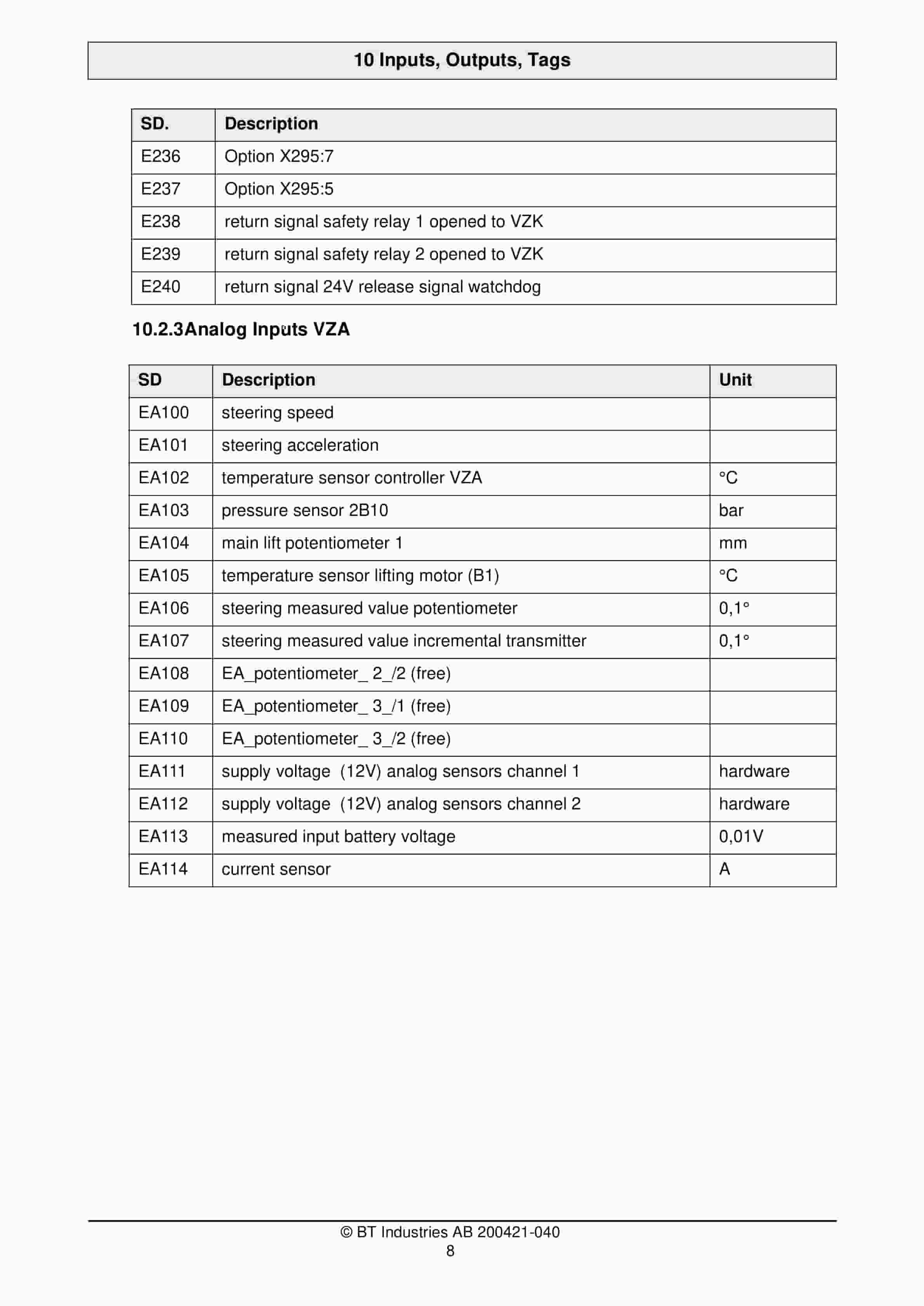
- 11. Inputs, Outputs, Tags
- 11.1. Assignment of the operands to VZA and VZK
- 11.2. Inputs
- 11.3. Outputs
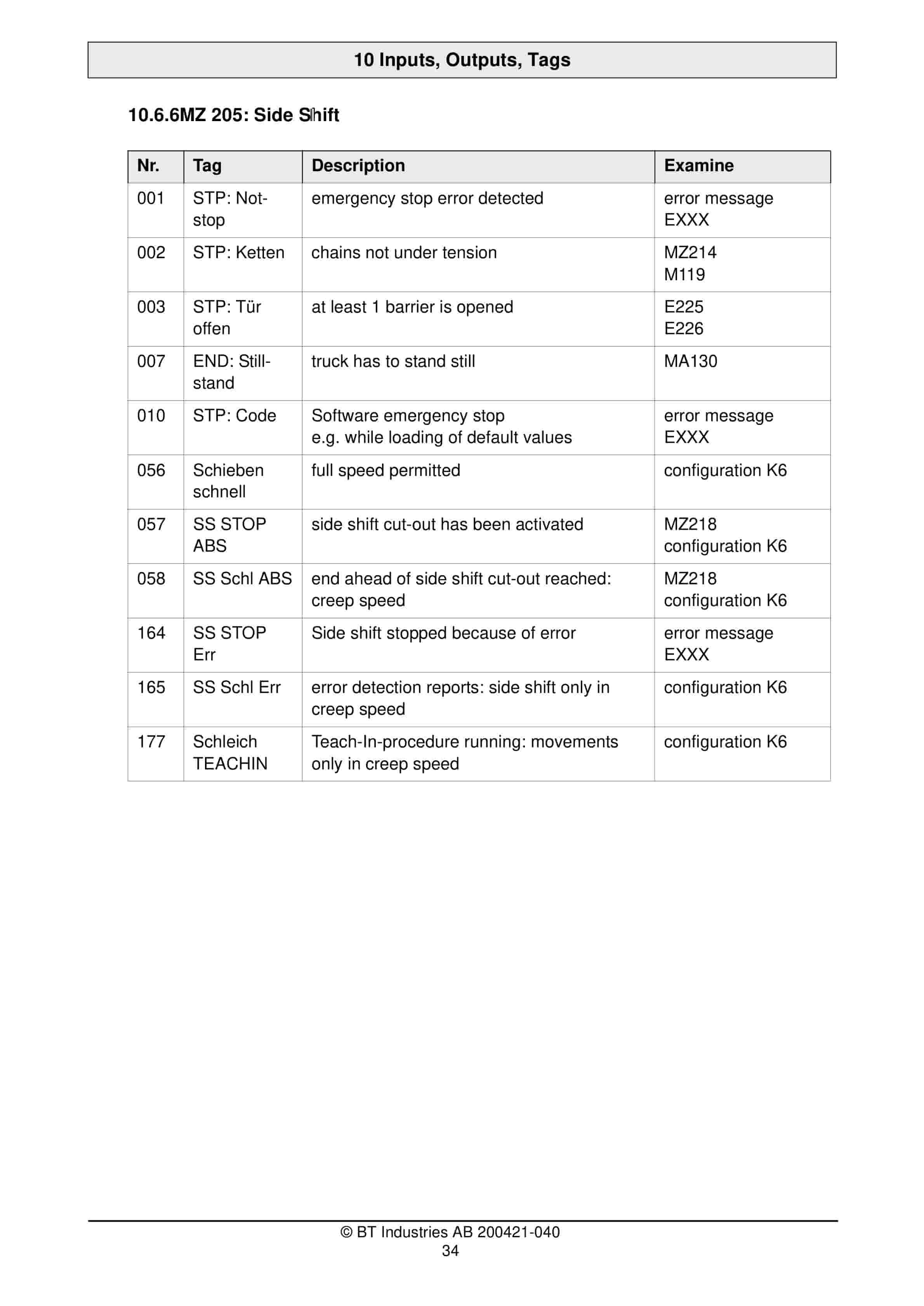
- 11.4. Tags
- 11.5. Status Tags VZA
- 11.6. Control system states of the VZK
- 12. Inputs, outputs, flags
- 12.1. Chapt. Theme Page
- 12.2. Assignment of the operands
- 12.3. to VZA and VZK 3
- 12.4. Inputs 5
- 12.5. Outputs 9
- 12.6. Tags 11
- 12.7. Control status VZK 20
- 12.8. Control system states of the VZK 29
- 13. Service parameters
- 13.1. Service display configuration
- 13.2. Service menu / setting parameters
- 14. Service parameters
- 14.1. Required measuring instruments and test equipment
- 15. Operating Diagrams
- 16. Hydraulic Diagram
- 16.1. Movement
- 16.2. Proportional valves
- 16.3. Software
- 16.4. R Rotate L
- 16.5. R Traverse L
- 16.6. Rotations
- 16.7. Controller
- 16.8. Pin power supply (24V)
- 16.9. Output Plug Pin
- 16.10. PIN Valve
- 16.11. Sofware output
- 16.12. Wiring diagram page
- 17. Driving- / Lifting- /
- 18. Steering control
- 18.1. LED flashing codes
- 18.2. Table of error numbers and LED flashing codes
- 18.3. LED flashing codes
- 19. Abbreviations
Related products
-
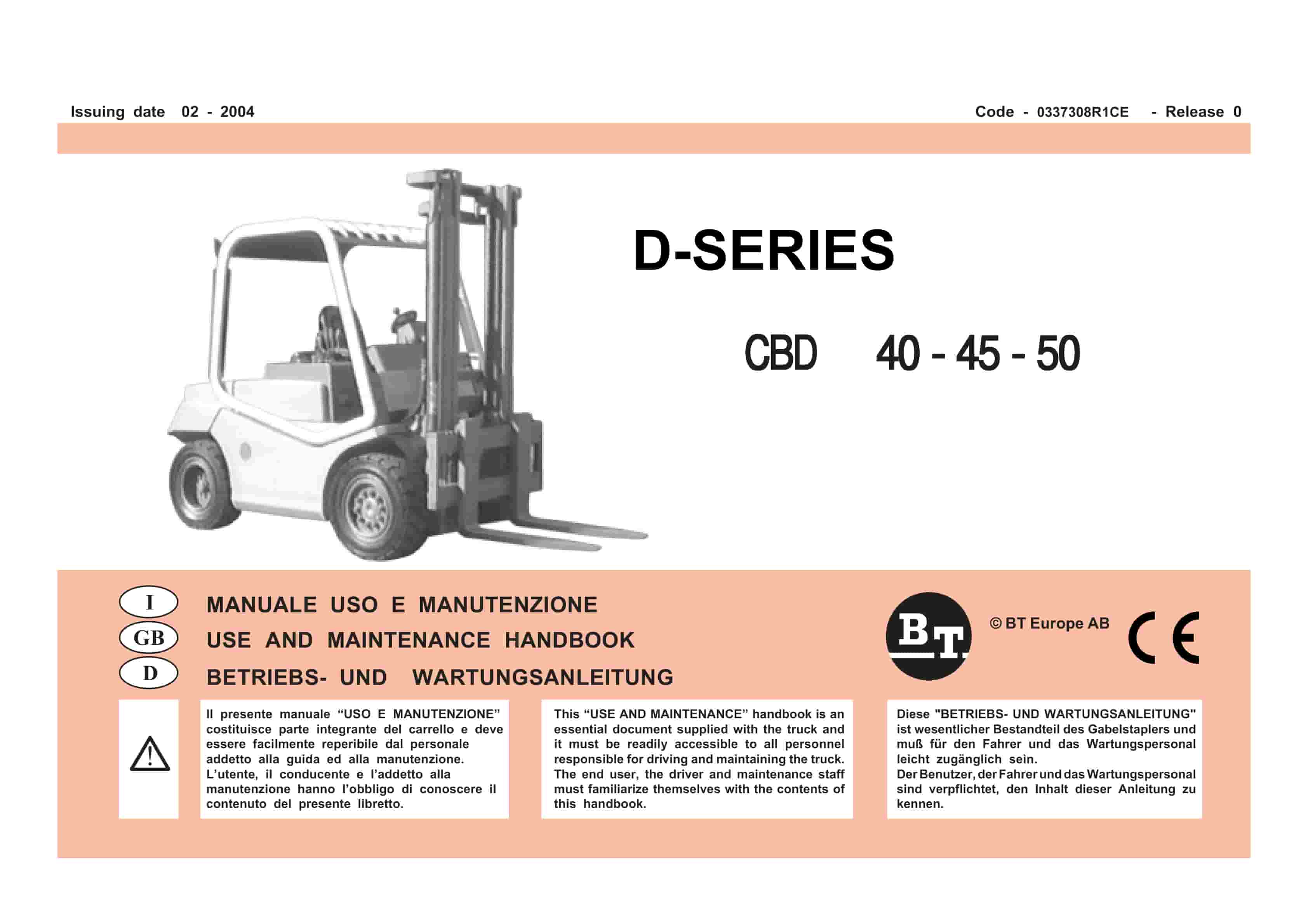
BT D-Series CBD40, CBD45, CBD50 Use And Maintenance Handbook 0337308R1CE
$30.00 Add to cart -
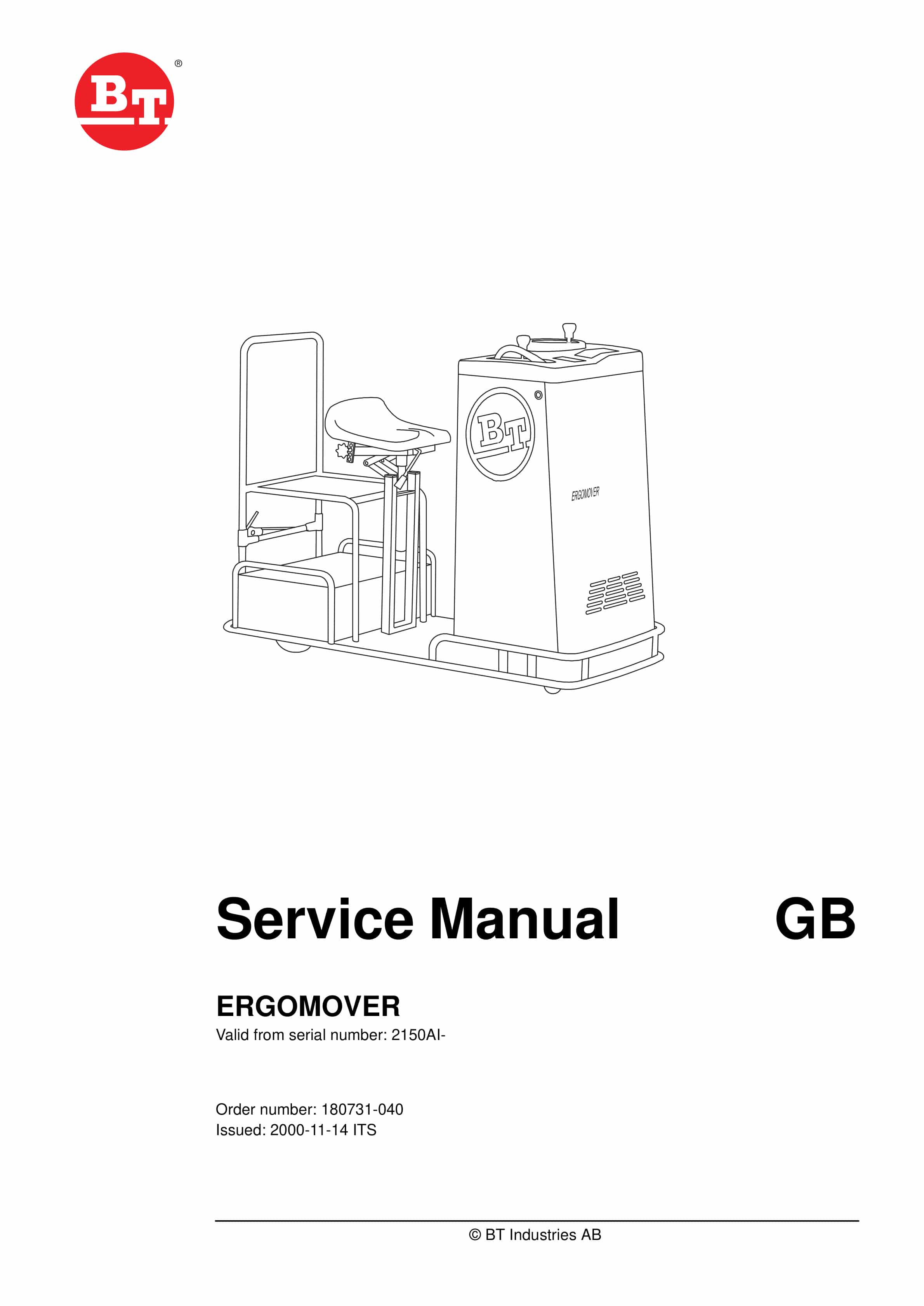
BT ERGOMOVER Service Manual 180731-040
$30.00 Add to cart -
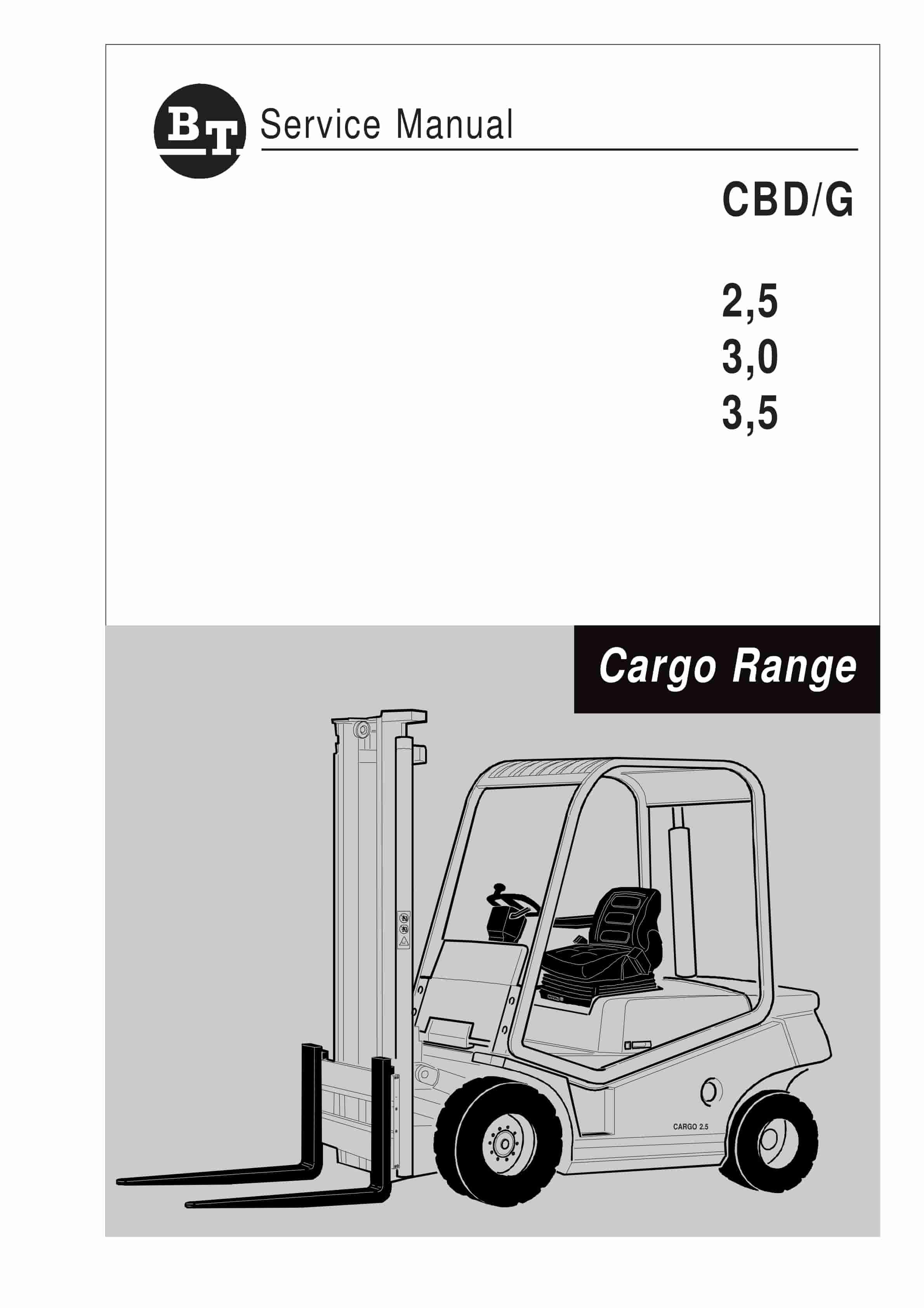
BT CBD-G 2.5, 3.0, 3.5 Service Manual 036-0405-01
$30.00 Add to cart -
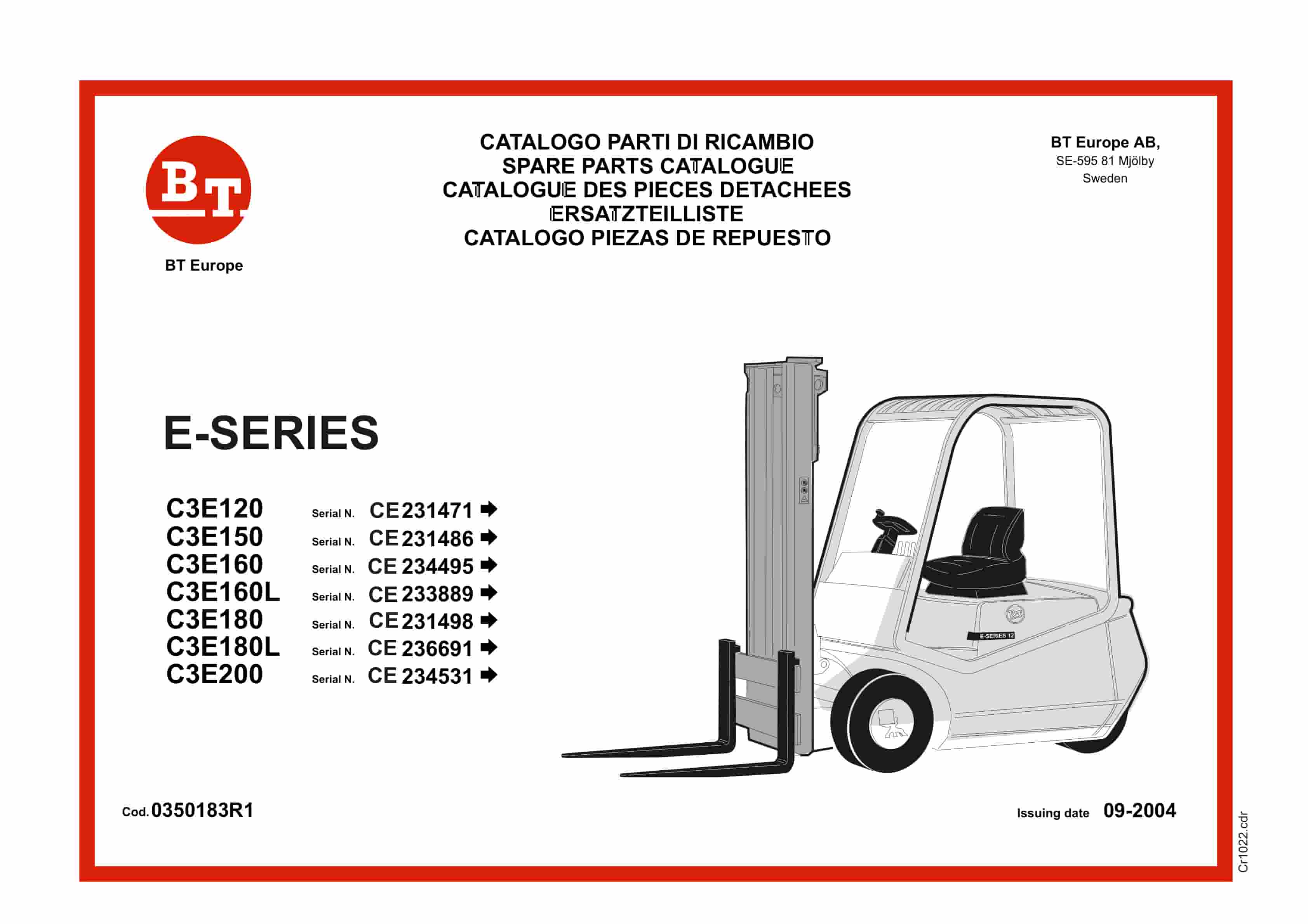
BT E-Series C3E120 to C3E200 Service Manual 0350183R1
$30.00 Add to cart -
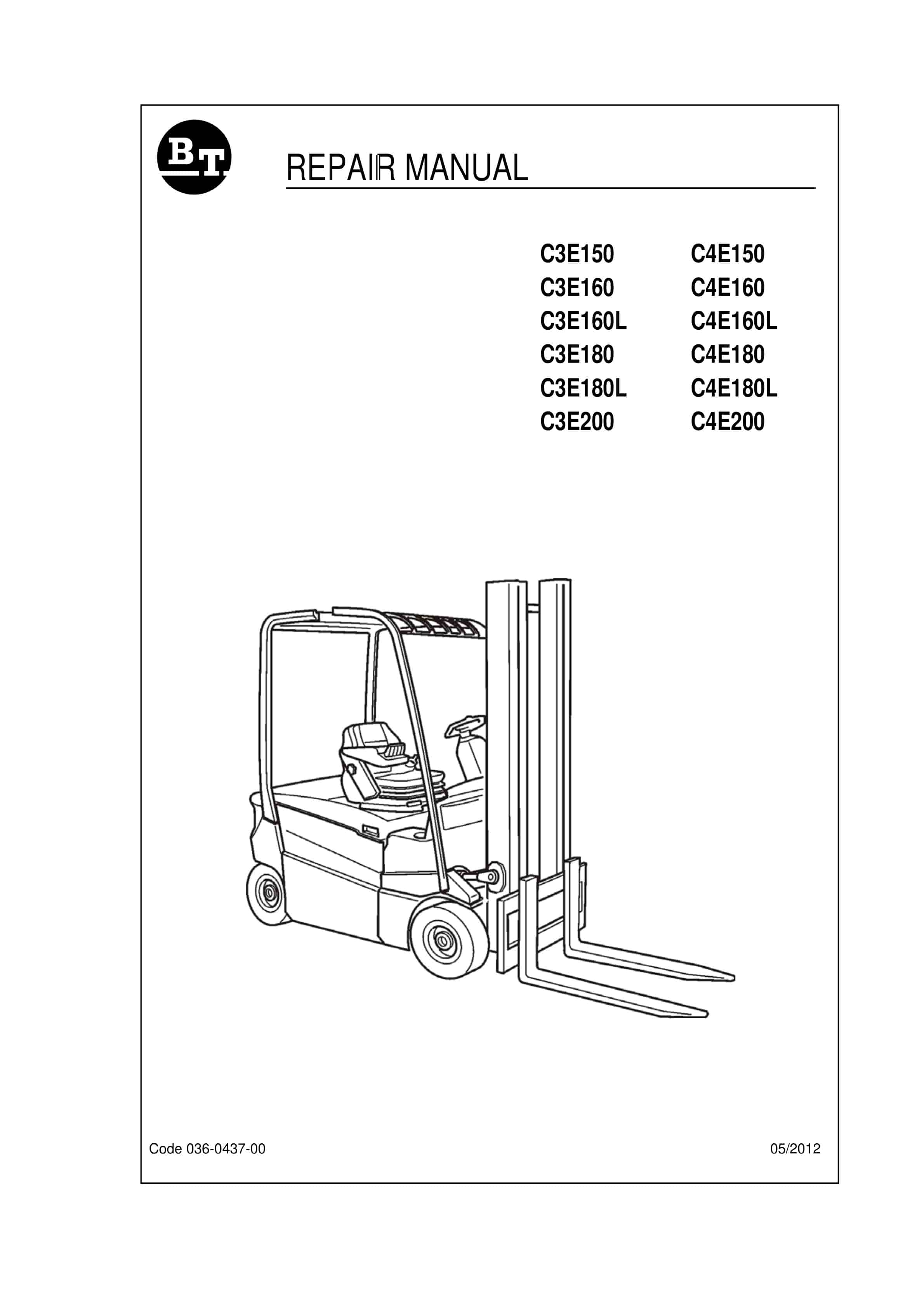
BT C3E150 to C4E200 Repair Manual 036-0437-00
$30.00 Add to cart


