

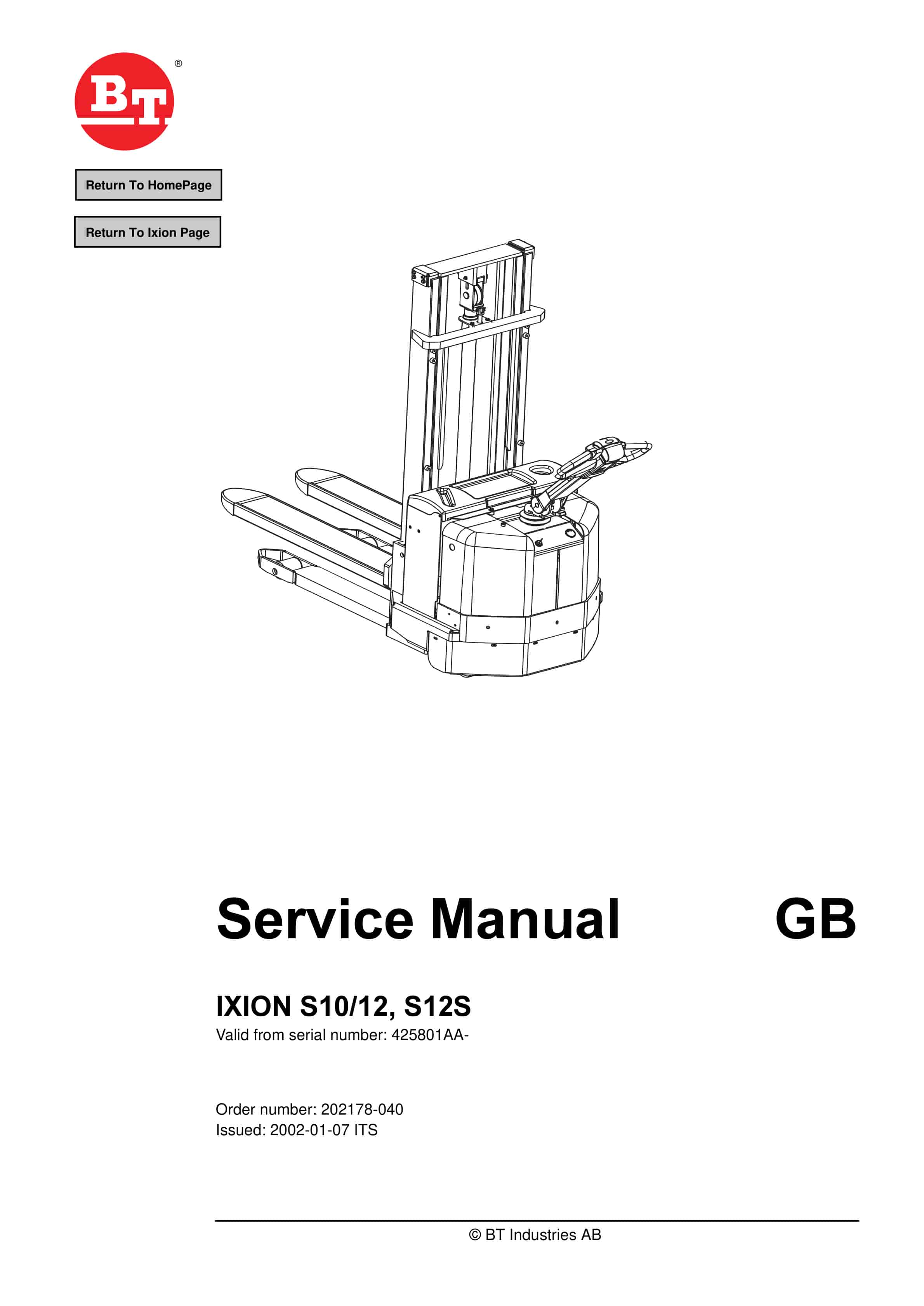
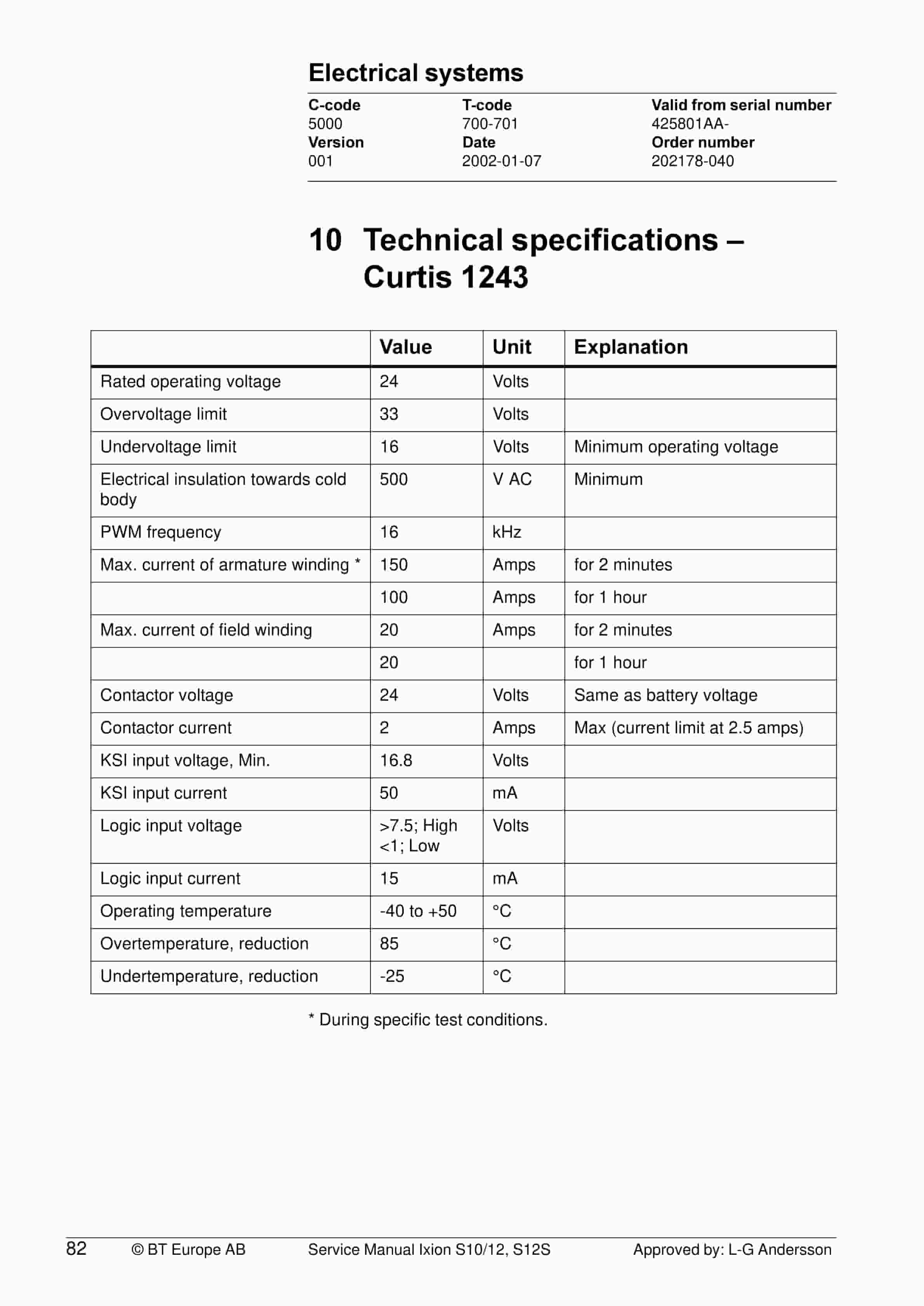
BT IXION S 10, S 12, S 12S Service Manual 202178-040
$30.00
- Type Of Manual: Service Manual
- Manual ID: 202178-040
- : Service Manual PDF
- Number of Pages: 102
- Size: 4.9MB
- Format: PDF
Product details
-
Model List:
- IXION S 10, S 12, S 12S
- 1. Return To Home Page
- 2. Contents
- 2.1. Technical data 7
- 2.2. Introduction Maintenance 11
- 2.3. Preventive maintenance 15
- 2.4. Oil and grease specification 21
- 2.5. Tools 23
- 2.6. Support arm chassis 27
- 2.7. Electric drive motor 31
- 2.8. Drive unit/gear 37
- 2.9. Electro magnetic brake 43
- 2.10. Steering 47
- 2.11. Electrical systems 53
- 2.12. Hydraulic system 83
- 2.13. Battery charger (Inbuilt) 85
- 2.14. Control/computer equipment 89
- 3. Technical data
- 4. Introduction Maintenance
- 4.1. Safety regulations with maintenance work
- 4.1.1. WARNING
- 4.1.2. WARNING
- 4.1.3. WARNING
- 4.1.4. CAUTION
- 4.2. Cleaning and washing
- 4.2.1. External cleaning
- 4.2.2. Cleaning the motor compartment
- 4.2.3. Electrical components
- 4.3. Safe lifting
- 4.3.1. WARNING
- 5. Preventive maintenance
- 5.1. Maintenance schedule
- 5.1.1. Pos. No.
- 5.1.2. Work to carry out
- 5.2. Lubrication schedule
- 5.2.1. Service point
- 5.2.2. Interval/Running hours
- 5.2.3. Lubricant
- 6. Oil and grease specification
- 6.1. Lubticant
- 6.2. Specification
- 6.3. Application area
- 6.4. Super Seal connectors
- 6.4.1. Application
- 6.4.2. AMP connectors
- 6.4.2.1. Application
- 6.4.3. Other tools
- 6.4.3.1. Application
- 7. Support arm chassis
- 7.1. General
- 7.2. Main components
- 7.3. Maintenance
- 7.4. Adjustment of the support arm width
- 7.4.1. Warning
- 7.5. Exchange of support arms
- 8. Electric drive motor
- 8.1. Component parts
- 8.1.1. Description
- 8.1.2. Dismantling of motor from truck
- 8.1.3. Assembling
- 8.2. Service/Repairs
- 8.2.1. Dismantling of motor
- 8.2.2. Assembling of motor
- 8.2.3. Cleaning
- 8.3. Technical data
- 8.3.1. Type of machine
- 8.3.2. S10/12, S12S
- 9. Drive unit/gear
- 9.1. Component parts
- 9.1.1. Description
- 9.1.2. Technical data
- 9.1.2.1. Type of truck
- 9.1.2.2. S10/12, S12S
- 9.2. Leakage from top cover
- 9.3. Changing of the drive shafts sealing ring
- 9.3.1. Dismantling
- 9.3.2. Assembling
- 10. Electro magnetic brake
- 10.1. Main components of the brake
- 10.2. Maintenance
- 10.2.1. Basic Adjustment of gap
- 10.2.2. Exchange of brake disc
- 11. Steering
- 11.1. Component parts, tiller arm
- 11.1.1. Description
- 11.2. Adjustments
- 11.2.1. Adjusting of brake microswitch
- 11.3. Tiller arm handle
- 11.3.1. Description
- 11.3.2. Dismantling/Assembling
- 11.3.2.1. Changing of signal button/switch (9, 10)
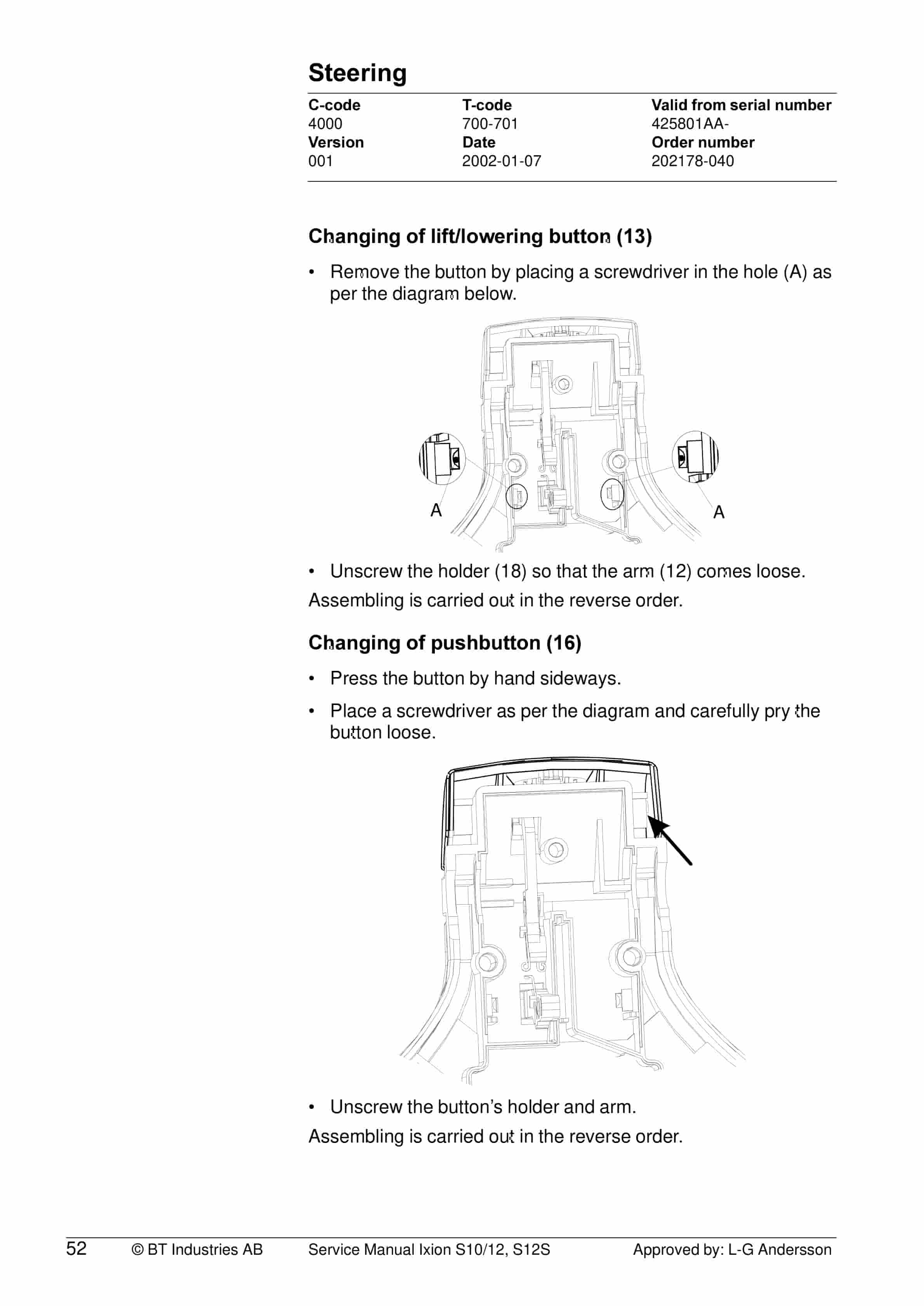
- 11.3.2.2. Changing of lift/lowering button (13)
- 11.3.2.3. Changing of pushbutton (16)
- 12. Electrical systems
- 12.1. Electrical parts
- 12.2. List of symbols and electrical wiring diagram
- 12.2.1. Description
- 12.2.2. Function
- 12.2.3. Electrical diagram 1(5)
- 12.2.4. Electrical diagram 2(5)
- 12.2.5. Electrical diagram 3(5)
- 12.2.6. Electrical diagram 4(5)
- 12.2.7. Electrical diagram 5(5)
- 12.3. Functional description
- 12.3.1. Starting the truck
- 12.3.2. Driving
- 12.3.3. Neutral speed reduction
- 12.3.4. Picture 3
- 12.3.5. Neutral speed reduction on slopes
- 12.3.6. Braking
- 12.3.7. Lifting the forks
- 12.3.8. Lowering the forks
- 12.3.9. Horn
- 12.4. Hour meter
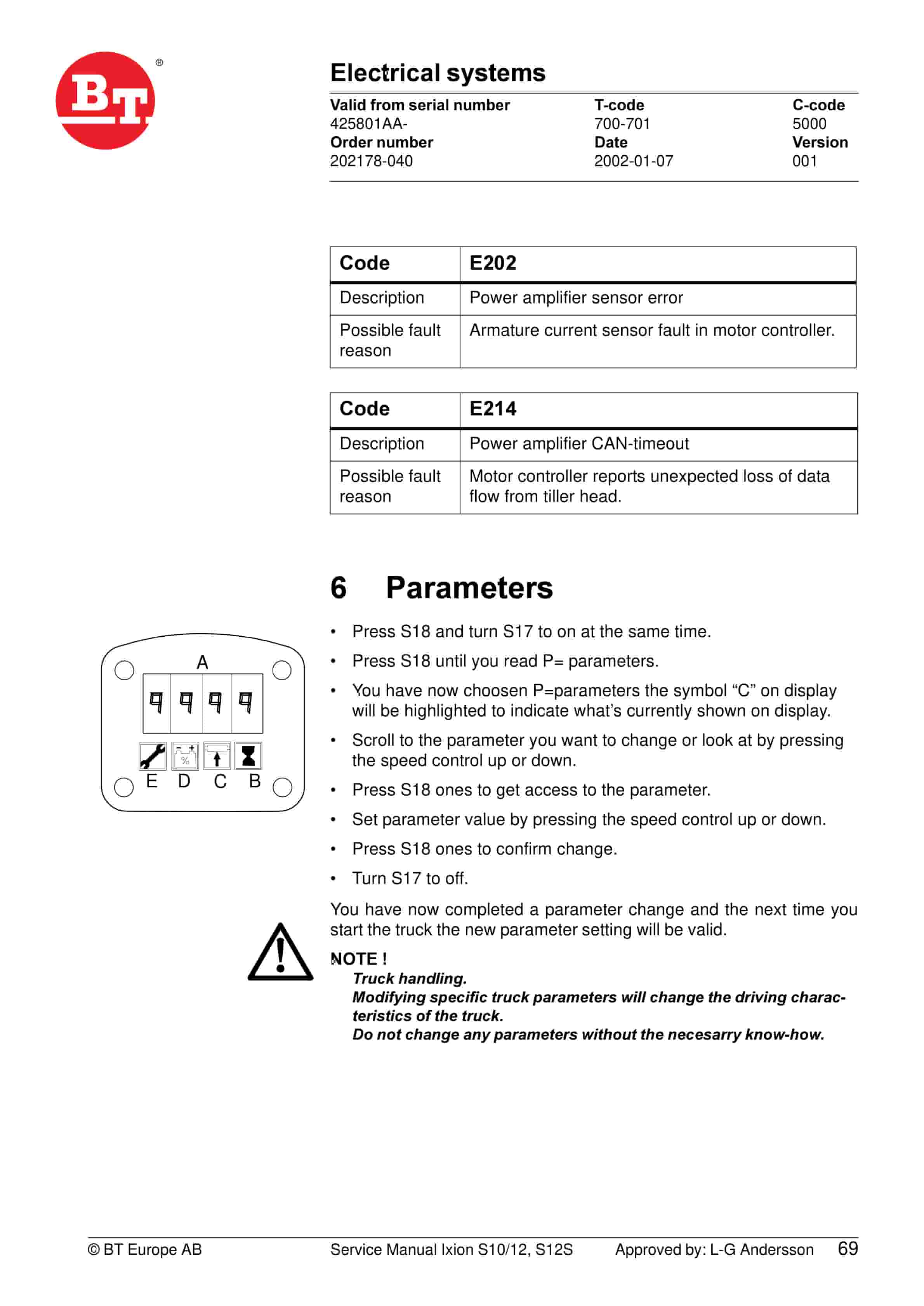
- 12.5. Fault codes
- 12.5.1. Driver parameters
- 12.5.1.1. Parameter
- 12.5.2. Service parameters
- 12.5.2.1. Parameter
- 12.5.3. Parameter description
- 12.5.3.1. Parameter 1
- 12.5.3.2. Parameter 2
- 12.5.3.3. Parameter 3
- 12.5.3.4. Parameter 4
- 12.5.3.5. Parameter 5
- 12.5.3.6. Parameter 10
- 12.5.3.7. Parameter 14
- 12.5.3.8. Parameter 20
- 12.5.3.9. Parameter 21
- 12.5.3.9.1. Function
- 12.5.3.9.2. Battery (Ah)
- 12.5.3.9.3. WARNING
- 12.5.3.10. Parameter 25
- 12.5.3.11. Parameter 28
- 12.5.3.12. Parameter 39
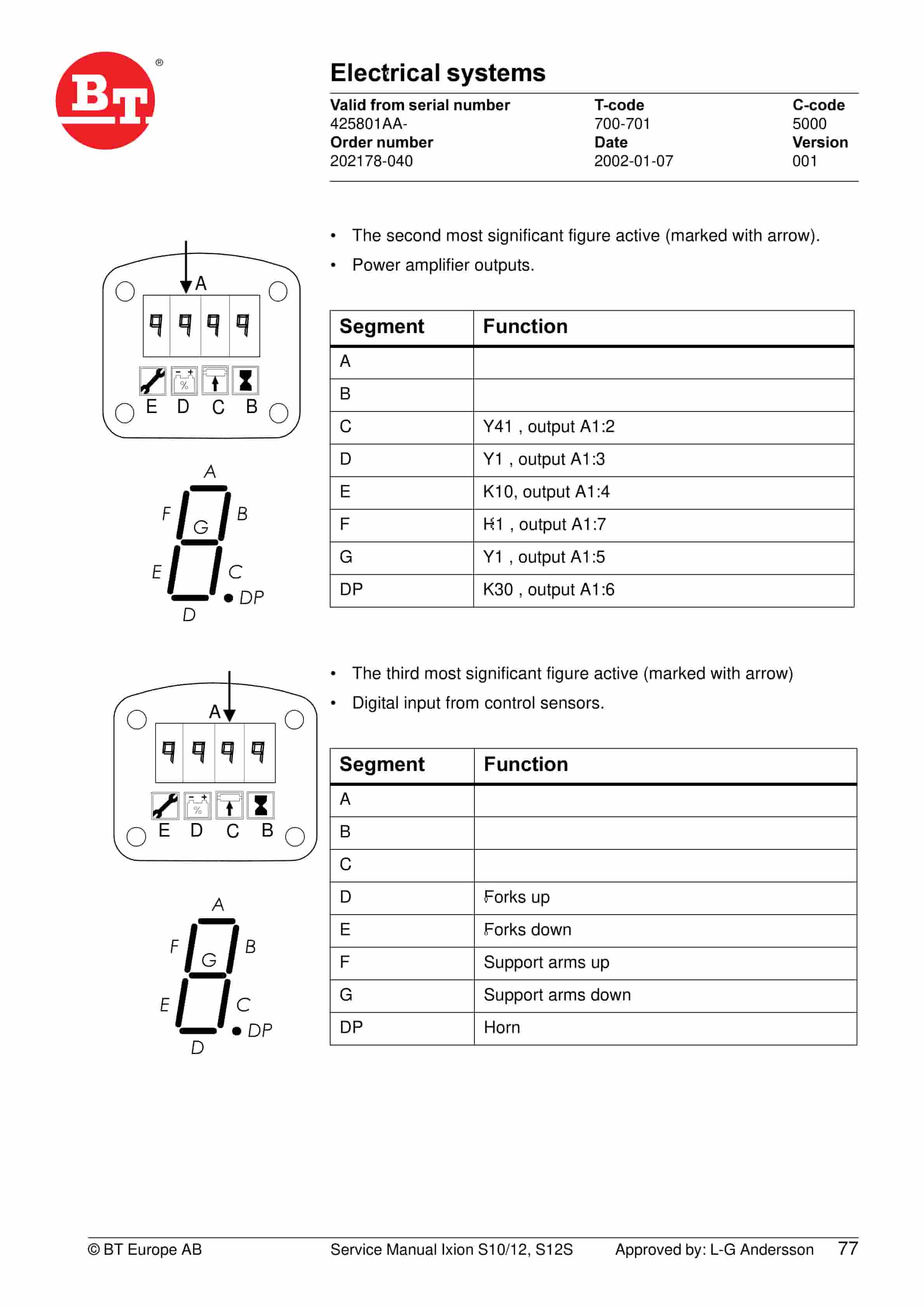
- 12.5.3.13. Service display
- 12.5.3.13.1. Flashing symbol
- 12.5.3.13.2. Displayed data
- 12.5.3.13.3. Segment
- 12.5.3.13.4. Function
- 12.5.3.13.5. Segment
- 12.5.3.13.6. Function
- 12.5.3.13.7. Segment
- 12.5.3.13.8. Function
- 12.5.3.13.9. Segment
- 12.5.3.13.10. Function
- 12.6. Part numbers
- 12.7. Transistor panel
- 12.7.1. General
- 12.8. Diagnostic and troubleshooting
- 12.8.1. Error codes and troubleshooting
- 12.8.1.1. STATUS LED
- 12.8.1.2. Handheld terminal display
- 12.8.1.3. Explanation
- 12.8.1.4. Possible cause
- 12.8.2. Resetting errors
- 12.8.2.1. Reset when
- 12.8.3. Safety
- 12.8.3.1. WARNING
- 12.9. Technical specifications Curtis 1243
- 12.9.1. Explanation
- 13. Hydraulic system
- 13.1. Hydraulic diagram and components
- 13.1.1. Main components
- 13.1.1.1. Description
- 13.1.2. Description
- 13.1.2.1. Lift
- 13.1.2.2. Lowering
- 13.1.2.3. Operating pressure
- 13.1.2.4. Relief valve
- 13.1.2.5. Pressure switch
- 14. Battery charger (Inbuilt)
- 14.1. General
- 14.2. Charging
- 14.3. Troubleshooting and service
- 14.4. Technical data
- 14.5. Charging settings
- 14.5.1. Freely ventilated batteries
- 14.5.1.1. Batterysize
- 14.5.1.2. Output current
- 14.5.1.3. I2 current
- 14.5.1.4. Max current maintenance
- 14.5.2. Valve regulated batteries
- 14.5.2.1. Batterysize
- 14.5.2.2. Output current
- 14.5.2.3. I2 current
- 14.5.2.4. Max current maintenance
- 15. Control/computer equipment
- 15.1. General
- 15.1.1. Production mode
- 15.2. Connection
- 15.3. Layout
- 15.3.1. Main window
- 15.3.2. Nodes
- 15.3.2.1. Icons
- 15.3.2.1.1. Description
- 15.3.3. Tool buttons
- 15.3.4. Information window
- 15.3.5. Status bar
- 15.4. Function
- 15.4.1. Connection
- 15.4.2. Disconnection
- 15.4.3. Downloading program
- 15.4.3.1. Normal downloading
- 15.4.3.2. Downloading in old versions of logic card
- 15.4.3.3. Emergency downloading
- 15.4.4. Truck report
- 15.4.5. Parameters
- 15.4.6. Diagnostics
- 15.4.6.1. Analogue
- 15.4.6.2. Temperature
- 15.4.6.3. Digital
- 15.4.7. User settings
- 15.4.8. Other functions
- 15.4.8.1. Save to file
- 15.4.8.2. Download from file
- 15.4.8.3. Reset CAN adapter
- 15.4.8.4. Delete error code log
- 15.4.8.5. Reset hour meter
- 15.4.8.6. Read error code log
- 15.4.8.7. Adjust date and time
- 15.4.8.8. Adjusting the hour meter on older cards
- 15.4.9. Help
- 15.4.9.1. About TruckCom
- 15.4.9.2. Link
- 15.4.10. Exit
- 15.5. Specifications
- 15.5.1. CAN interface
- 15.5.1.1. Description
- 15.5.2. Installation
- 15.5.3. To uninstall
Related products
-
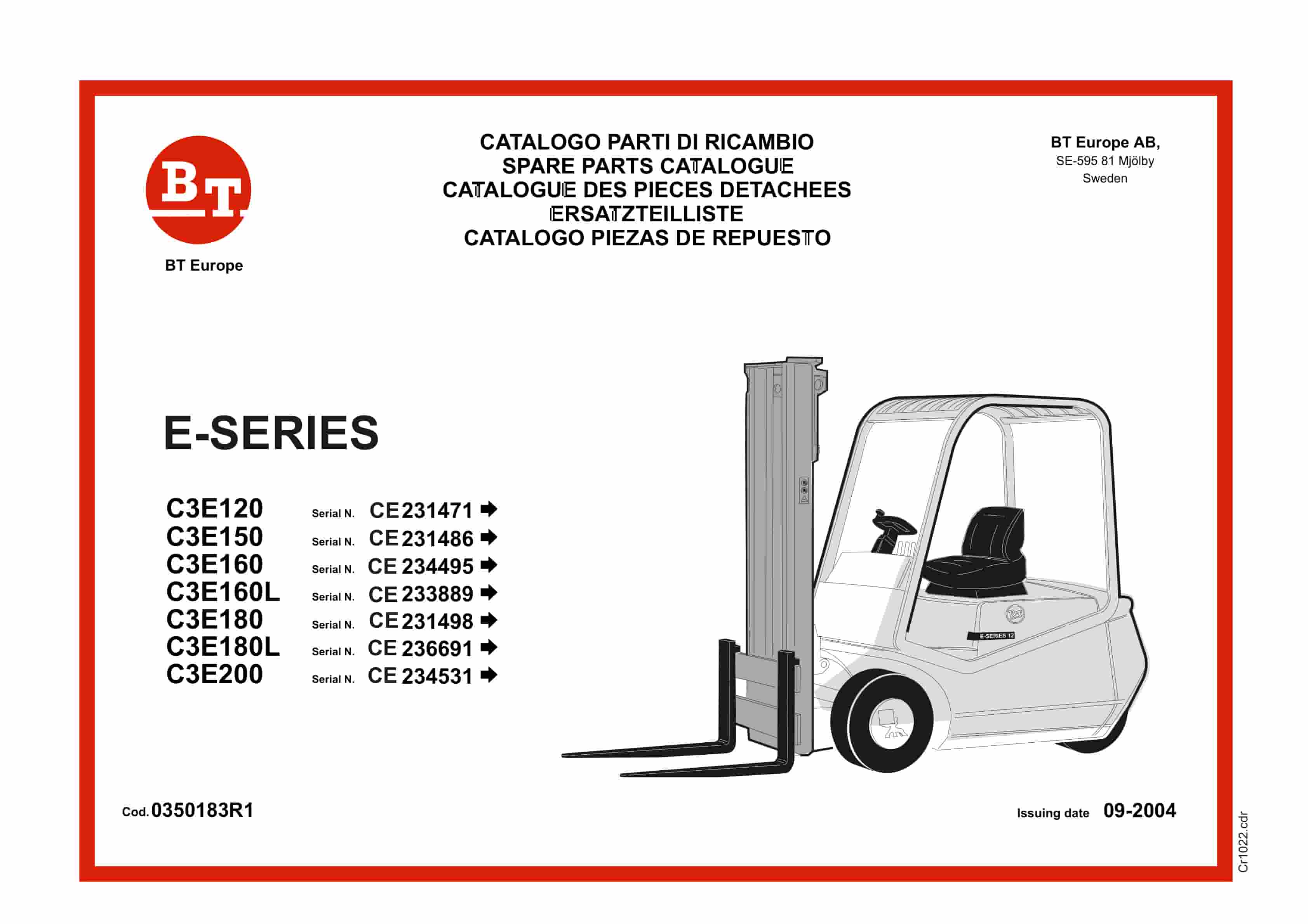
BT E-Series C3E120 to C3E200 Service Manual 0350183R1
$30.00 Add to cart -
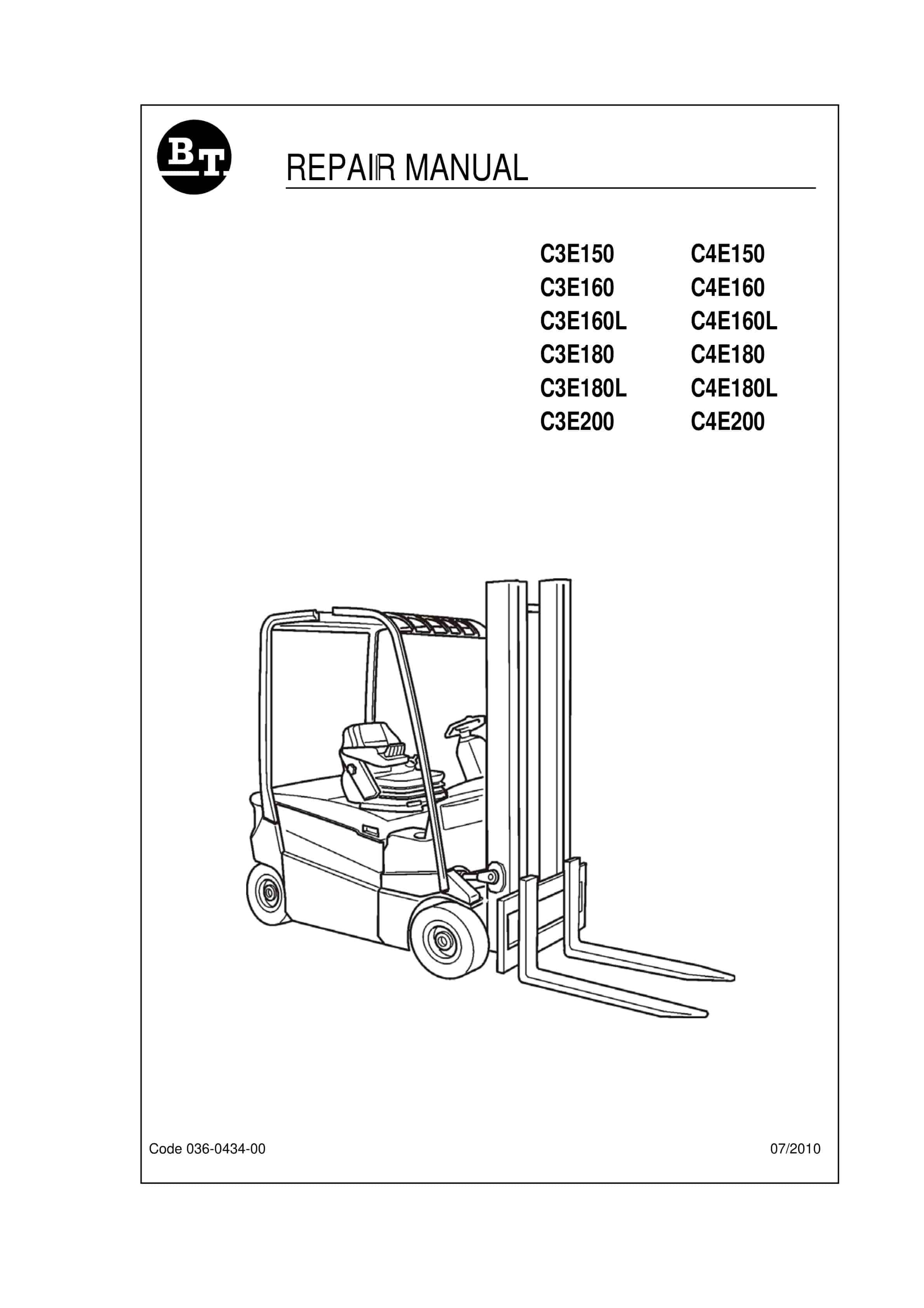
BT C3E150 to C4E200 Repair Manual 036-0434-00
$30.00 Add to cart -
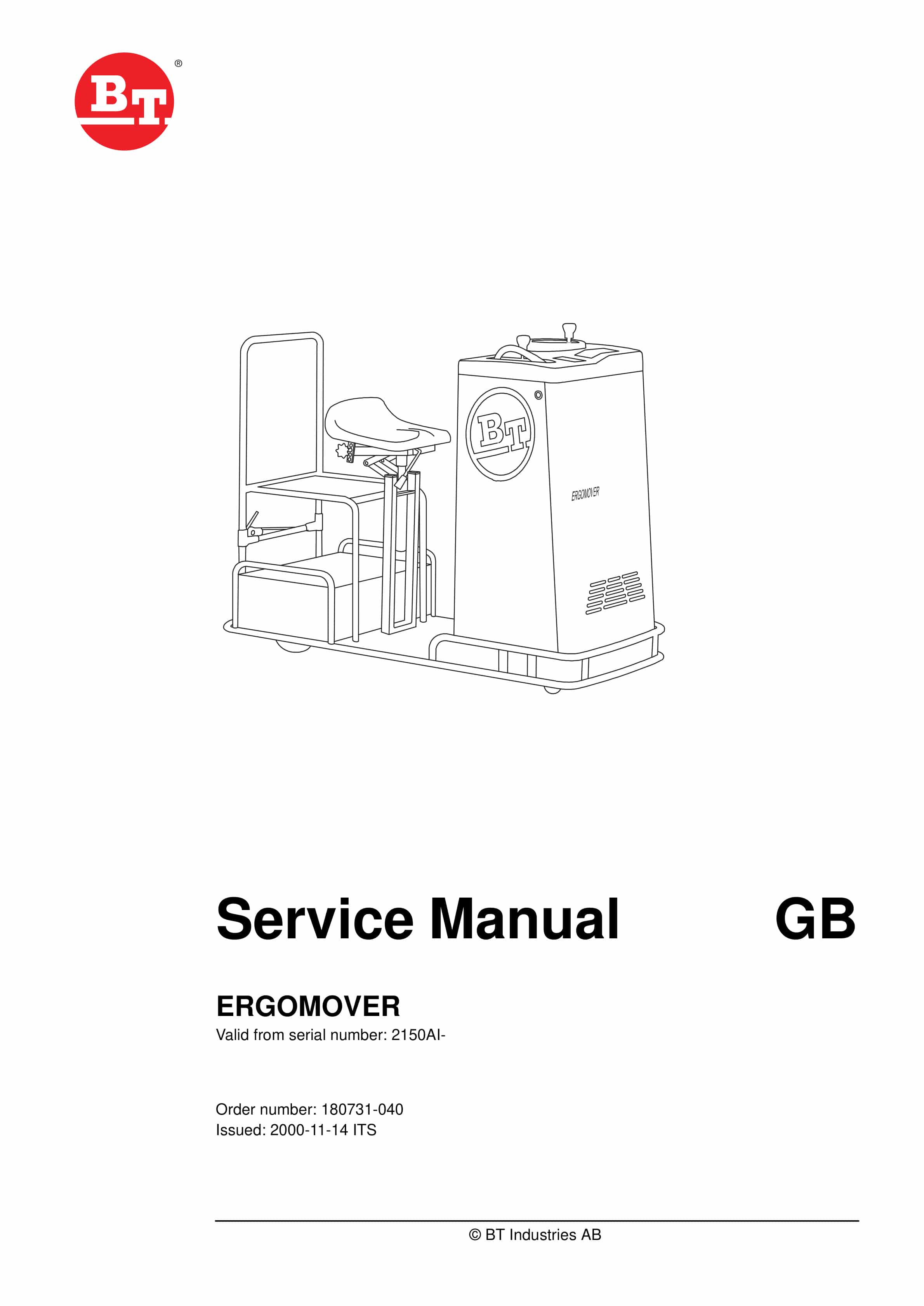
BT ERGOMOVER Service Manual 180731-040
$30.00 Add to cart -
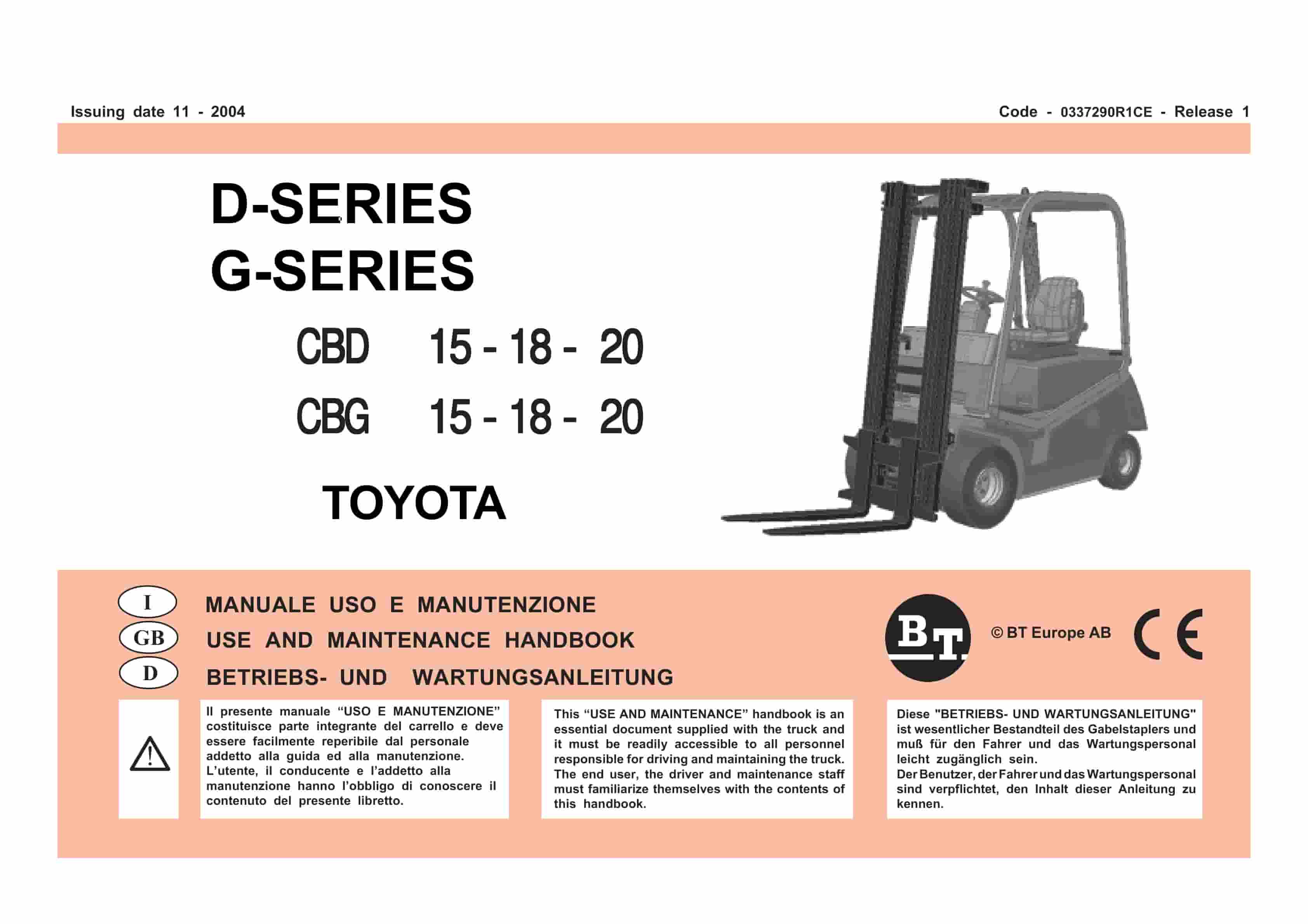
BT D-G-Series CBD15, CBD18, CBD20, CBG15, CBG18, CBG20 Use And Maintenance Handbook 0337290R1CE
$30.00 Add to cart -
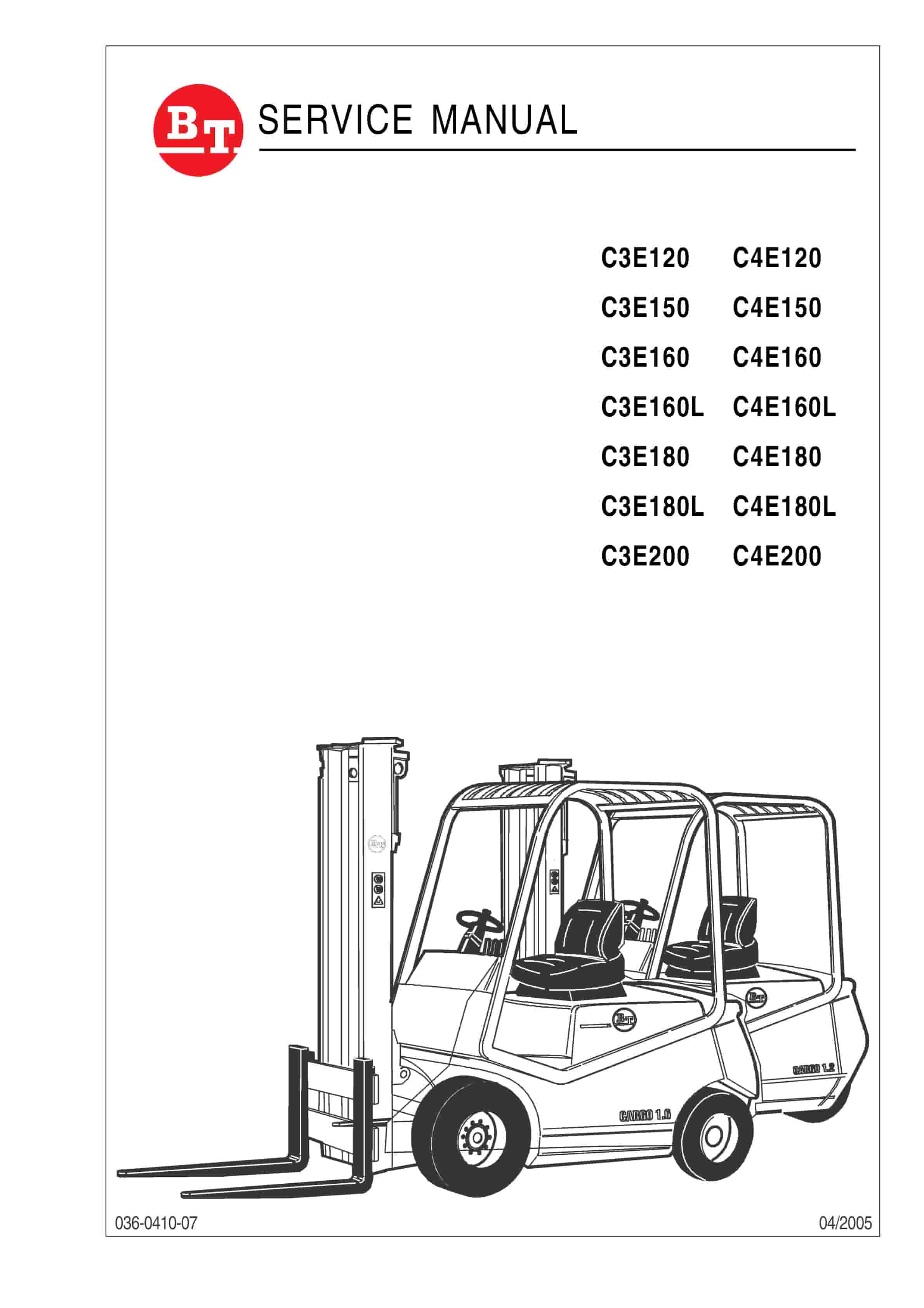
BT C3E120 to C4E200 Service Manual 036-0410-07
$30.00 Add to cart


