

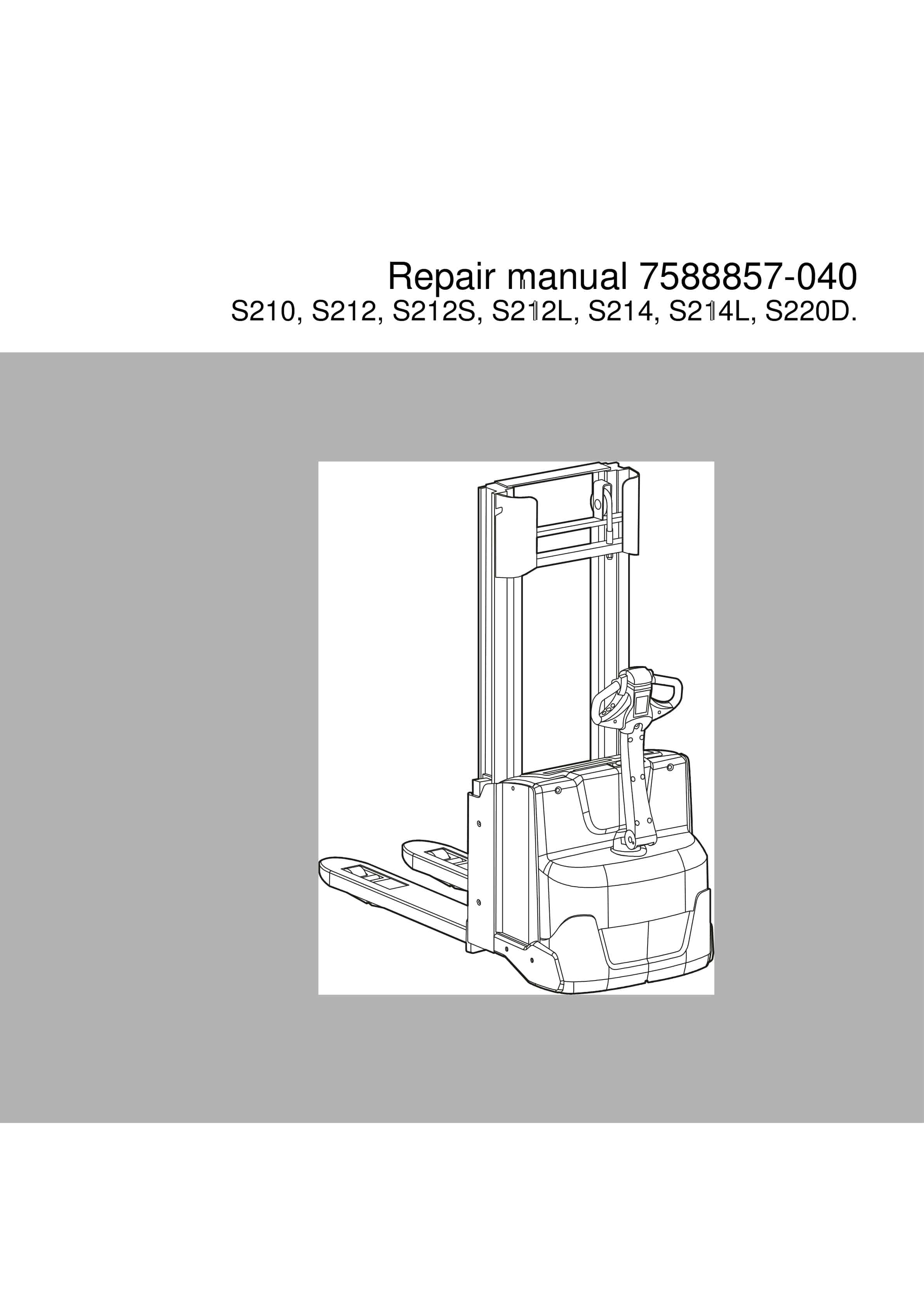
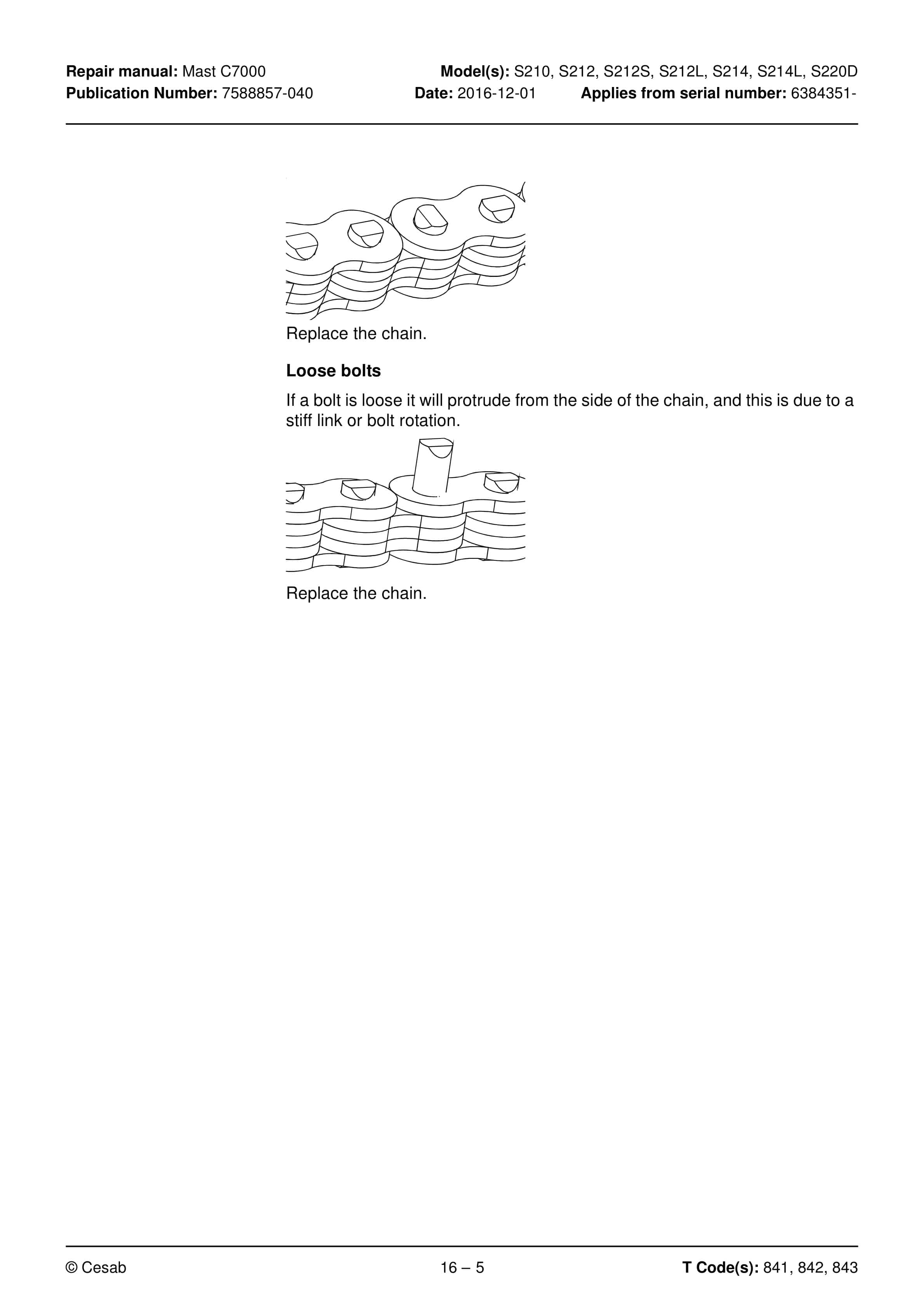
BT S210, S212, S212S, S212L, S214, S214L, S220D Repair Manual 7588857-040
$30.00
- Type Of Manual: Repair Manual
- Manual ID: 7588857-040
- : Service Manual PDF
- Number of Pages: 308
- Size: 11.1MB
- Format: PDF
Product details
-
Model List:
- S210, S212, S212S, S212L, S214, S214L, S220D
- 1. Contents
- 2. General introduction
- 2.1. How to use this manual
- 2.2. Warning levels and symbols
- 2.3. Pictograms
- 3. General safety rules
- 3.1. Work safety
- 3.2. Electrical system
- 3.3. Safe lifting
- 3.4. Truck modifications
- 4. Operation and connection sequences
- 4.1. Symbols on keypad and display
- 4.2. Battery is connected
- 4.3. Login via keypad
- 4.4. Tiller arm lowered for driving
- 4.5. Driving in fork direction
- 4.6. Driving in the drive wheel direction
- 4.7. Neutral position braking
- 4.8. Reverse braking
- 4.9. Mechanical braking
- 4.10. Emergency reversal
- 4.11. Fork lifting
- 4.12. Fork lifting (S210)
- 4.13. Support arm lift (S212L, 214L, S220D)
- 4.14. Fork lowering
- 4.15. Support arm lowering (S212L, 214L, S220D)
- 4.16. Click-2-Creep
- 4.17. Turtle function (option)
- 5. Parameters
- 5.1. General
- 5.1.1. Show/change parameters
- 5.1.2. Operator parameters
- 5.1.3. Overview
- 5.1.4. Connection to logged-in operator
- 5.1.4.1. Description of operator parameters
- 5.1.4.2. Parameters 3 and 4 Acceleration/Deceleration
- 5.1.4.3. Parameters 6 and 7 Maximum travel speed
- 5.2. General service parameters
- 5.2.1. Overview
- 5.2.2. Description
- 5.2.2.1. Parameter 101/104 Service/Log-out
- 5.2.2.2. Parameter 102 – Operator access
- 5.2.2.3. Parameter 103 – Start-up display
- 5.2.2.4. Parameter 105/106 – Collision sensor sensitivity for X/Y (Optional)
- 5.2.2.5. Parameter 107 Battery size
- 5.2.2.6. Table applicable to P214, 216, 218, 220
- 5.2.2.7. Table concerning P225
- 5.2.2.8. Table concerning S208L, 210, 212S, 212L, 212, 214L, 214, 220D
- 5.2.2.9. Verifying parameter settings for freely ventilated batteries (lead-acid batteries)
- 5.2.2.10. Verifying the parameter setting for valve-regulated batteries (Exide)
- 5.2.2.11. Parameters 109/110 – Built-in charger (option)
- 5.2.2.12. Parameter 111 – Reset procedure after collision (option)
- 5.2.2.13. Parameter 112 – Clear application data
- 5.3. Service parameters, travel functions
- 5.3.1. Overview
- 5.3.2. Description
- 5.3.2.1. Parameter 201 Deceleration when reversing
- 5.3.2.2. Parameter 202 Maximum speed Turtle mode activated
- 5.3.2.3. Parameter 203 – Maximum speed, forks above 1.8 m
- 5.3.2.4. Parameter 204 – Maximum acceleration, forks above 1.8 m
- 5.3.2.5. Parameter 205 – Maximum reversing, forks above 1.8 m
- 5.3.2.6. Parameter 206 – Automatic speed reduction, forks above 1.8 m
- 5.4. Service parameters, hydraulic functions
- 5.4.1. Description
- 5.4.1.1. Parameter 301 Ramping value for lowering stop
- 5.4.1.2. Parameter 302 – Fork, lowering speed
- 5.4.1.3. Parameter 303 – EVP start mode
- 5.4.1.4. Parameter 304 – EVP support arm lowering speed
- 5.4.1.5. Parameter 305 – EVP slow lowering speed
- 5.4.1.6. Parameter 306 – Activation of Click-2-Creep lifting/lowering
- 5.4.1.7. Parameter 307 – Automatic support arm lowering (On/Off)
- 5.4.1.8. Parameter 499 – (Not applicable)
- 5.5. Factory parameters
- 5.5.1. Overview
- 5.5.2. Description
- 5.5.2.1. Parameter 1001 – Truck type
- 5.5.2.2. Parameter 1002 – Non-configurable options
- 5.5.2.3. Parameters 1003-1042 Optional functions
- 5.5.2.4. Parameter 1044 – Master maximum speed
- 5.5.2.5. Parameter 1045 – Type of battery in the truck
- 5.5.2.6. Parameter 1046 – Adapting to special trucks
- 5.5.2.7. Parameter 1101 – Built-in charger
- 5.5.2.8. Parameter 1102 – Controls for hydraulic function
- 5.5.2.9. Parameter 1110 Reset voltage for BDI
- 5.5.2.10. Parameter 1118 – Hardware version
- 5.5.2.11. Matrix for hardware/software compatibility
- 6. Installation and commissioning
- 6.1. Transporting the truck
- 6.2. Transporting the mast
- 6.3. Safe lifting
- 6.4. Installing the battery
- 6.5. Using PIN codes
- 6.5.1. General
- 6.5.2. PIN code for resetting after a collision
- 6.5.3. Programming PIN codes
- 6.6. Programming PIN codes
- 6.6.1. PIN code defaults
- 6.7. Setting parameters
- 6.8. Function and safety checks
- 7. Maintenance
- 7.1. Introduction
- 7.2. Maintenance instructions
- 7.2.1. Cleaning and washing
- 7.2.2. High-pressure washers
- 7.2.3. Degreasing agents
- 7.2.4. Cleaning the exterior
- 7.2.5. Cleaning the chain
- 7.2.6. Cleaning the motor compartment
- 7.2.7. Electric components
- 7.3. Maintenance schedule
- 8. Troubleshooting
- 8.1. General
- 8.1.1. Software compatibility
- 8.2. Towing a defective truck
- 8.2.1. Tow using a tow truck and tow wagon
- 8.3. Emergency driving mode
- 8.4. Troubleshooting methods
- 8.4.1. General initial troubleshooting
- 8.4.2. Concluding troubleshooting
- 8.5. Error code history
- 8.6. Error code system
- 8.7. Error codes
- 8.8. Troubleshooting chart
- 8.8.1. The truck cannot be driven.
- 8.8.2. Truck only travels at reduced speed
- 8.8.3. The truck can be driven but behaves abnormally
- 8.8.4. The truck can be driven, but some functions do not work
- 8.8.4.1. Software compatibility
- 8.8.4.2. Hardware compatibility matrix
- 8.8.5. Defective hydraulic functions
- 8.9. Built-in test function
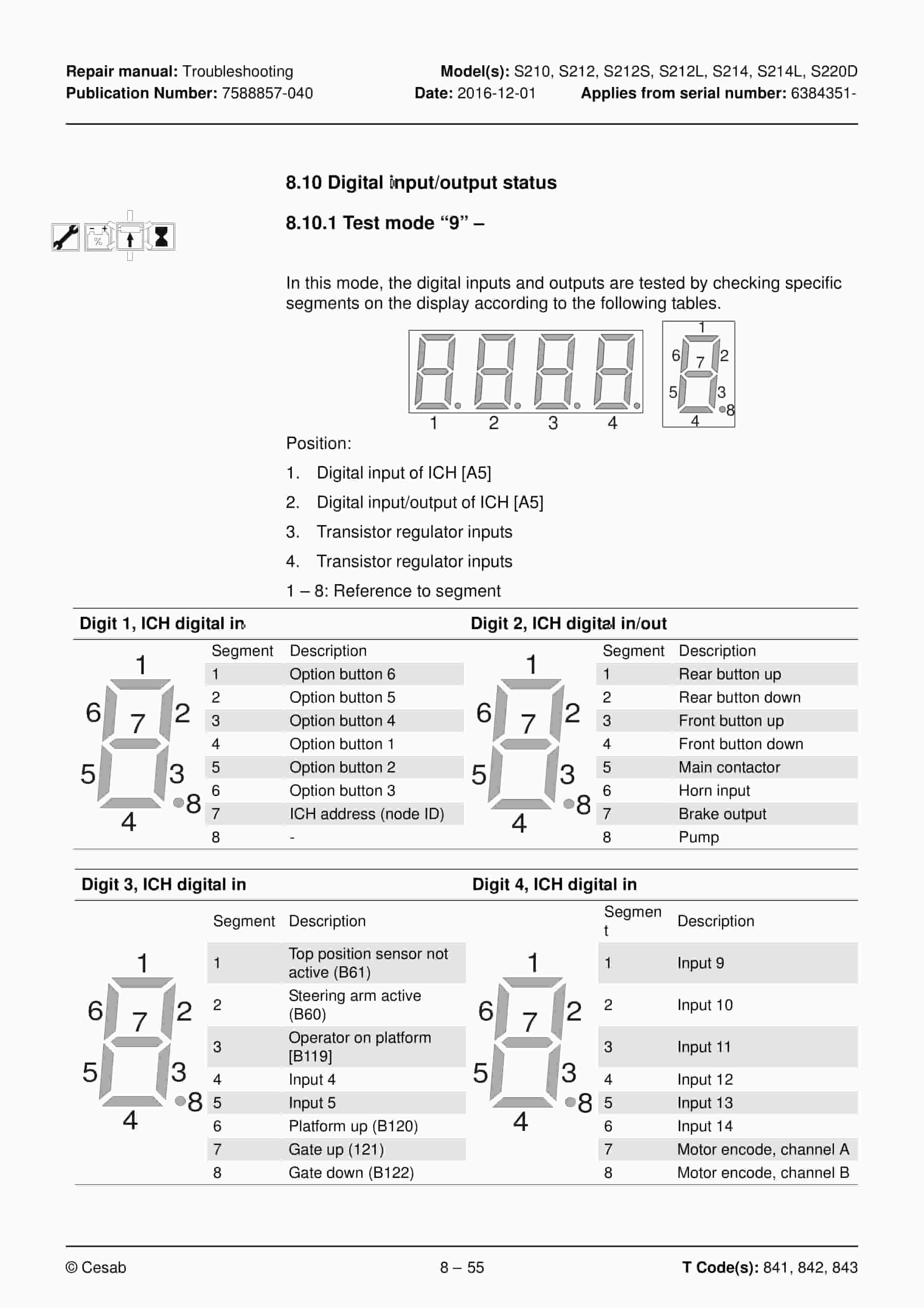
- 8.10. Digital input/output status
- 8.10.1. Test mode 9
- 8.10.2. Test function 10 Logic card
- 8.10.3. Test mode 12 Expansion unit SEU (option).
- 8.11. Built-in test function for the tiller arm
- 8.11.1. Display test
- 8.11.2. Speed control
- 8.11.3. Safety reversing
- 8.11.4. Controls for lifting/lowering
- 8.11.5. Sensilift
- 8.11.6. Keypad
- 8.12. Checking the built-in battery charger
- 9. Chassis 0000
- 9.1. Support arm 0350
- 9.1.1. Support arm lift, lateral adjustment
- 9.1.2. Adjusting the kneeling action
- 9.2. Motor mounts 0450
- 9.2.1. Replacing springs (not applicable for S212S)
- 9.3. Removing the platform
- 10. Electric drive motor 1700
- 10.1. Overview
- 10.2. Removing the motor from the truck
- 10.3. Removing the toothed wheel
- 10.4. Removing motor bearings
- 10.5. Removing the RPM sensor
- 10.6. Installing the temperature sensor
- 10.7. Drive motor tightening torques
- 10.8. Cleaning
- 11. Drive gear 2550
- 11.1. General
- 11.2. Overview
- 11.3. Removing the gear from the truck (not applicable for S212S)
- 11.4. Removing the drive gear from the truck (S212S)
- 11.5. Fitting grease nipples, steering bearings (Option)
- 11.6. Lubrication the steering bearings (Option)
- 11.7. Checking and changing the oil
- 11.7.1. Draining oil
- 11.7.2. Checking/refilling oil
- 11.8. Replacing the wheel hub seal
- 11.8.1. Removing the seal
- 11.8.2. Fitting the seal
- 11.8.3. Replacing studs
- 12. Brake system/Wheels C3000
- 12.1. Brake system – C3100
- 12.1.1. Description
- 12.1.1.1. Travel brake
- 12.1.1.2. Parking brake
- 12.1.1.3. Emergency brake
- 12.2. Parking brake 3180
- 12.2.1. Overview
- 12.2.2. Emergency release of the parking brake
- 12.3. Removing the parking brake
- 12.4. Fitting the parking brake
- 12.5. Checking the air gap
- 12.6. Drive wheel 3530
- 12.6.1. Replacing the drive wheel
- 12.7. Castor wheels 3540
- 12.7.1. Overview
- 12.7.2. Castor wheel mounting
- 12.7.3. Replacing the castor wheel
- 12.7.4. Disassembling the castor wheel cradle
- 12.8. Spring replacement
- 12.8.1. Removing springs
- 12.8.2. Fitting the spring
- 12.9. Support arm wheel 3550
- 12.9.1. Overview
- 12.10. Climber wheels
- 12.10.1. Overview
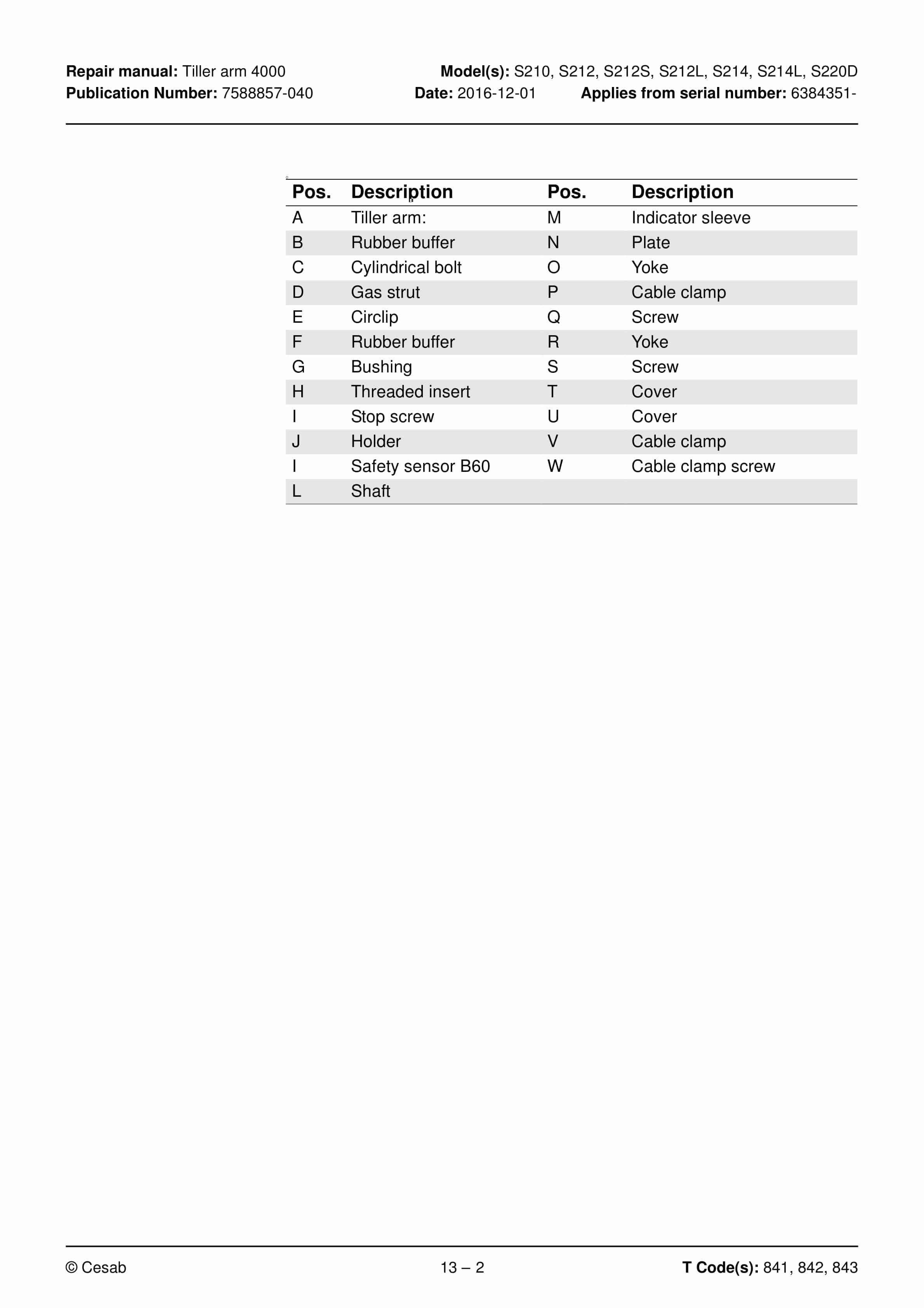
- 13. Tiller arm 4000
- 13.1. Overview
- 13.2. Removing the tiller arm
- 13.3. Replacing the gas spring
- 13.4. Replacing the safety sensor
- 13.4.1. Disassembly
- 13.4.2. Assembly
- 13.5. Electrical steering system 4000
- 13.5.1. Tiller arm handle C4110
- 13.5.2. Overview
- 13.5.3. Replacing the keypad C9420
- 13.5.4. Replacing the upper cover C4110
- 13.5.4.1. Removing the upper cover
- 13.5.5. Replacing the tiller arm handle
- 13.5.5.1. Removing the tiller arm handle
- 13.5.5.2. Fitting the tiller arm handle
- 13.5.6. Replacing the logic card
- 13.5.6.1. Removing the logic card
- 13.5.6.2. Fitting the logic card
- 13.5.7. Checking the handle
- 13.5.8. Update the software
- 13.5.9. Replacing the signal button/switch
- 13.5.10. Replacing the lift/lower button
- 13.5.11. Replacing the sensilift
- 13.5.12. Replacing the stomach button
- 13.5.13. Changing the position of the controls – support arm lift/ fork lift
- 14. Electrical components-5000
- 14.1. Li-ion battery (Hoppecke)
- 14.1.1. Resetting/restarting the battery
- 14.2. Inspecting the battery
- 14.3. Replacing the wiring harness
- 14.3.1. Replacing the transistor regulator wiring harness
- 14.4. Replacing the transistor regulator
- 15. Hydraulic system 6000
- 15.1. General
- 15.2. Hydraulic hygiene
- 15.2.1. Washing
- 15.2.2. Packaging
- 15.2.3. Handling
- 15.2.4. Storage
- 15.2.5. Work procedures
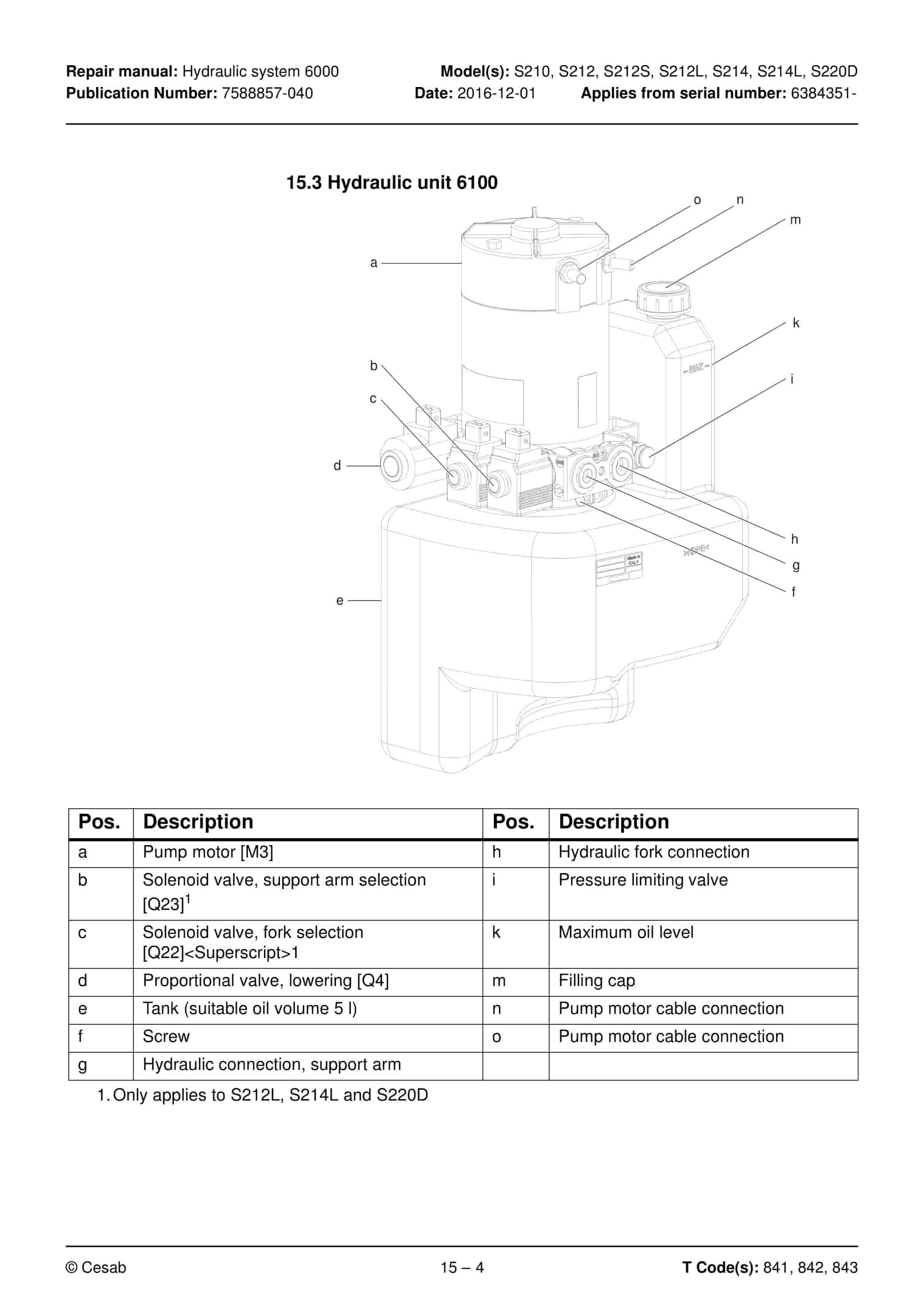
- 15.3. Hydraulic unit 6100
- 15.3.1. Emptying the hydraulic tank
- 15.3.2. Hydraulic system, bleeding
- 15.3.2.1. Cylinders with bleeding valve
- 15.3.2.2. Cylinders without bleeding valve
- 15.4. Hydraulic connections 6230
- 15.4.1. Quick change connectors
- 15.4.1.1. Connecting the quick change connector
- 15.4.1.2. Disassembly of the quick change connector
- 15.5. Hose rupture valve
- 15.5.1. Replacing the hose rupture valve
- 15.6. Hydraulic calibration
- 15.7. Adjusting the pressure limiting valve
- 15.8. Disassembling the hydraulic unit
- 15.9. Hydraulic unit tightening torques
- 16. Mast C7000
- 16.1. Main mast 7100
- 16.1.1. Components
- 16.1.2. Maintenance
- 16.1.2.1. Fixing point
- 16.1.2.2. Lubrication
- 16.2. Fork carriage 7420
- 16.2.1. Maintenance
- 16.3. Main lift chain system 7120
- 16.3.1. Checking the chain setting
- 16.3.2. Checking the chain
- 16.3.2.1. Surface rust
- 16.3.2.2. Rusty links
- 16.3.2.3. Stiff links
- 16.3.2.4. Bolt rotation
- 16.3.2.5. Loose bolts
- 16.3.2.6. Outline wear
- 16.3.2.7. Stretching
- 16.3.2.8. Damaged plates
- 16.3.2.9. Damaged bolts
- 16.3.2.10. Dirty chain
- 16.3.3. Cleaning
- 16.3.4. Lubrication
- 16.3.5. Adjustment
- 16.4. Replacing the fork carriage
- 16.5. Replacement of the mast
- 16.6. Adjusting the mast
- 17. Peripherals C8000
- 18. Accessories
- 18.1. Spider expansion unit
- 18.2. TLS – Truck log system
- 18.3. ID unit
- 18.4. DC/DC converter
- 18.5. Collision sensor
- 18.6. Built-in battery charger
- 18.6.1. Technical data
- 18.6.2. Charging the battery
- 18.6.2.1. Main charging
- 18.6.2.2. Equalising charging
- 18.6.2.3. Charging completed
- 19. Instructions for disposal
- 19.1. General
- 19.2. Marking of plastics
- 19.2.1. General marking of products and packaging
- 19.2.2. Marking according to the manufacturers standards
- 19.2.2.1. Abbreviations
- 19.2.2.2. Marking examples
- 19.3. Pressure vessels
- 19.3.1. Gas struts
- 19.4. Sorting categories
- 20. Electrical components and wiring diagrams
- 20.1. Electric components
- 20.2. Wiring diagram
- 20.2.1. List of symbols
- 20.2.2. General wiring diagram
- 20.2.3. Wiring diagram
- 21. Hydraulics chart
- 22. Tools
- 22.1. MQS contacts
- 22.2. AMP connectors
- 22.2.1. AMP connectors, Multilock series 040
- 22.3. Molex connectors
- 22.4. Grease guns
- 22.5. Other tools
- 23. Oil and grease specification
- 23.1. General tightening torques
- 23.2. Oil and grease specification
Related products
-
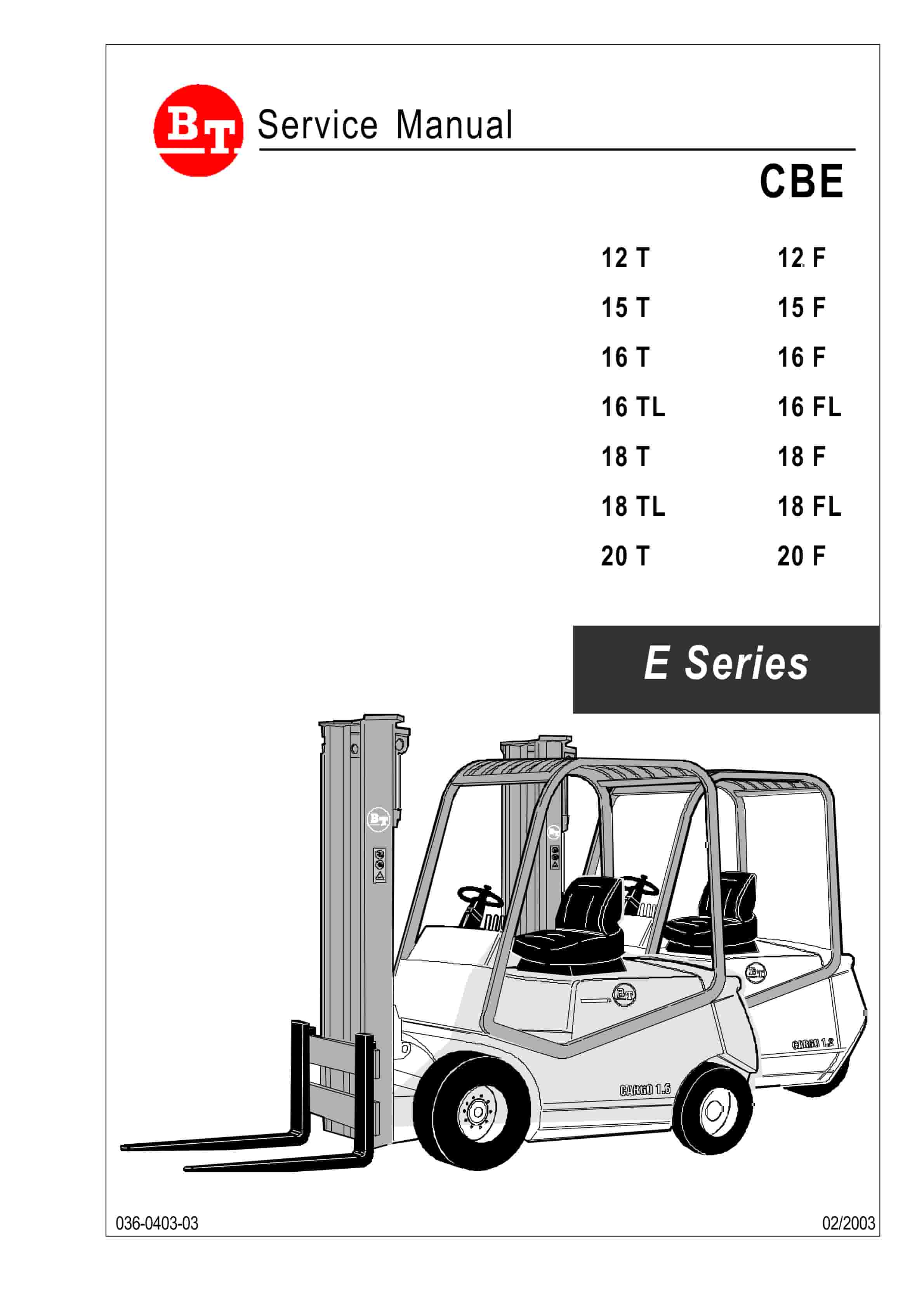
BT CBE 12T to CBE 20F Service Manual 036-0403-03
$30.00 Add to cart -
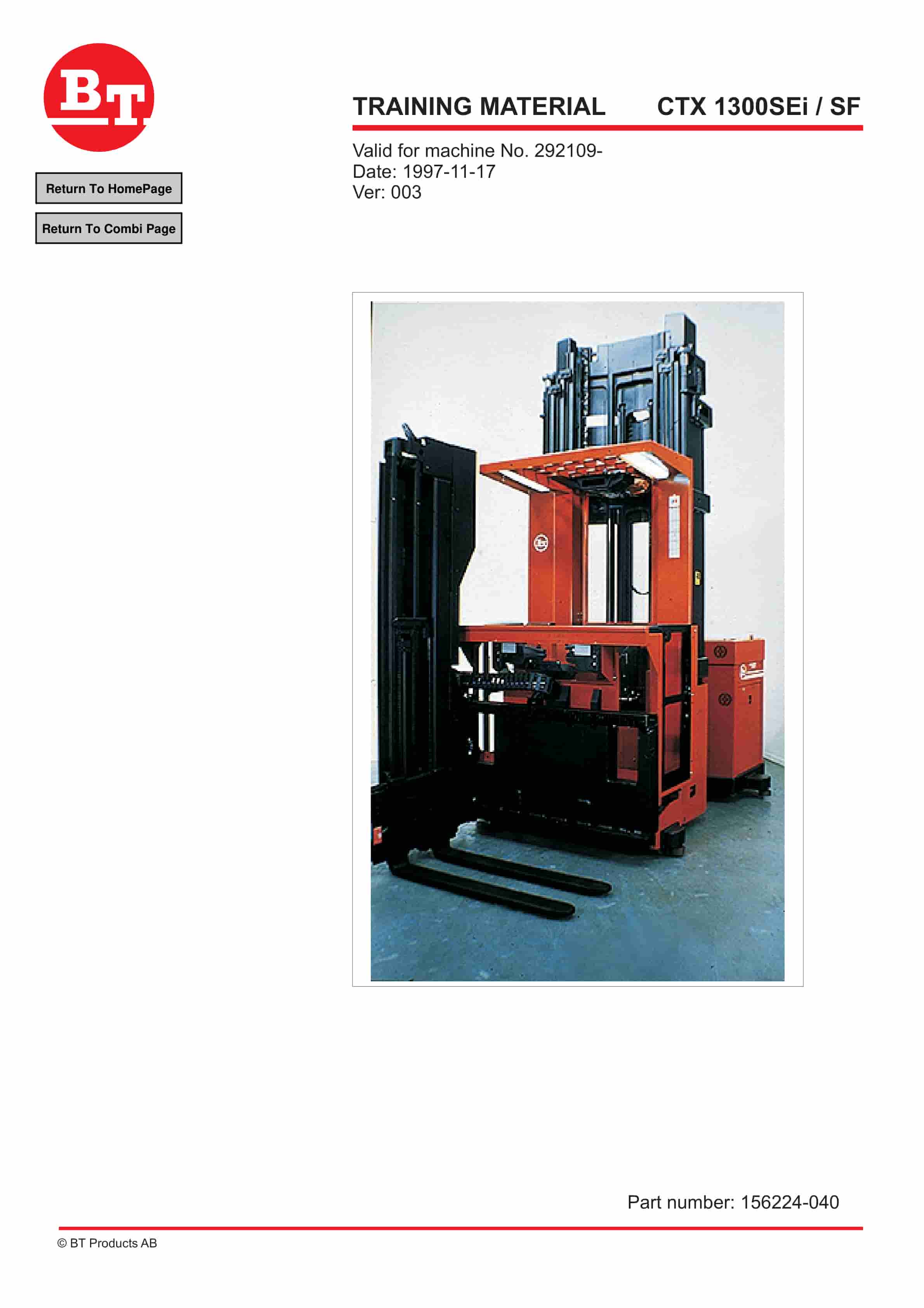
BT CTX 1300SEi, CTX 1300SEi SF Training Material 156224-040
$30.00 Add to cart -
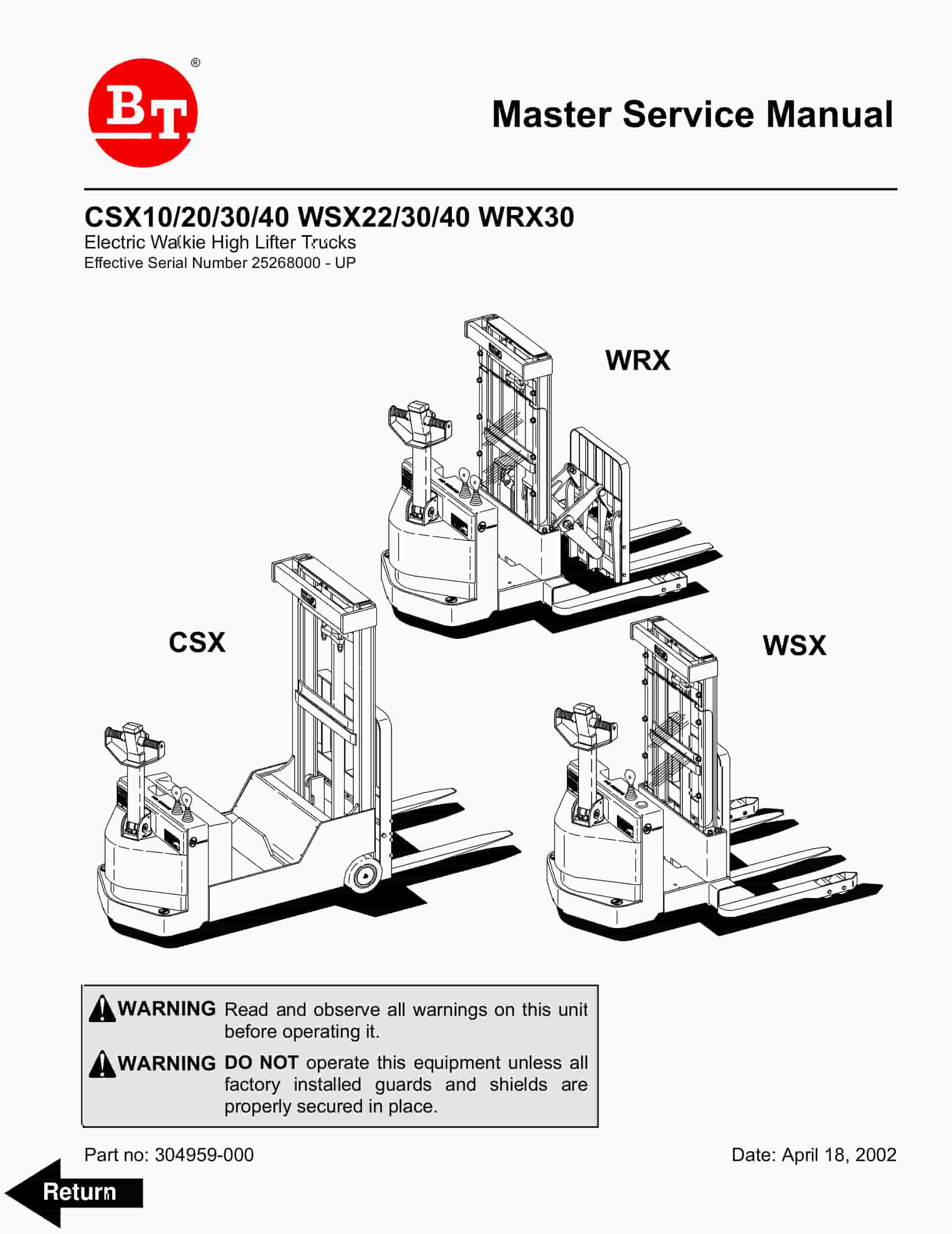
BT CSX10, CSX20, CSX30, CSX40, WSX22, WSX30, WSX40, WRX30 Electric Walkie High Lifter Truck Service Manual 304959-000
$30.00 Add to cart -
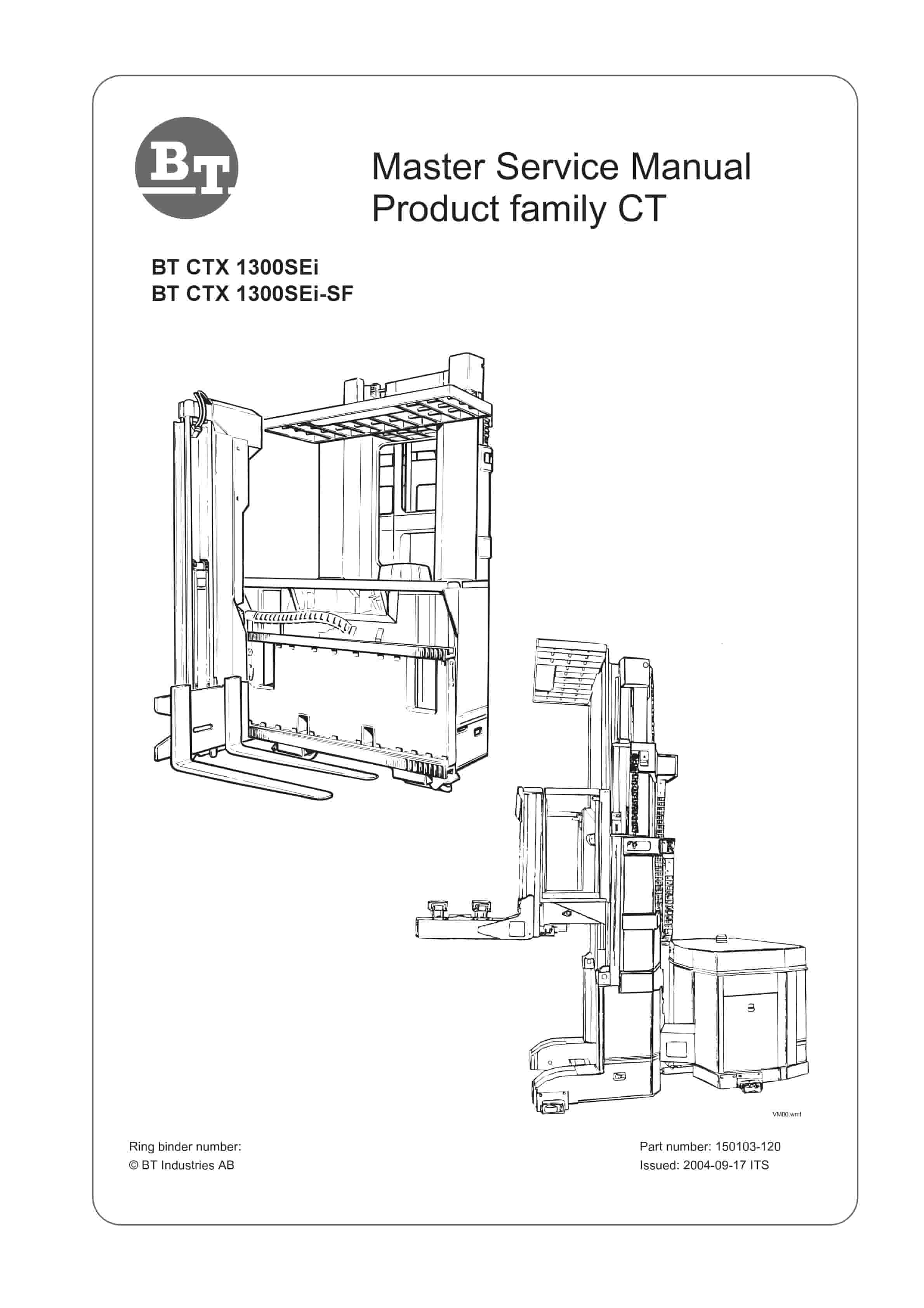
BT CTX 1300SEi, CTX 1300SEi SF Service Manual 150103-120
$30.00 Add to cart -
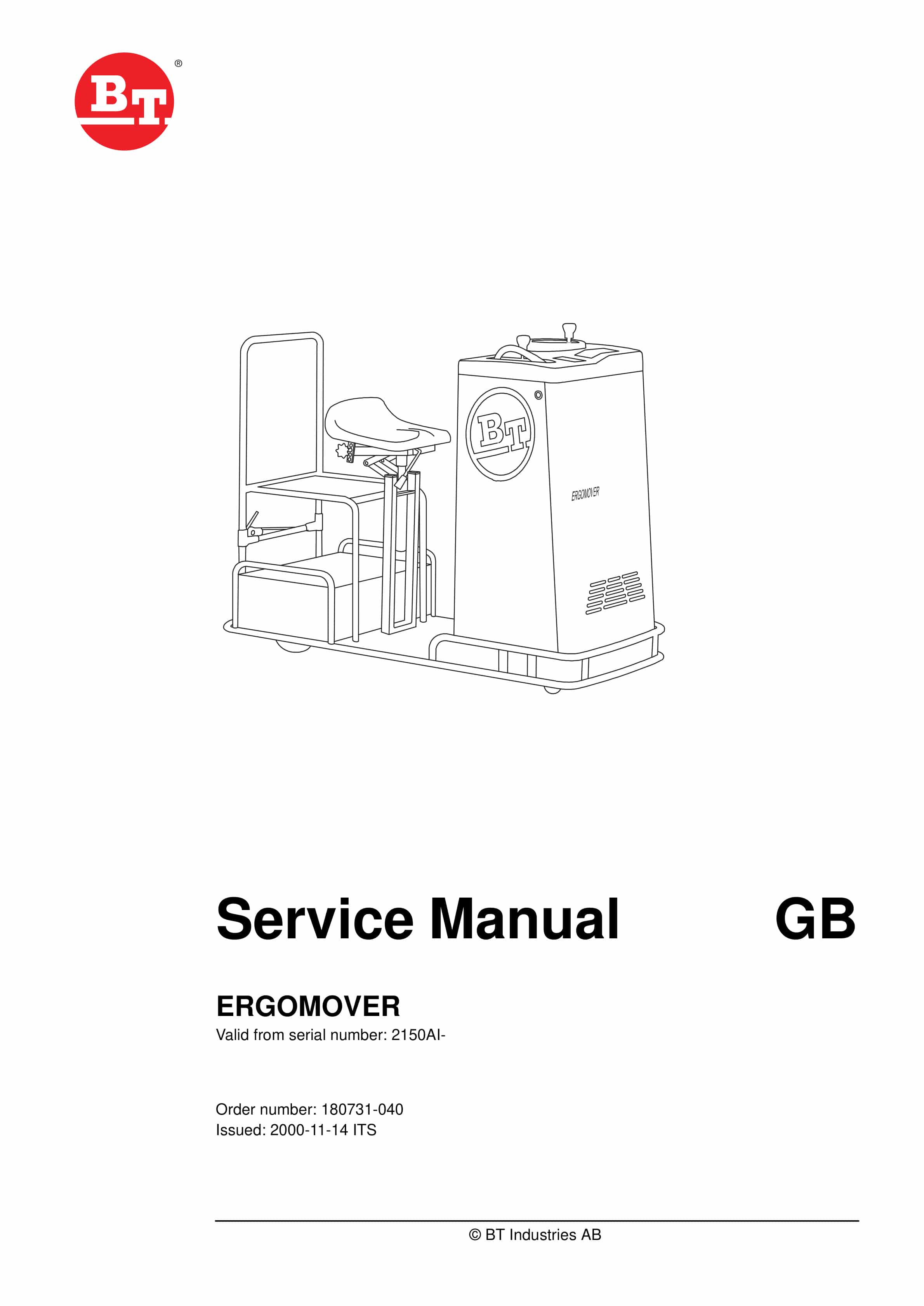
BT ERGOMOVER Service Manual 180731-040
$30.00 Add to cart


