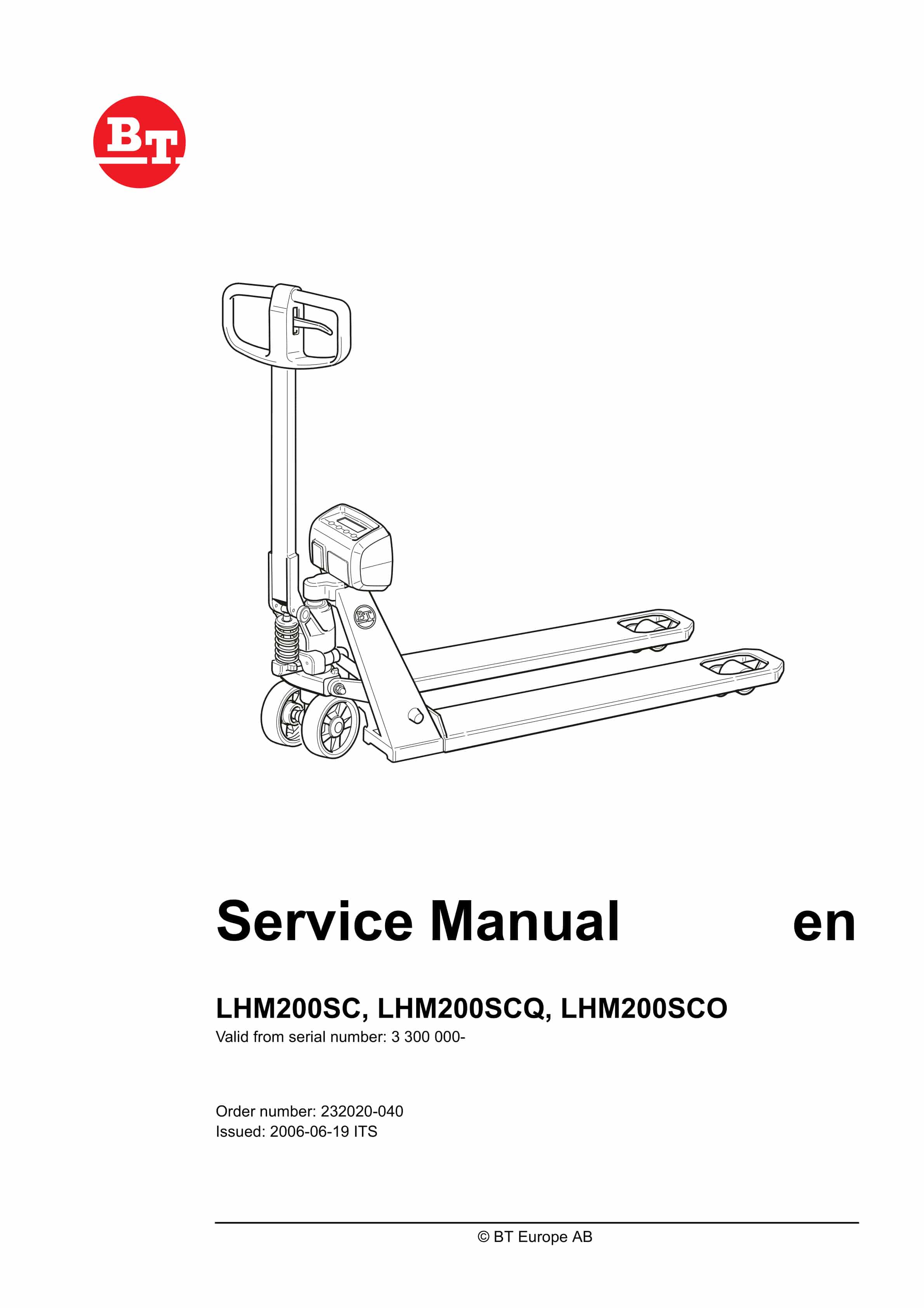
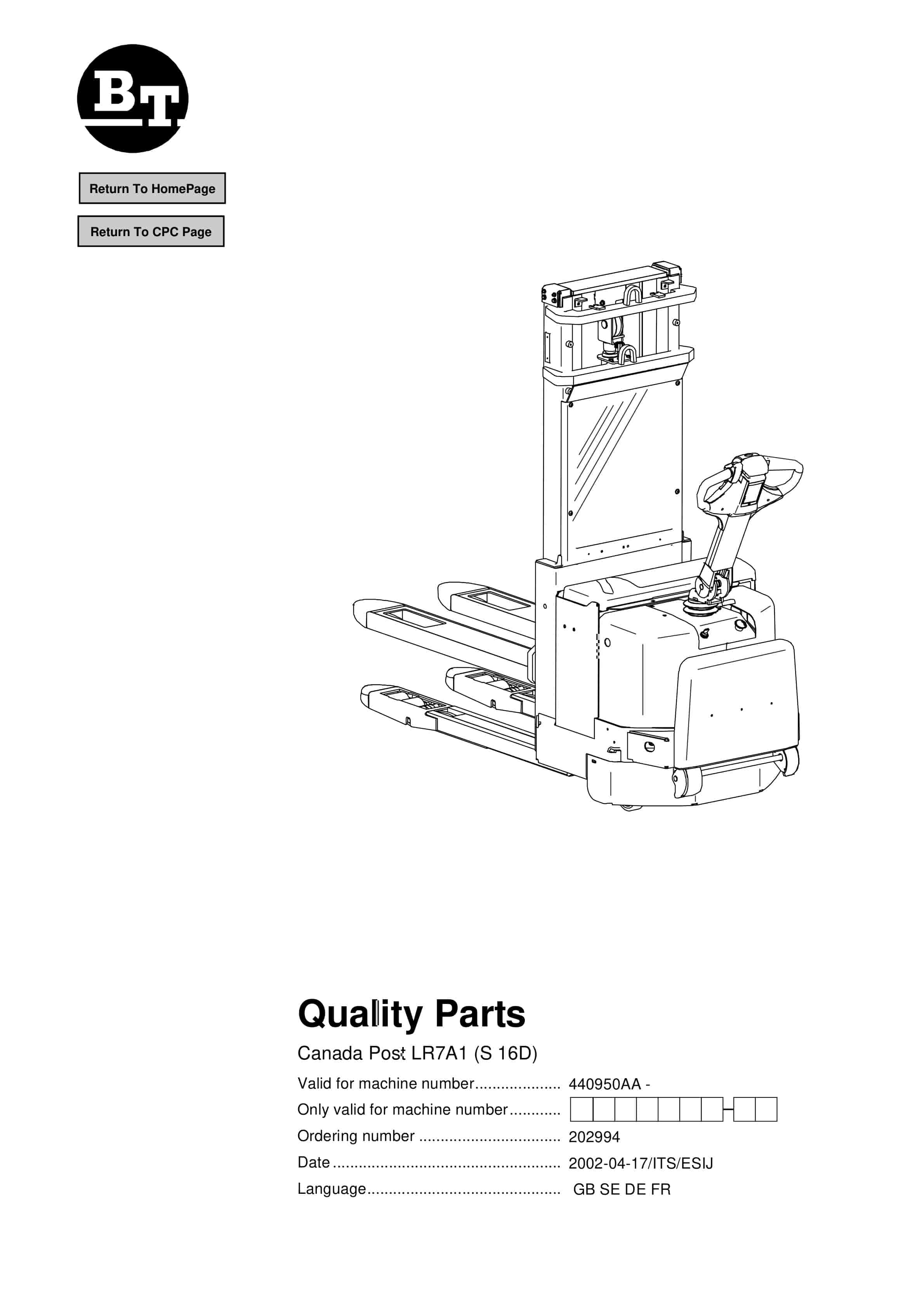
BT LHM200SC, LHM200SCQ, LHM200SCO Quality Parts 232020-040
$30.00
- Type Of Manual: Quality Parts
- Manual ID: 232020-040
- : Parts Manual PDF
- Number of Pages: 88
- Size: 4.2MB
- Format: PDF
Category: BT Parts Manual PDF
-
Model List:
- LHM200SC, LHM200SCQ, LHM200SCO
- 1. Table of contents
- 2. Technical data
- 2.1. Truck data
- 3. Maintenance
- 3.1. General
- 3.2. Safety rules for servicing work
- 3.2.1. Observe the following for servicing and maintenance
- 3.2.2. Information plates
- 3.3. Cleaning, washing and lubrication
- 3.3.1. Lubrication chart
- 4. Tow bar
- 4.1. General
- 4.2. Replacing the tow bar
- 4.3. Replacing the lowering handle
- 4.4. Replacing the handle
- 4.5. Replacing the press roller and valve rod.
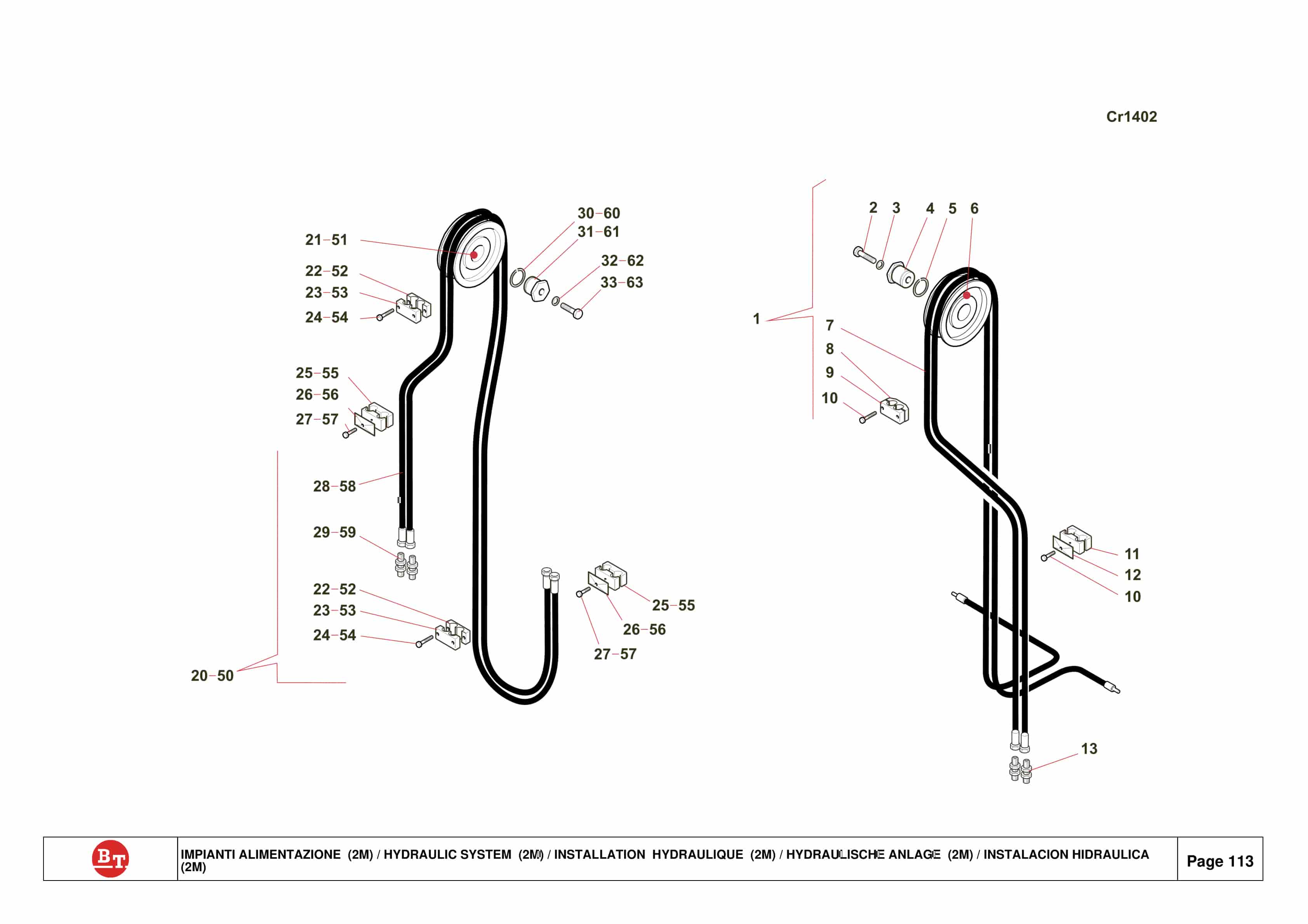
- 5. Hydraulic unit
- 5.1. General
- 5.2. Functional description
- 5.2.1. Standard
- 5.2.1.1. Pump phase
- 5.2.1.2. Suction phase
- 5.2.1.3. Neutral position
- 5.2.1.4. Lowering phase
- 5.2.2. Quick lift
- 5.2.2.1. High pressure
- 5.2.2.2. Low pressure
- 5.2.3. Overloading
- 5.3. Replacing the hydraulics
- 5.4. Replacing the steering wheel
- 5.5. Replacing the steering wheel shaft
- 5.6. Replacing thrust bearings
- 5.7. Replacing the pump piston and pump piston seals
- 5.8. Replacing the lift piston
- 5.9. Replacing the lowering valve
- 5.10. Replacing the valve cone
- 5.11. Changing the oil
- 5.12. Hydraulics diagram
- 5.12.1. LHM200SC
- 5.12.2. LHM200SCQ
- 5.12.3. LHM200SCO
- 6. Tools
- 6.1. Service tools
- 7. Chassis
- 7.1. General
- 7.1.1. Replacing pivot pipes
- 7.1.2. Replacing the pressure rod
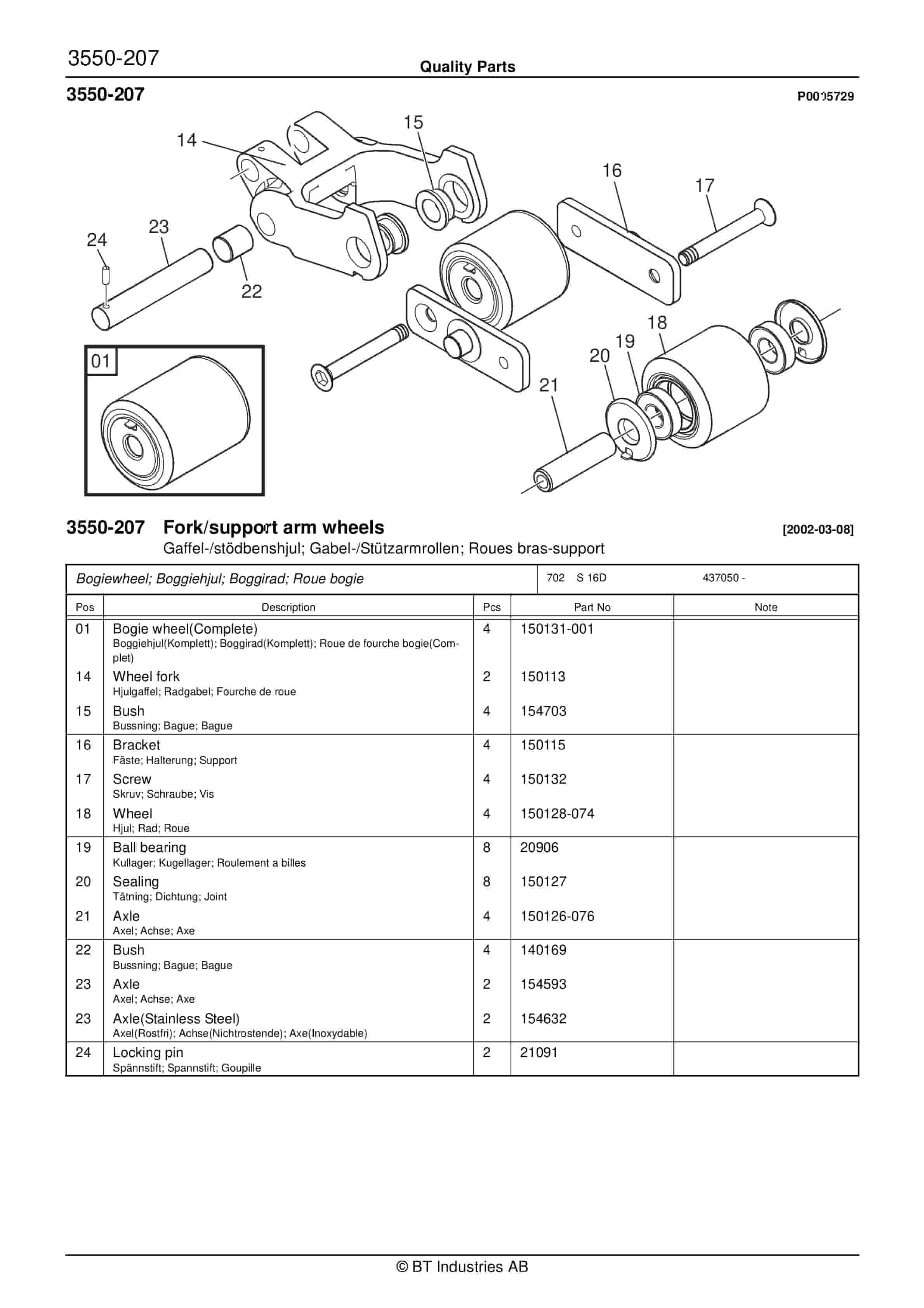
- 7.1.3. Replacing the wheel fork
- 7.1.4. Replacing the bogie wheel
- 7.1.5. Replacing the fork wheel
- 7.1.6. Removal of upper/lower forks
- 8. Scale
- 8.1. General
- 8.1.1. Mechanics
- 8.1.2. Load sensor
- 8.1.3. Indicator
- 8.1.3.1. Display – symbols
- 8.1.3.2. Display indications
- 8.1.3.3. Touch screen
- 8.1.4. Battery
- 8.1.4.1. Battery replacement
- 8.2. Function
- 8.2.1. Removing the scale
- 8.3. Optional extras
- 8.3.1. Printer
- 8.3.1.1. Function
- 8.3.1.2. Removal
- 8.3.2. Commercial weighing status
- 9. Electronics and parameters
- 9.1. Truck configurations
- 9.1.1. Circuit card 2100B
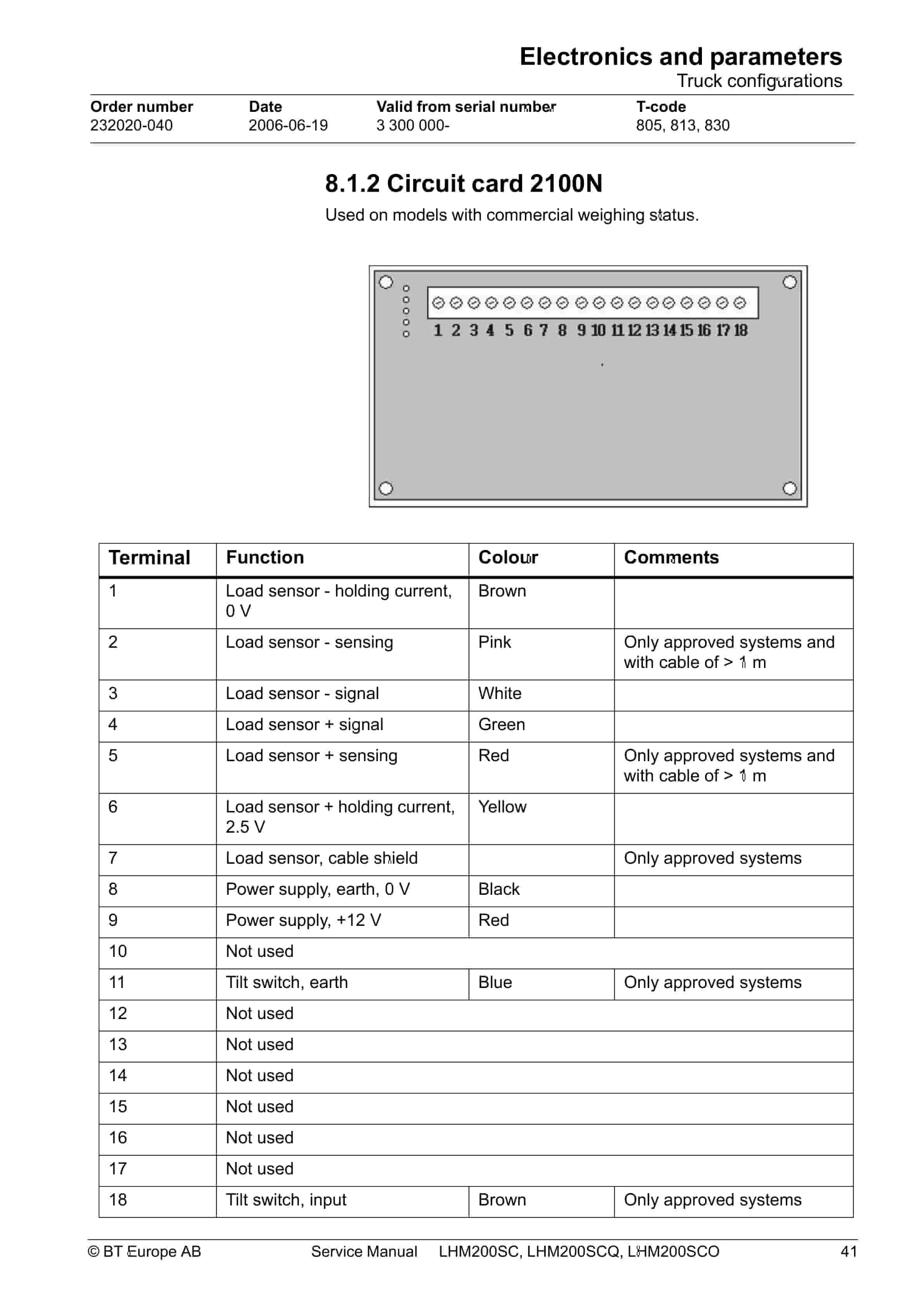
- 9.1.2. Circuit card 2100N
- 9.1.3. Circuit card 2100N with RS card
- 9.1.4. Circuit card, calibration card
- 9.1.5. Load sensor
- 9.1.5.1. Specification
- 9.1.6. Tilt switch
- 9.1.7. Printer
- 9.2. Parameter settings
- 9.2.1. Changing parameters
- 9.2.2. Parameter list
- 9.2.3. Basic settings
- 10. Troubleshooting
- 10.1. Troubleshooting chart
- 10.1.1. Troubleshooting – hydraulics
- 10.1.1.1. Internal leakage
- 10.1.1.2. External leakage
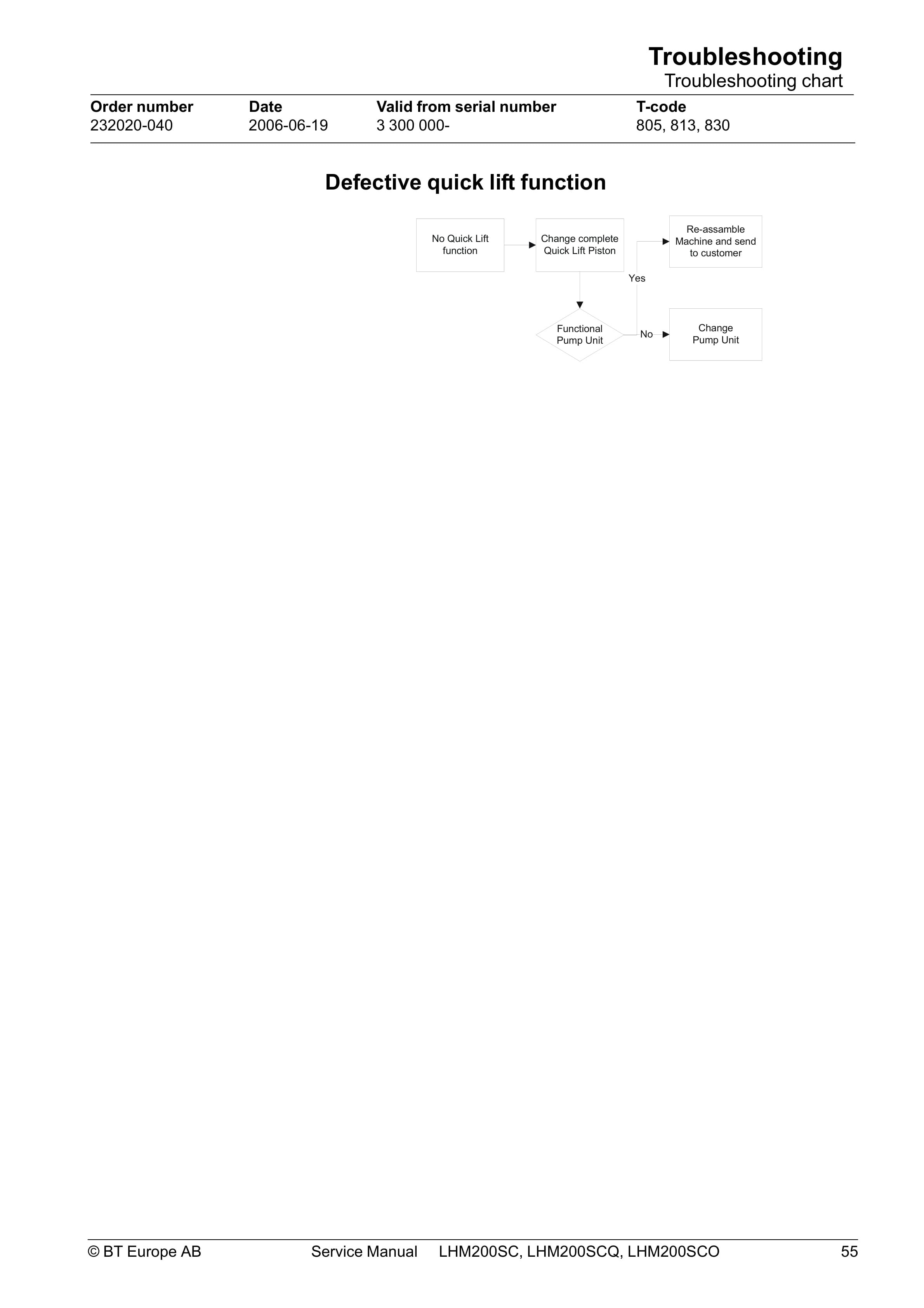
- 10.1.1.3. Defective quick lift function
- 10.2. Troubleshooting – scale
- 11. Calibrating the scale
- 11.1. Calibrating the pallet truck scale
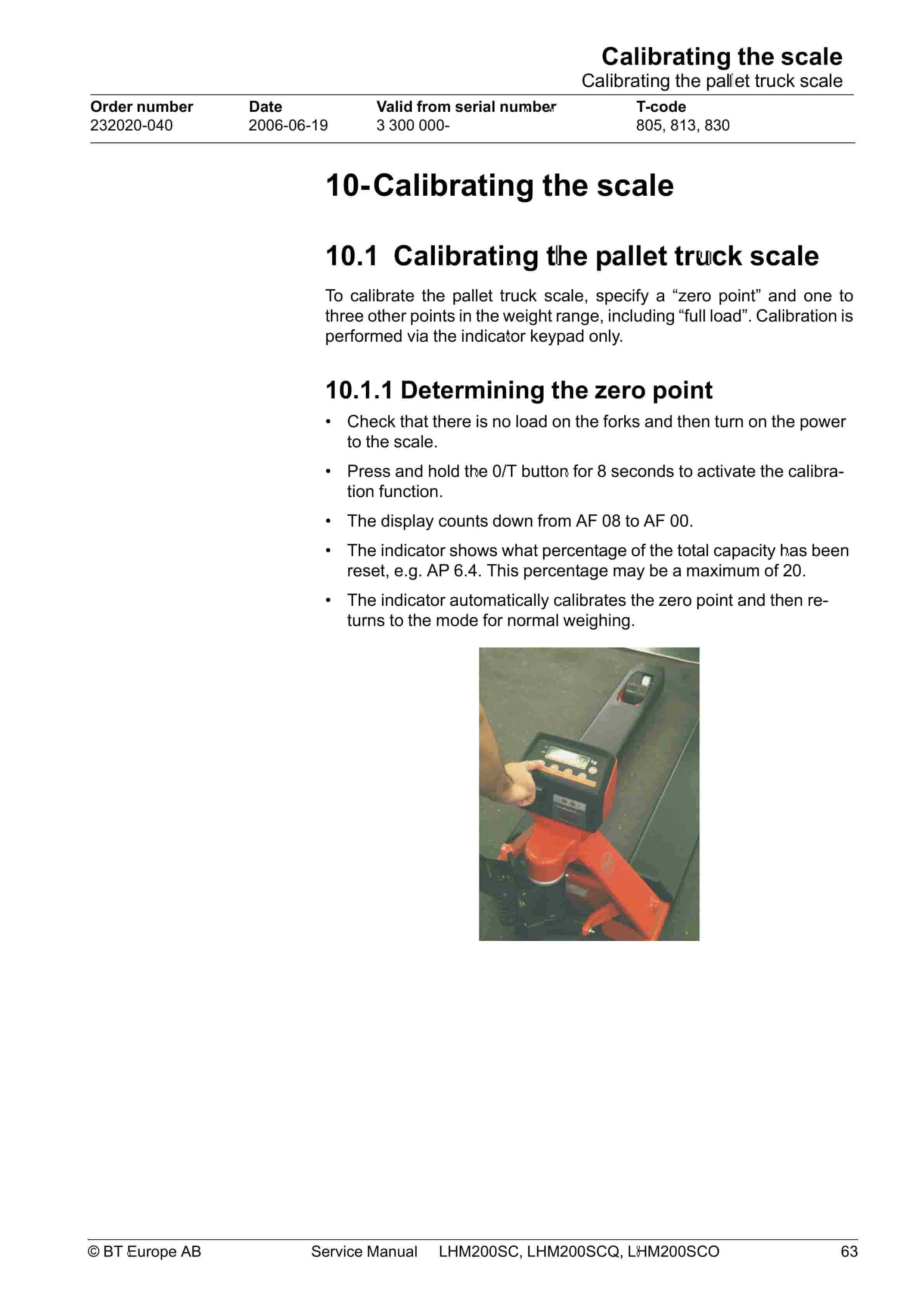
- 11.1.1. Determining the zero point
- 11.1.2. Single-point calibration
- 11.1.2.1. Deleting (resetting) previous calibrations
- 11.1.2.2. Single-point calibration
- 11.1.2.3. Multipoint calibration
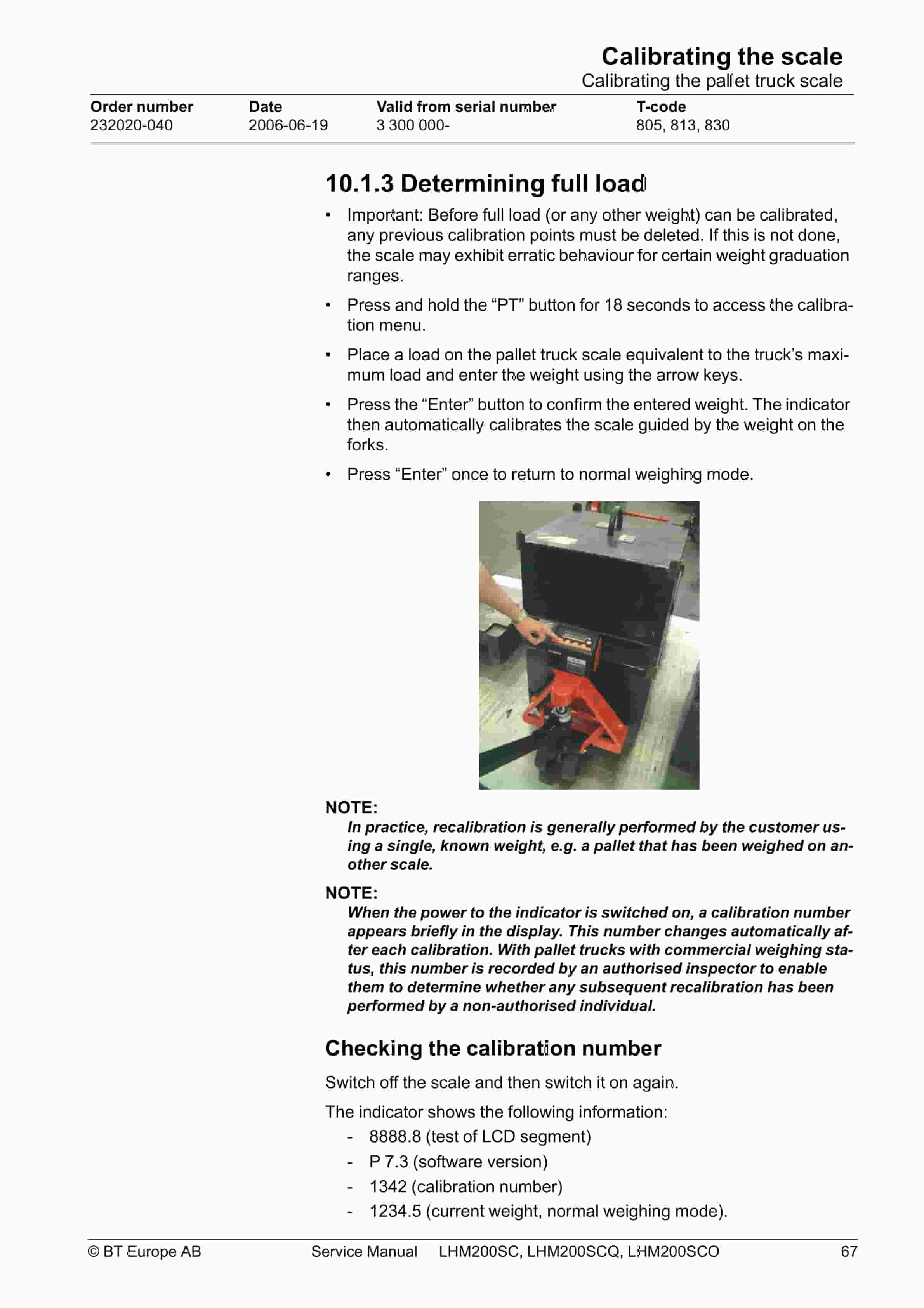
- 11.1.3. Determining full load
- 11.1.3.1. Checking the calibration number
- 12. Troubleshooting
- 12.1. Possible problems
- 12.2. Description of problem and probable causes
- 12.3. Explanation of probable causes and how to remedy them
- 12.3.1. Checking the battery and charger
- 12.3.2. Control mechanism
- 12.3.3. Checking the load sensors
- 12.3.4. Checking cables and the load sensors calibration card.
- 12.3.5. Calibration of the load sensors
- 12.3.6. Checking the indicator
- 13. Instructions for disposal
- 13.1. General
- 13.2. The product
- 13.3. Methods
- 13.4. Grading of LHM200SC
- 13.4.1. Removing the battery.
- 13.4.2. Draining the oil
- 13.4.3. Removing the electronic components
- 13.4.4. Other
Rate this product
You may also like